Batch preparation takes too long
画像リサイズツール processes multiple images together so thumbnails, product images, and social posts can share the same output rules.
メディア変換
Upload images and resize them entirely in your browser with width and height fields, percentage scaling, aspect-ratio lock, presets, output format, quality, preview, and before-and-after size comparison.
画像リサイズツール handles the repeat work that appears before uploads, thumbnails, ecommerce images, and social media posts.
画像リサイズツール processes multiple images together so thumbnails, product images, and social posts can share the same output rules.
画像リサイズツール includes favicon, YouTube thumbnail, Instagram post, and Twitter header presets for common publishing work.
画像リサイズツール compares the original and resized bytes so you can see whether the output is smaller before downloading.
画像リサイズツール keeps the full workflow on the page, from local upload to final download.
画像リサイズツール lets you enter exact dimensions, scale by percentage, and lock aspect ratio when the original proportions matter.
画像リサイズツール exports to common web formats and exposes quality control for JPG and WebP outputs.
画像リサイズツール previews every output image and downloads a single file or the complete batch archive.
Use 画像リサイズツール for a single image or a full batch without sending files to a server.
Drop one or more images into 画像リサイズツール; the original dimensions and sizes appear immediately.
Open toolEnter width and height, use percentage scale, lock the ratio, or apply a common preset.
Pick PNG, JPG, or WebP, adjust quality when available, preview the outputs, compare file sizes, and download.
画像リサイズツールはアップロード、サイズ指定、プレビュー、ダウンロードをブラウザー内でまとめます。
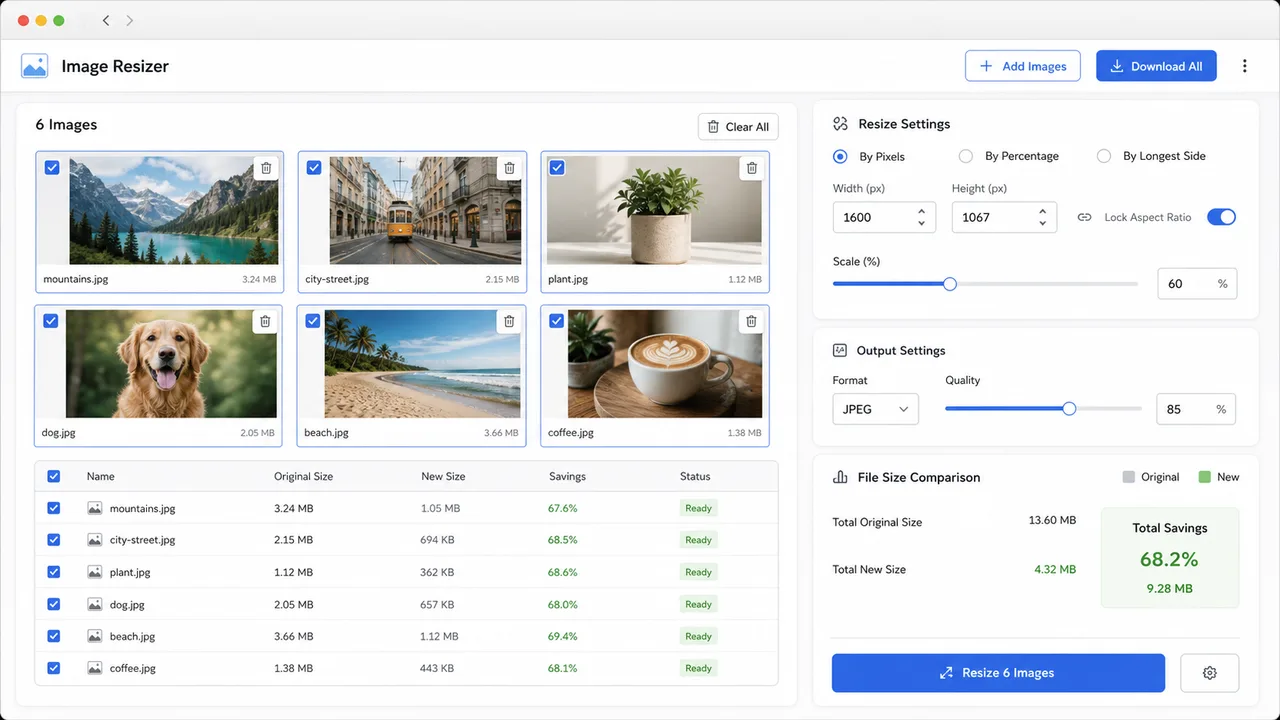
画像リサイズツール 出力をプレビューし、PNG、JPG、WebP で書き出し、ファイルサイズを比較して単体または一括で保存できます。
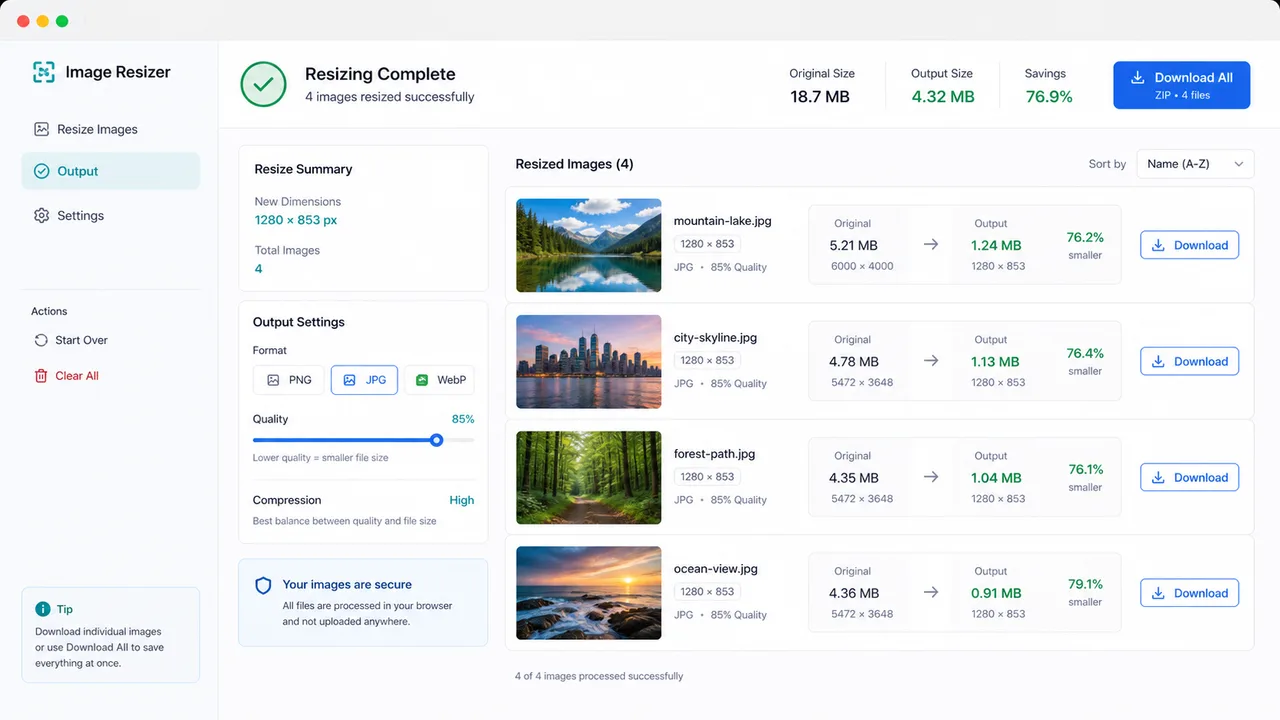
画像リサイズツール fits common publishing, design, and website maintenance jobs.
Resize hero images, card thumbnails, favicons, and article media before uploading to a CMS.
Prepare square posts, headers, and video thumbnails with predictable dimensions.
Normalize a batch of product images while keeping processing private and local.
Common questions about 画像リサイズツール.
No. 画像リサイズツール uses browser canvas APIs, so your images are processed locally on this device.
Yes. Upload several files, apply one set of resize settings, then download each result or all outputs as a ZIP archive.
PNG, JPG, and WebP are supported. JPG and WebP include a quality slider; PNG keeps lossless output.
Open 画像リサイズツール and make your next batch web-ready in a few clicks.