API samples need types
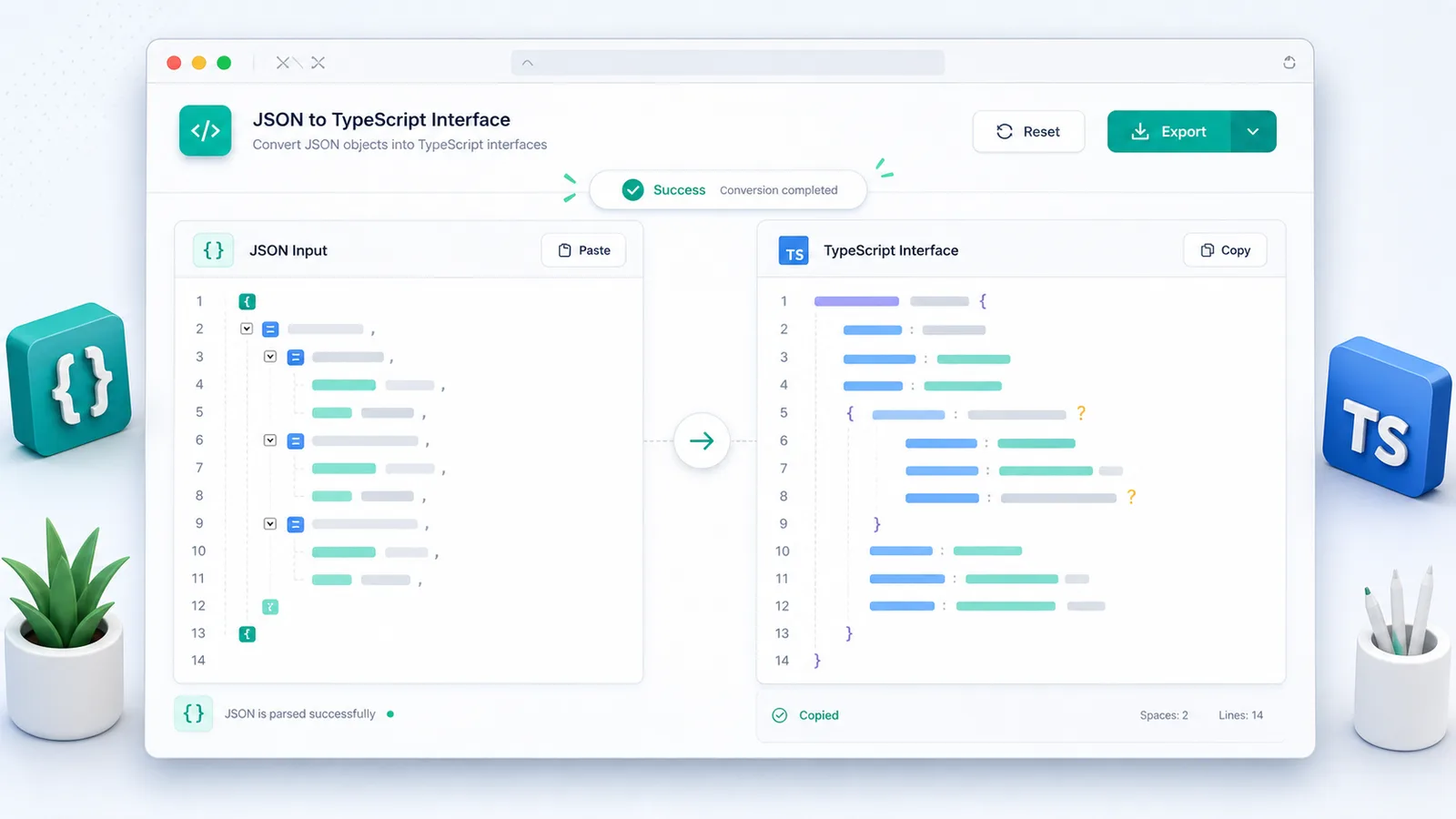
Paste a REST or GraphQL response and let the JSON to TypeScript Converter create an interface or type alias you can refine in your app.
無料の開発者ツール
JSON から TypeScript 変換 turns JSON examples into TypeScript interface or type output for API responses, fixtures, and frontend models while processing locally in your browser.
Move from API examples to reliable TypeScript shapes without hand-writing every field.
Paste a REST or GraphQL response and let the JSON to TypeScript Converter create an interface or type alias you can refine in your app.
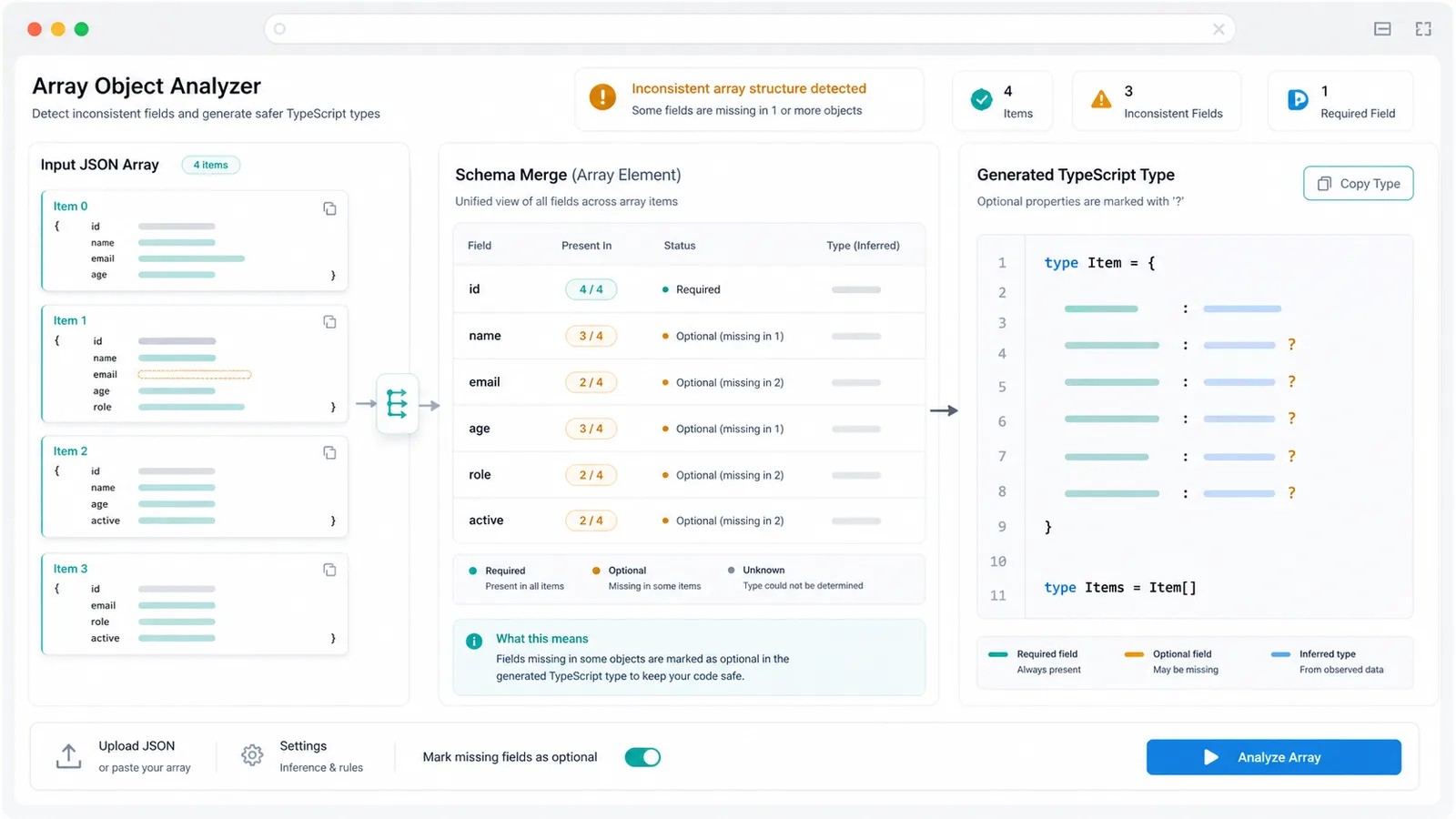
When objects in the same array miss different fields, the JSON to TypeScript Converter marks those properties optional instead of hiding the mismatch.
Format your payload first with JSON Formatter, convert tables with CSV to JSON Converter, or move YAML through YAML JSON Converter before generating types.
Generate practical TypeScript output from real JSON examples while keeping control over naming and null behavior.
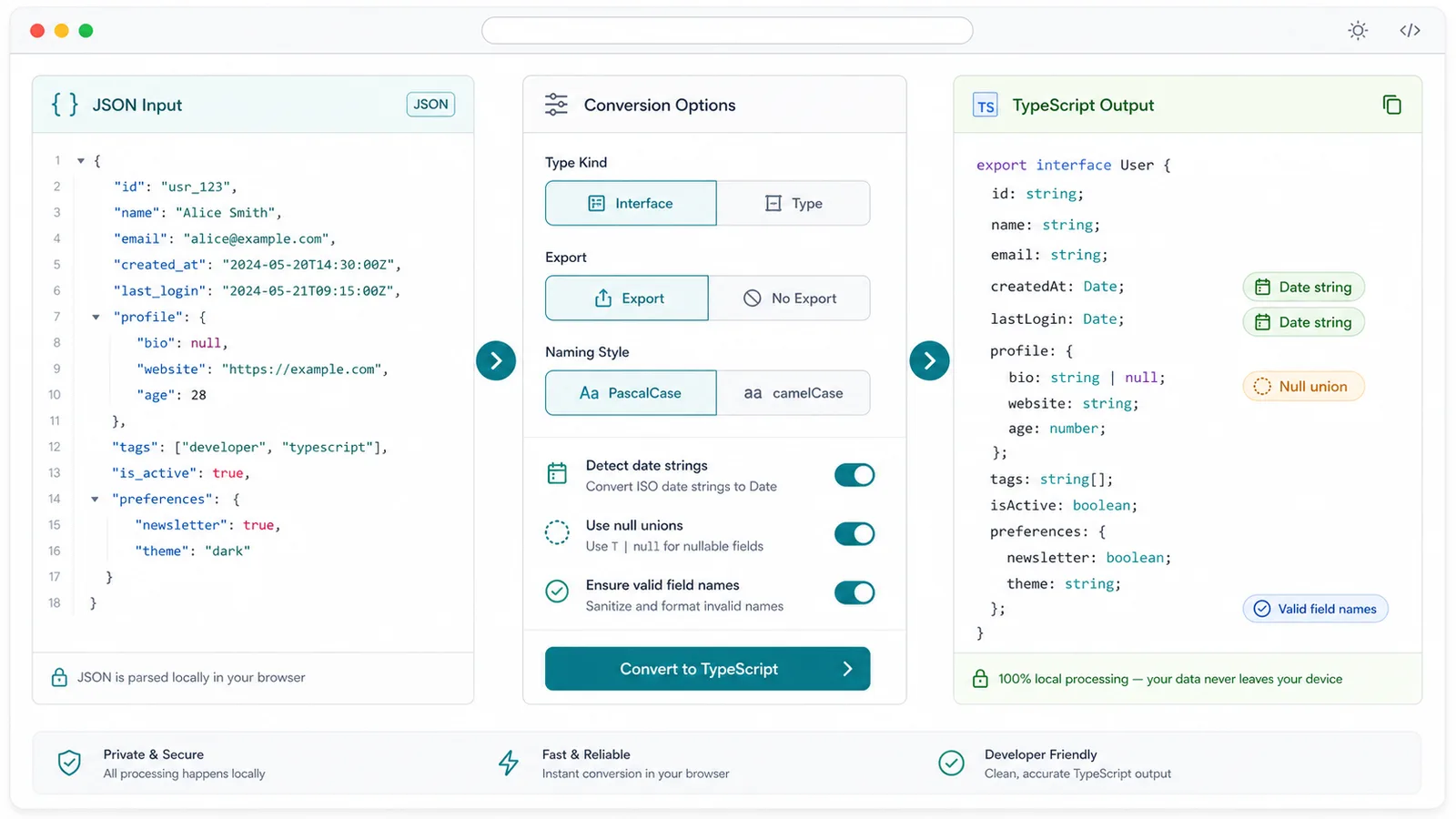
Switch between interface declarations and type aliases depending on your codebase conventions.
Objects inside objects and arrays get reusable names so the generated TypeScript stays readable.
If array items have different keys, missing properties become optional to reflect the observed API shape.
Choose whether null should become a union such as string | null or be ignored when other concrete values exist.
ISO-like date strings can become Date types so API timestamps are easy to spot during review.
Copy TypeScript output or download a .ts file while the JSON never leaves your browser.
The workflow is simple: paste JSON, choose generation rules, then copy the TypeScript result.
Add a single object, an array of objects, or nested API response data. Use the sample button to see nulls, dates, arrays, and optional fields.
Pick interface or type output, toggle export declarations, keep PascalCase type names, and decide how null values and date strings should be handled.
Check the status area for JSON syntax errors, invalid field names, and inconsistent array structures, then copy or download the generated .ts file.
Use the JSON to TypeScript Converter for API typing, array schema review, and project-ready export settings.
Paste example API data and create TypeScript declarations that mirror the nested response structure.
Detect array objects with different fields and mark missing properties optional so generated types match real data.
Choose interface or type, export declarations, PascalCase names, date detection, and null union handling before copying.
Frontend developers, API consumers, and test authors can turn example data into useful TypeScript faster.
Create response shapes for fetch wrappers, SDK adapters, and frontend data loaders.
Generate types for mock JSON used in tests, demos, Storybook stories, and seed data.
Move JavaScript projects toward TypeScript by starting from the JSON payloads already used in the app.
Common questions about JSON parsing, arrays, optional fields, nulls, dates, and TypeScript output.
No. The JSON is parsed in your browser and the generated TypeScript is created locally.
The converter merges the observed fields and marks properties missing from some objects as optional.
Keys that are not valid TypeScript identifiers are emitted as quoted property names, and the status area shows a warning.
Yes. Use the mode buttons to switch between interface declarations and type aliases.
Paste JSON, generate TypeScript interfaces or types, review optional fields and null unions, then copy the result into your frontend project.
Free forever - browser-only TypeScript generation.