Type any text and see it converted to multiple symbol styles instantly.
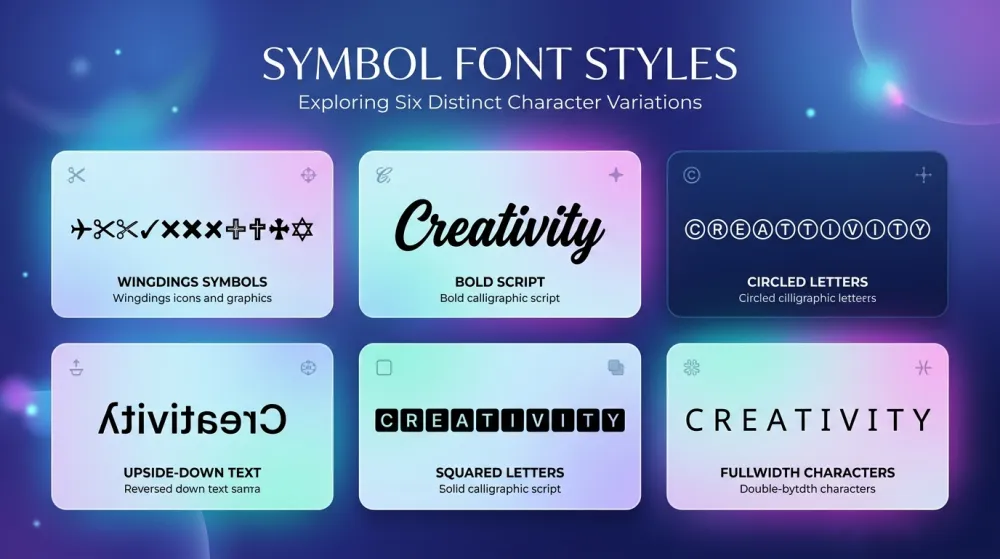
Classic Microsoft symbol font
Mathematical bold script letters
Letters inside circles
Flipped text (read bottom-to-top)
Letters in square brackets
Wide aesthetic characters
A growing collection of free online tools for converting text to various symbol systems.
Convert text to Wingdings symbols and decode Wingdings back to readable text. Supports Wingdings V1, V2, and V3 font versions with a full character reference map.
We're building more symbol translators including Upside Down Text, Bubble Text, Bold/Italic Unicode, Math Symbols, and more. Stay tuned!
Everything you need for text-to-symbol conversion, designed for simplicity and speed.
Type or paste your text, and watch it transform into symbols in real-time — no button clicks, no page reloads. All conversion logic runs directly in your browser, so results appear the moment you type. Supports Wingdings V1, Wingdings 2, Wingdings 3, and a growing library of Unicode symbol sets.
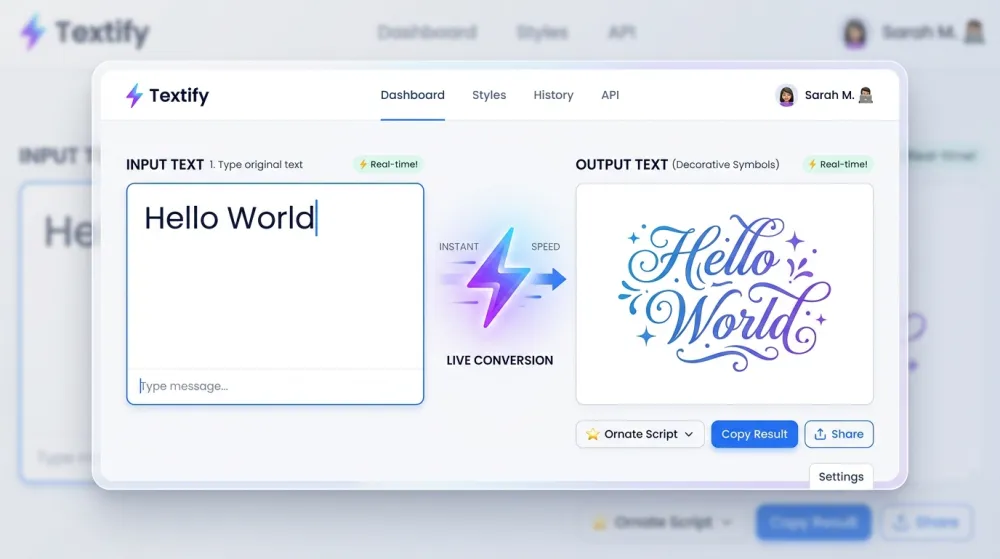
Every symbol translation tool on this site is completely free — no account, no email address, no usage caps, and no hidden paywalls. Just open the tool and start converting. Because all processing happens locally in your browser, your text is never uploaded to any server or stored anywhere.
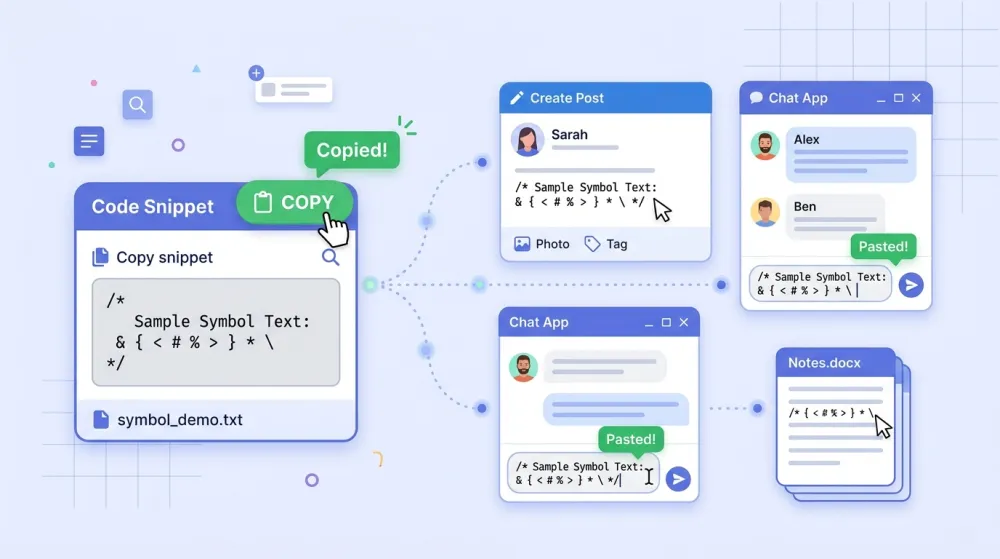
Every translated result comes with a one-click copy button. Paste your converted Wingdings symbols or fancy Unicode text directly into Discord usernames, Instagram bios, Twitter posts, gaming nicknames, Word documents, or anywhere else that accepts special characters — no extra formatting needed.
Converting text to symbols is as easy as 1-2-3.
Pick from our collection of symbol translators. Whether you need Wingdings, fancy text, or Unicode symbols, we have the right tool for you.
Enter your text in the input box. The conversion happens instantly as you type — no need to click any buttons.
Click the copy button and paste your symbols into Discord, Instagram, Twitter, documents, or any app that supports Unicode characters.
Everything you need to know about Symbol Translator and our text conversion tools.
Symbol Translator is a free, browser-based tool collection that converts regular text into various symbol systems — including Wingdings, fancy Unicode text, special characters, and decorative letter styles. There's nothing to install; just open a tool and start typing. All conversions run instantly in your browser without any server round-trips, making it fast, private, and available on any device.
Yes, completely free — with no strings attached. All symbol and text conversion tools on this site have no usage limits, require no account creation, and have no hidden costs or premium tiers. We believe utilities like a Wingdings translator or a fancy text generator should be freely accessible to everyone, whether you use them once or dozens of times a day.
Wingdings is a dingbat symbol font created by Microsoft in 1990. Rather than rendering standard letters or numbers, the Wingdings font maps each key on your keyboard to a unique graphical symbol — including arrows, geometric shapes, checkmarks, crosses, and decorative icons. Our Wingdings Translator lets you encode any text into these symbols and decode Wingdings back to readable English in seconds.
Yes! Our Wingdings Translator is fully bidirectional. You can type or paste normal text on the left to encode it into Wingdings symbols, or paste existing Wingdings characters to decode them back into readable text on the right. This works for Wingdings V1, Wingdings 2, and Wingdings 3 — just select the version that matches your symbols before decoding.
Yes, our Wingdings Translator supports all three official versions of the Wingdings font family. Wingdings (V1) was the original 1990 release; Wingdings 2 added more hand and arrow symbols; Wingdings 3 introduced additional geometric and navigational shapes. Each version maps characters differently, so you can switch between them with a single click to find the symbol set you need.
Absolutely. All text processing runs entirely in your browser using client-side JavaScript — your input is never transmitted to our servers, never logged, and never stored. This means the tool works even offline once the page has loaded. Whether you're translating a personal message into Wingdings or experimenting with Unicode symbols, your data stays completely private.
We're actively building new text and symbol converters, including Upside Down Text, Bubble Text, Bold & Italic Unicode, Strikethrough Text, Small Caps, Fullwidth Characters, and Mathematical Symbol sets. Each tool will follow the same instant, copy-paste-ready format you already know. Bookmark this page or check back soon — new tools are added regularly.
100% Free · No Signup Required · Works in Browser
