Drafts need clean web HTML
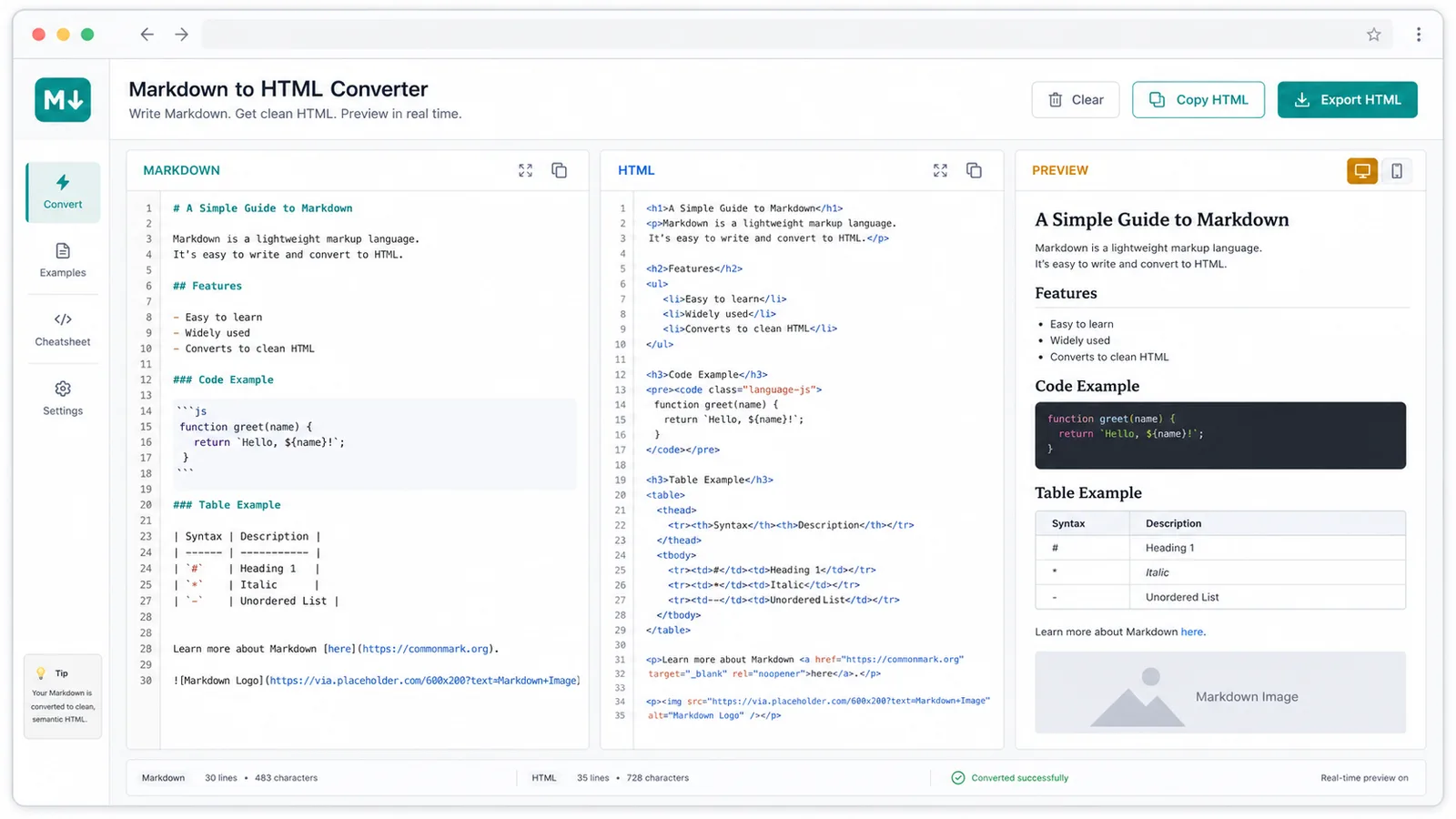
Turn Markdown documents into semantic HTML with headings, paragraphs, lists, quotes, code blocks, tables, links, and images preserved.
Strumento gratuito per sviluppatori
Convertitore Markdown HTML convertire Markdown e HTML in entrambe le direzioni with live preview, HTML cleanup, copy actions, and local HTML download.
Publishing content often means moving between Markdown drafts, HTML editors, previews, and plain text handoffs.
Turn Markdown documents into semantic HTML with headings, paragraphs, lists, quotes, code blocks, tables, links, and images preserved.
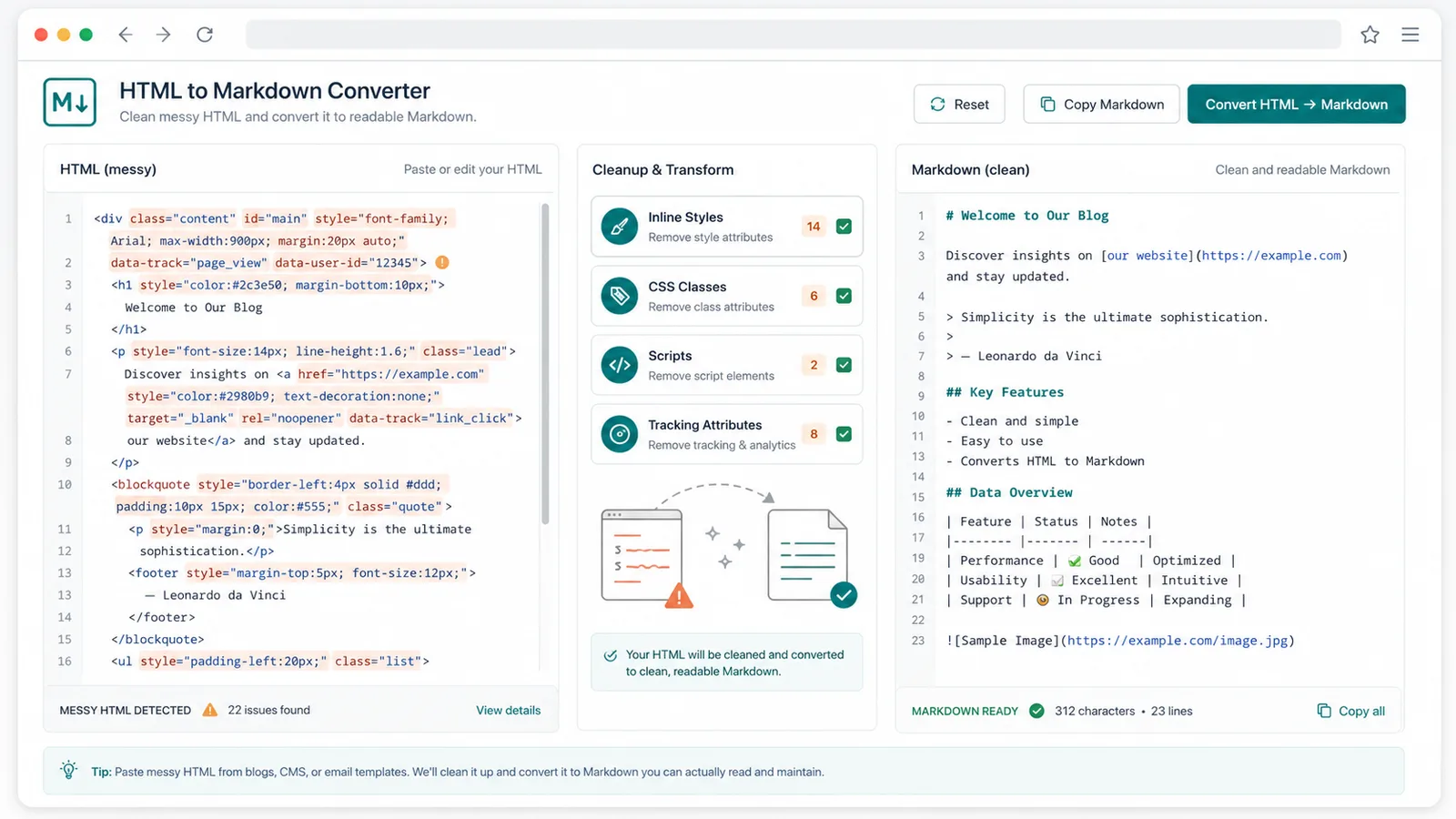
Clean inline styles, classes, tracking attributes, scripts, forms, and unnecessary markup before converting HTML back to Markdown.
Copy HTML, Markdown, or plain text, then download a complete HTML file for CMS, blog, documentation, and newsletter workflows.
The Markdown HTML Converter keeps the workflow focused: paste, convert, preview, copy, and download without uploading private drafts.
Switch between Markdown to HTML and HTML to Markdown without leaving the page.
Review headings, paragraphs, lists, blockquotes, code blocks, tables, links, and images as the HTML will appear.
The converter removes common style, class, id, data, event, script, form, and embed noise while keeping useful content tags.
Convert pasted CMS or webpage HTML into clean Markdown that writers and developers can edit.
Copy HTML, Markdown, or plain text depending on what your next editor, CMS, or teammate needs.
Save the generated or cleaned HTML as a complete .html document for testing, archiving, or handoff.
Start with either Markdown or HTML, then export the cleanest format for your publishing workflow.
Paste Markdown for a live HTML preview, or paste HTML from a CMS, webpage, blog editor, or email template.
Check the cleaned HTML, converted Markdown, live preview, removed attribute count, and plain-text character count.
Copy HTML, Markdown, or plain text, or download a complete HTML file for your site, CMS, docs, or editorial handoff.
Use the Markdown HTML Converter when content moves between writing, development, CMS editing, and publishing.
Write in Markdown, inspect clean HTML, and preview the rendered article before it enters a CMS or codebase.
Strip inline styles and noisy attributes from pasted HTML, then turn the remaining structure into readable Markdown.
Copy HTML, Markdown, or plain text, and download an HTML file for developers, writers, bloggers, and CMS editors.
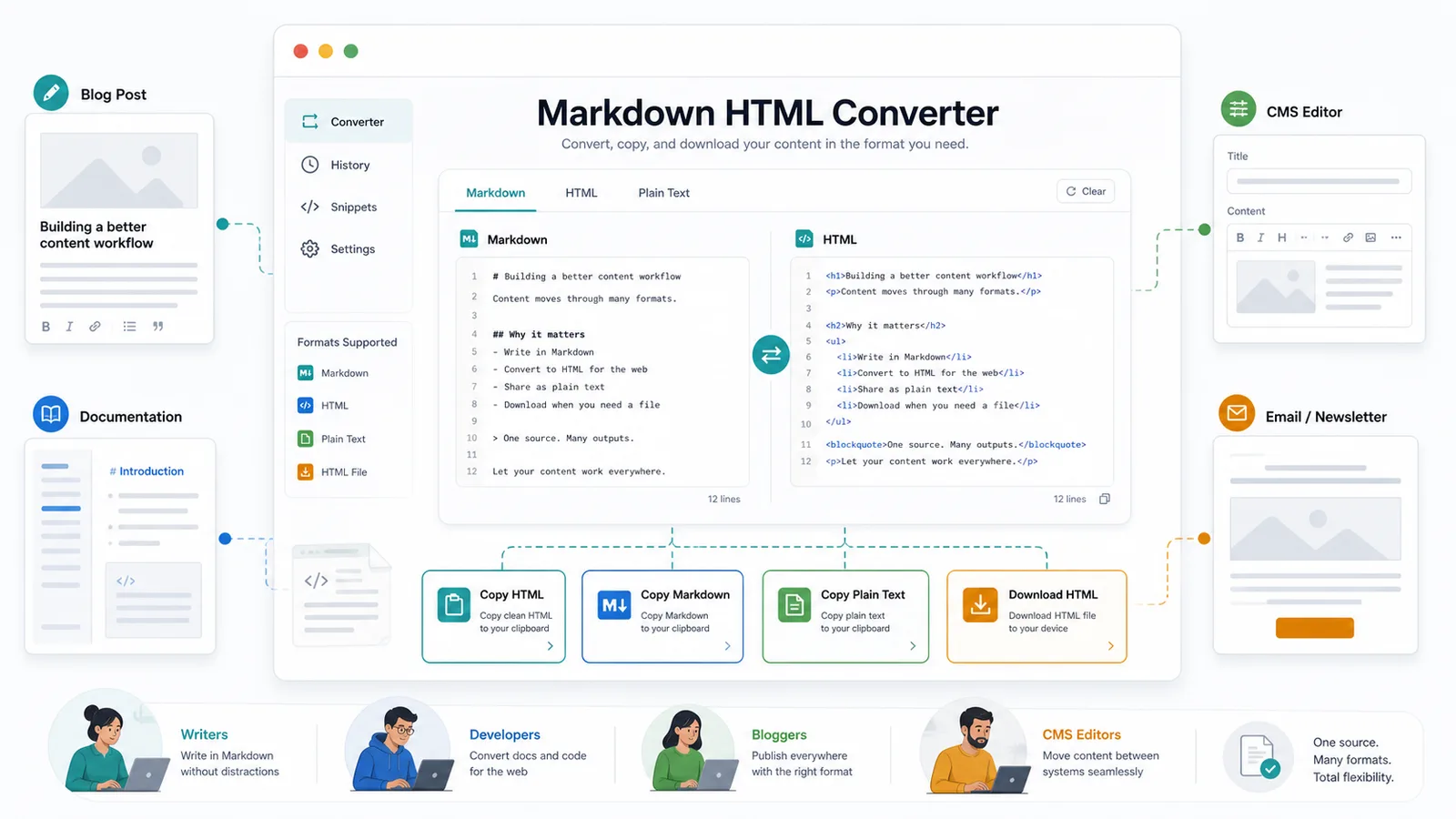
Convertitore Markdown HTML for developers, writers, bloggers, documentation teams, and CMS editors.
Convert README-style Markdown into HTML snippets or clean HTML documentation back into Markdown.
Move article drafts between Markdown editors, CMS rich text fields, static sites, and email tools.
Remove messy HTML attributes from copied web content before sending clean Markdown or plain text to collaborators.
Common questions about Markdown syntax, HTML cleanup, previews, privacy, and exports.
No. Conversion, cleanup, preview, copy, and download actions run in your browser.
It supports common Markdown and GFM patterns such as headings, paragraphs, lists, blockquotes, fenced code blocks, tables, links, images, emphasis, and inline code.
It removes scripts, style tags, form controls, embeds, inline styles, classes, ids, data attributes, event handlers, and unsafe URLs where possible.
Yes. The tool extracts readable plain text from the cleaned HTML so you can paste it into briefs, email drafts, or notes.
Paste Markdown or HTML, preview the result, clean noisy markup, and export the exact format your publishing workflow needs.