Long share titles
オープングラフプレビュー shows when the main promise may disappear behind truncation.
無料 SEO ツール
タイトル、説明、サイト名、画像 URL を入力して、Facebook、LinkedIn、X/Twitter、Discord の共有カードを手動で確認します。
オープングラフプレビュー helps teams spot weak social cards before a page is shared.
オープングラフプレビュー shows when the main promise may disappear behind truncation.
オープングラフプレビュー highlights descriptions that are too thin to explain why a link matters.
オープングラフプレビュー compares the image ratio against the selected social card style.
オープングラフプレビュー combines manual metadata entry, platform switching, and practical quality checks.
Type the title, description, site name, and image URL directly without fetching a page.
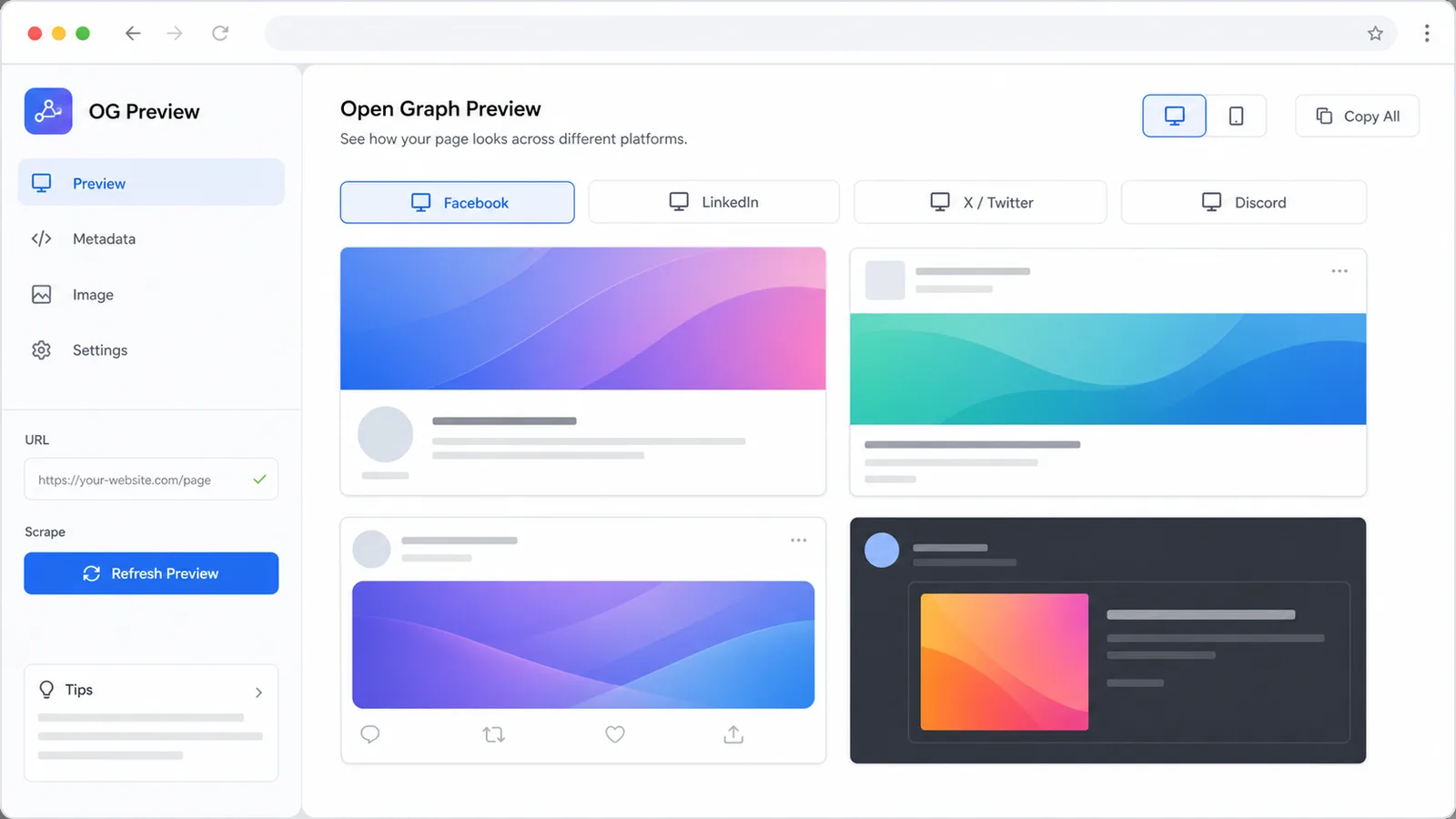
Switch オープングラフプレビュー between Facebook, LinkedIn, X/Twitter, and Discord layouts.
Review title and description limits for the selected オープングラフプレビュー platform.
Load the image URL and compare its natural dimensions with common share card ratios.
オープングラフプレビュー runs in the browser and focuses on draft review before implementation.
Copy the current オープングラフプレビュー fields for an editor, developer, or QA checklist.
Follow this オープングラフプレビュー workflow before publishing social metadata.
Add the page title, description, site name, and image URL in オープングラフプレビュー.
Open the toolSwitch Facebook, LinkedIn, X/Twitter, and Discord to see how the same content feels in each card.
Compare cardsShorten long titles, expand thin descriptions, and replace images that miss the recommended ratio.
Run checksUse オープングラフプレビュー for drafting, platform QA, and final share-card review.
Write the オープングラフプレビュー inputs while the card updates beside the form.
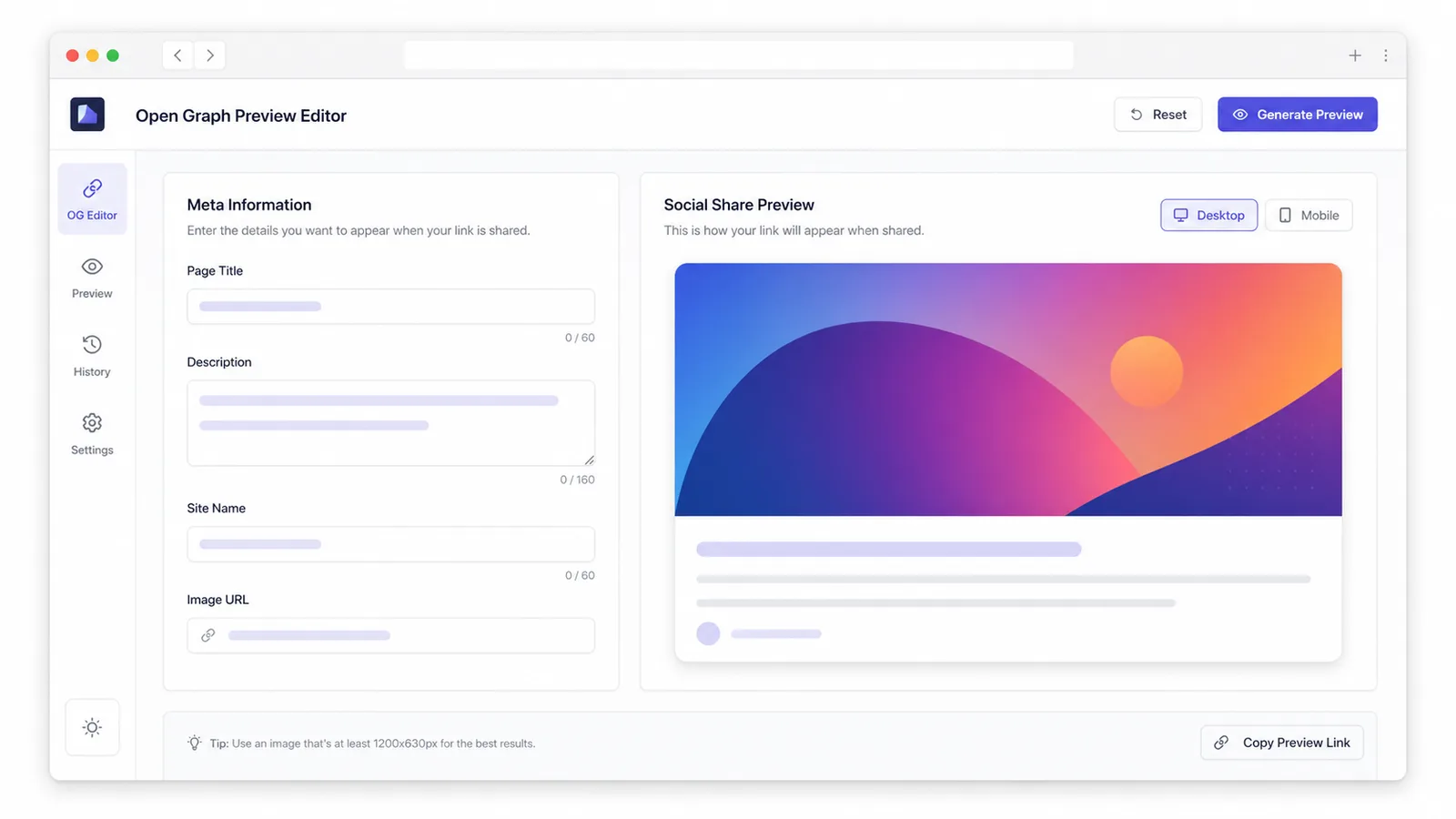
Review オープングラフプレビュー styles for Facebook, LinkedIn, X/Twitter, and Discord.
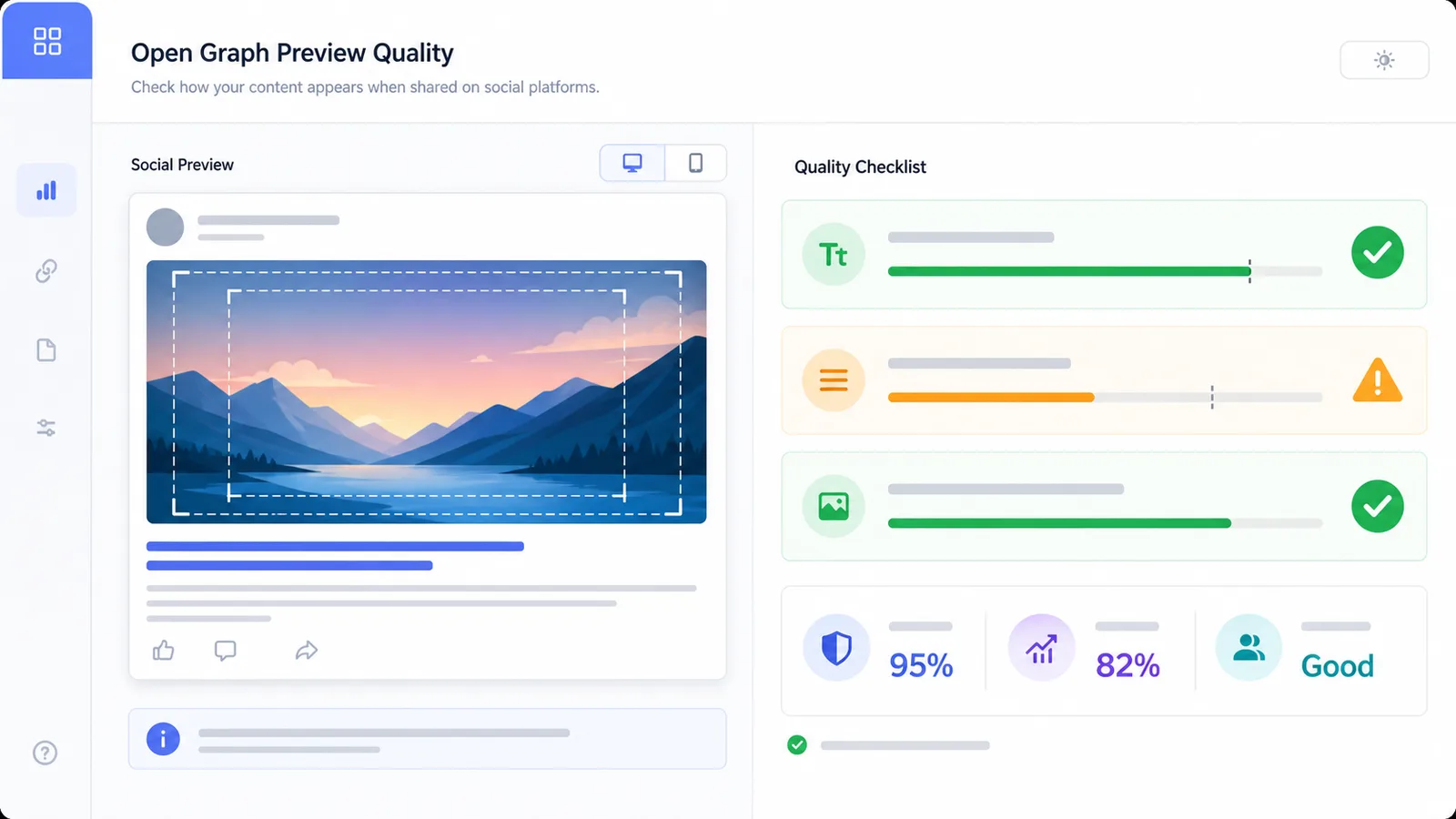
Use オープングラフプレビュー checks for title length, description completeness, and image ratio.
オープングラフプレビュー is useful for SEO, content, product, and developer publishing workflows.
Check whether オープングラフプレビュー metadata supports a clear click before launch.
Review article, landing page, and campaign share cards in オープングラフプレビュー.
Use オープングラフプレビュー before announcing product updates across social channels.
Confirm the intended title, description, site name, and image before adding tags.
オープングラフプレビュー is a drafting aid, not an automatic scraper or live platform validator.
A 1.91:1 image often works well across many オープングラフプレビュー cards, but X/Twitter may prefer a wider crop.
オープングラフプレビュー makes truncation visible, so put the page promise near the start of the title.
After using オープングラフプレビュー, test live metadata with platform debuggers and browse related tools for publishing QA.
Common オープングラフプレビュー questions about accuracy, privacy, and images.
No. オープングラフプレビュー is intentionally manual: you enter the title, description, site name, and image URL yourself.
No. It is an approximation for planning. Platforms may crop, cache, or rewrite previews differently.
Yes. When the image URL loads in the browser, オープングラフプレビュー reads the natural width and height to estimate ratio fit.
No. The editing and checks run in your browser. The image URL is rendered only so you can see the preview.
オープングラフプレビューを開く, paste your next share metadata, and clean up the card before the page goes live.