Unreadable schedules
Explain compact cron syntax before a job is saved.
Free Developer Tool
Build 5-field or 6-field cron expressions with a visual form, explain the schedule in plain language, parse pasted expressions, and preview upcoming run times locally.
Turn fragile schedule strings into visible choices, readable explanations, and previewed run times before they reach production.
Explain compact cron syntax before a job is saved.
Preview upcoming runs so business hours, weekdays, and monthly jobs are easier to verify.
Accept common 5-field cron and 6-field cron with seconds for scheduler compatibility.
Use one browser tool for visual building, reverse parsing, natural language explanation, and upcoming run time checks.
Choose minutes, hours, dates, months, and weekdays with presets or custom cron syntax.
Turn each cron expression into readable schedule text for review and documentation.
Paste an existing expression to validate fields and understand what it does.
Supports standard minute-first cron and second-first cron expressions.
List future run times in your browser timezone before you copy the expression.
Parse and preview schedules locally without uploading cron expressions.
Build from fields or paste an expression, then validate and explain the schedule.
Pick visual presets for minute, hour, day, month, and weekday, or enable seconds for a 6-field cron expression.
The expression, field summary, and natural language meaning update as you edit.
Check future run times, then copy the expression into your scheduler, CI job, or automation platform.
Move between form-based schedule design, cron parsing, and DevOps review without leaving the browser.
Turn form selections into cron syntax while keeping every field visible.
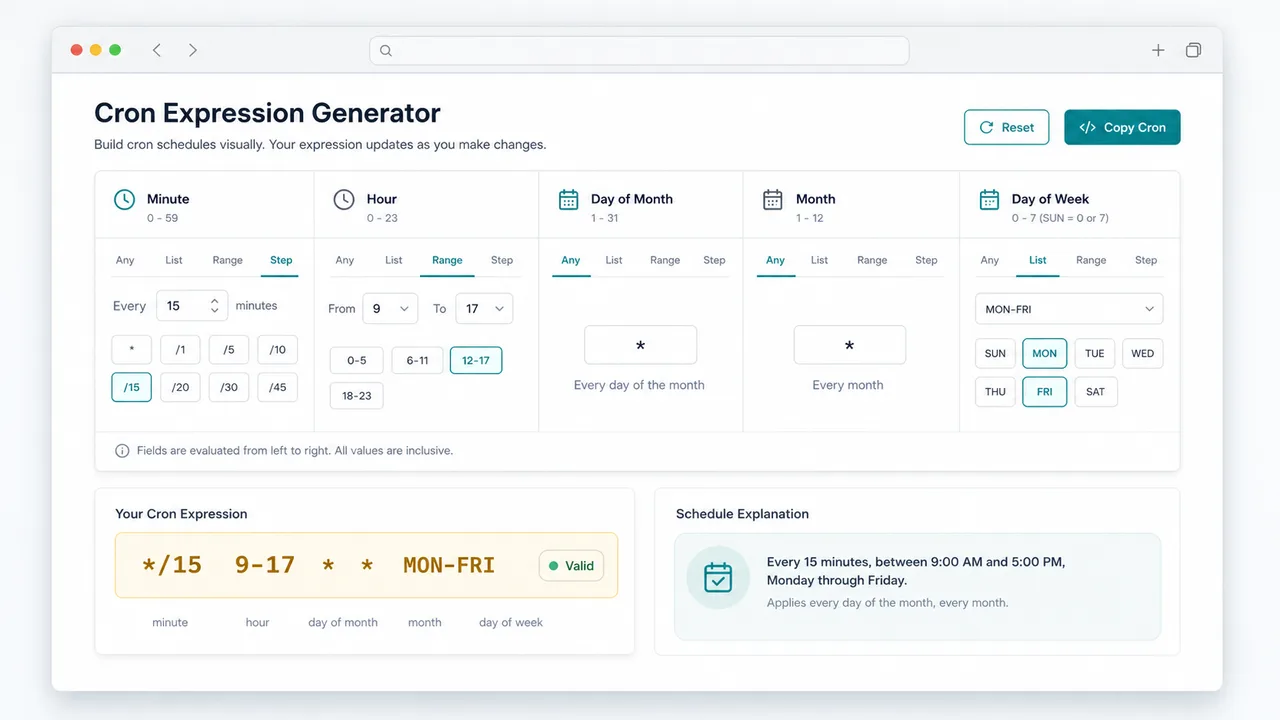
Validate 5-field and 6-field expressions, then show upcoming run times.
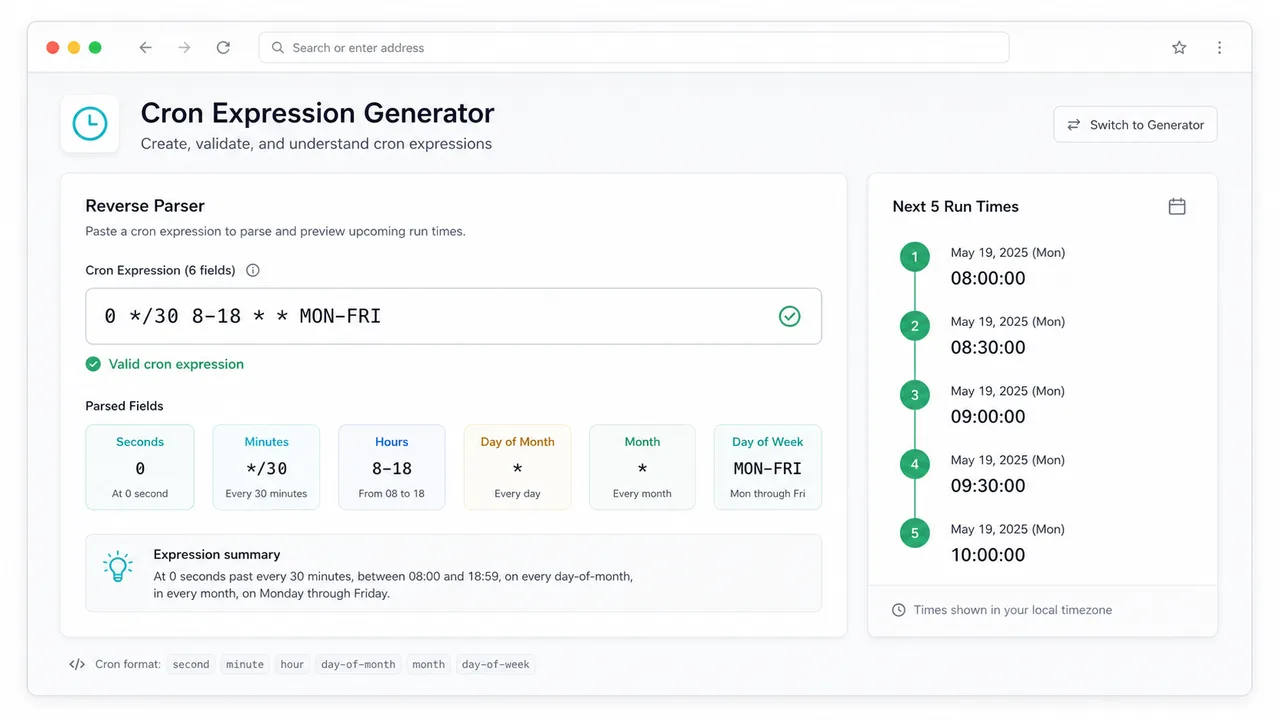
Help developers and operations teams document recurring jobs before deployment.
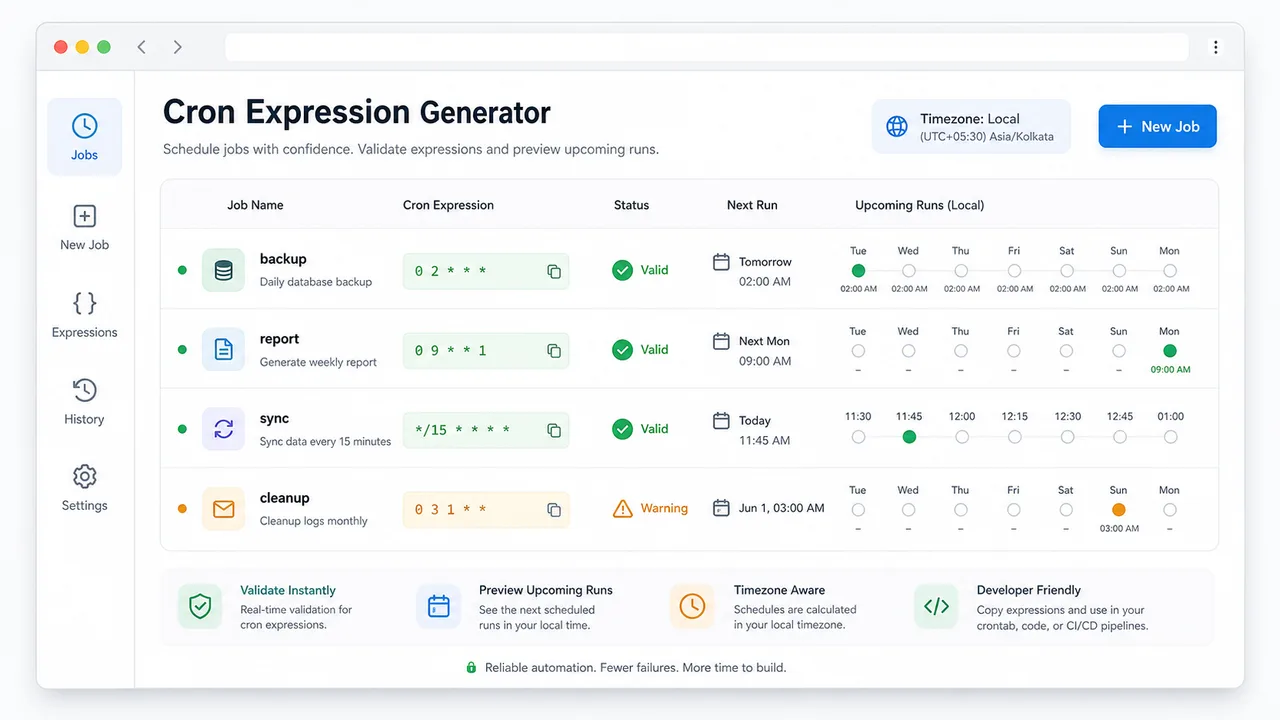
Helpful for developers, operations teams, and automation owners who need clear recurring task schedules.
Configure queues, cleanup jobs, reports, and sync tasks that need a repeatable schedule.
Check cron before pasting it into CI pipelines, containers, server cron, or automation dashboards.
Pair a cron expression with a plain-language explanation for teammates.
Common questions about 5-field cron, 6-field cron, seconds, day matching, and local processing.
Yes. It supports common 5-field cron in minute hour day month weekday order.
Yes. Enable seconds in the builder or paste a 6-field expression. The first field is treated as seconds.
When both fields are restricted, common cron OR matching is used, where either day field can trigger the run.
No. Parsing and future run calculations happen in your browser.
Create, explain, parse, and preview your next automation schedule in the browser.