Small assets need fast inlining
Use Data URI Generator when icons, tracking pixels, placeholder SVGs, or text snippets are small enough to embed directly.
Free Developer Tool
Free Data URI Generator for frontend developers. Upload PNG, JPEG, SVG, fonts, or paste text, then create Base64 or URL encoded Data URIs for HTML img src, CSS background-image, and inline assets.
Inline small frontend assets without switching between encoders, MIME references, and snippet templates.
Use Data URI Generator when icons, tracking pixels, placeholder SVGs, or text snippets are small enough to embed directly.
Detect common types and edit the MIME value before copying production snippets.
Read files in your browser so unreleased icons and small UI resources do not need a server upload.
Handle file input, text input, MIME detection, encoding choice, preview, and copy-ready output in one local workflow.
Add PNG, JPEG, WebP, SVG, plain text, JSON, CSS, WOFF, WOFF2, or another small resource.
Prefer URL encoding for SVG and text, and Base64 for images, fonts, and binary files.
Override the MIME type when a file has no reliable browser-provided type.
Copy a plain Data URI, CSS background-image declaration, or HTML img src attribute.
Preview image, SVG, and text-like output while checking source bytes and output length.
Generate, preview, and copy Data URIs locally without uploading files.
Use Data URI Generator to turn a small resource into an HTML or CSS snippet in a few browser-only steps.
Paste text or SVG markup, or upload a PNG, JPEG, SVG, font, or text file.
Confirm image/png, image/jpeg, image/svg+xml, text/plain, font/woff2, or another MIME type before output.
Leave Auto on for most assets, or force Base64 or URL encoded output when your project needs it.
Use the plain Data URI, CSS background-image, or HTML img src output directly in your frontend code.
Support everyday frontend workflows for icons, SVGs, text snippets, and small static resources.
Drop a PNG, JPEG, SVG, WOFF2 font, or text file and prepare it for inline use.
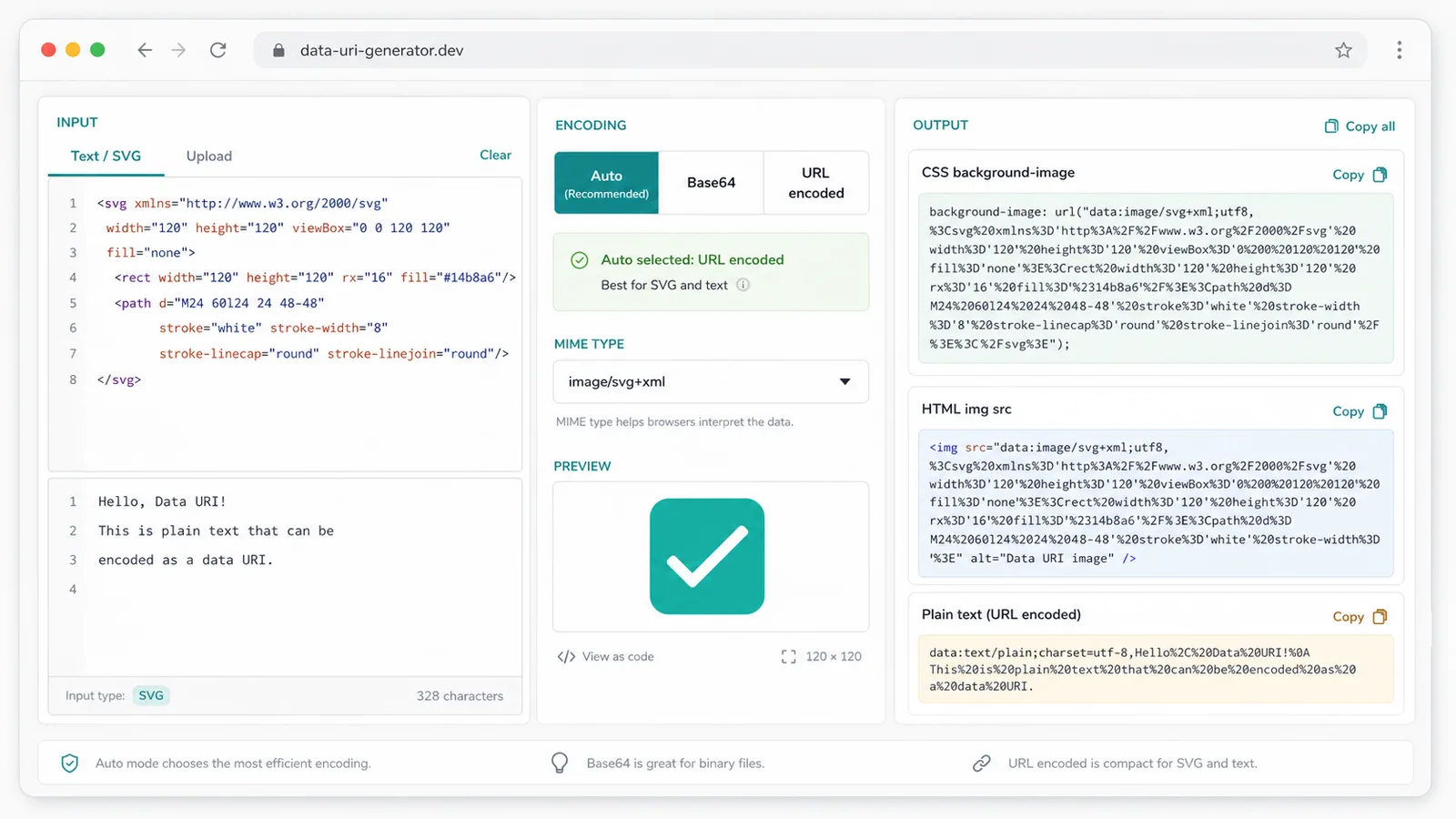
Use automatic encoding or force the format your HTML, CSS, email, or prototype requires.
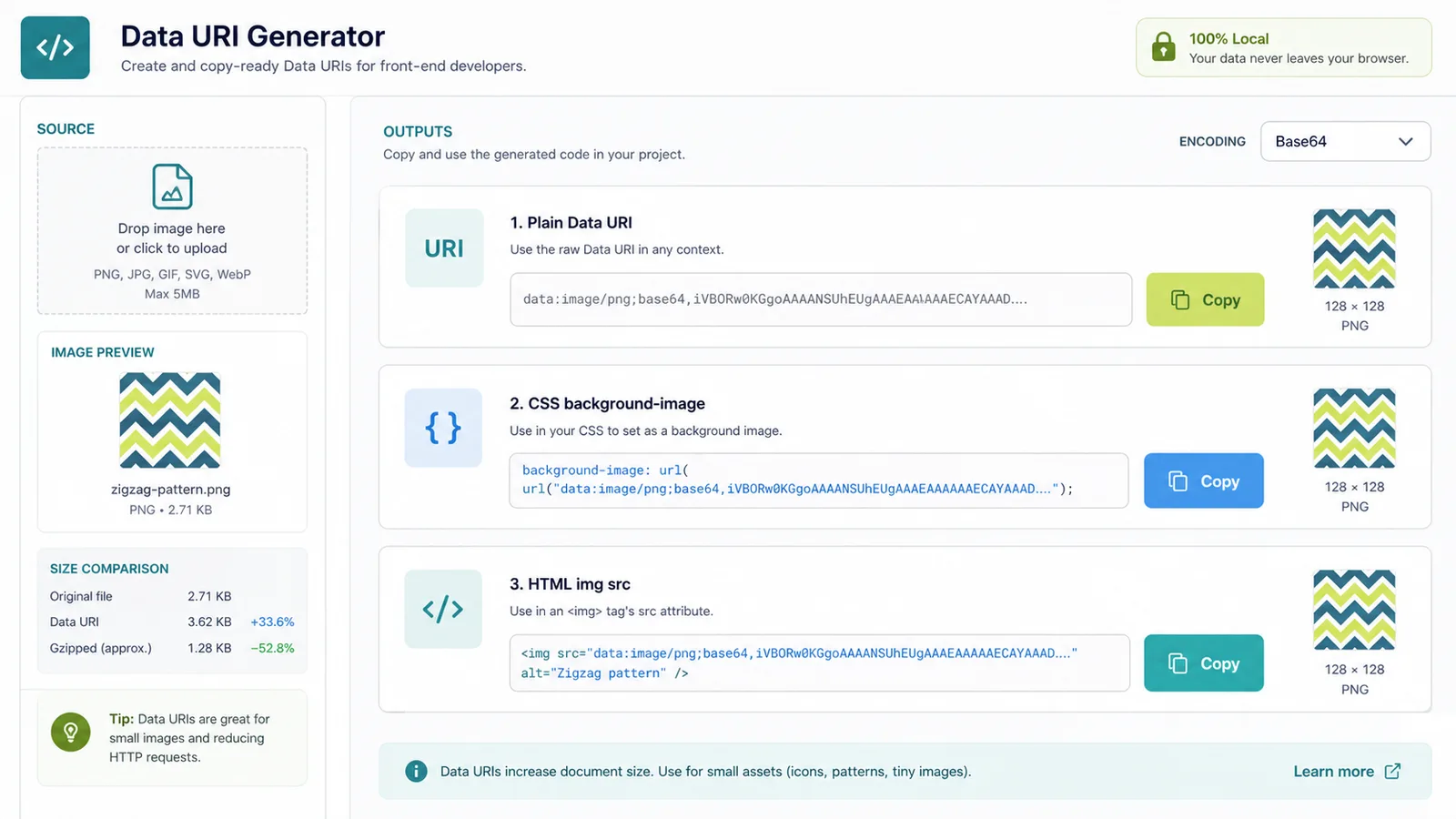
Copy a full CSS background-image, HTML img src, or plain Data URI without rebuilding the string by hand.
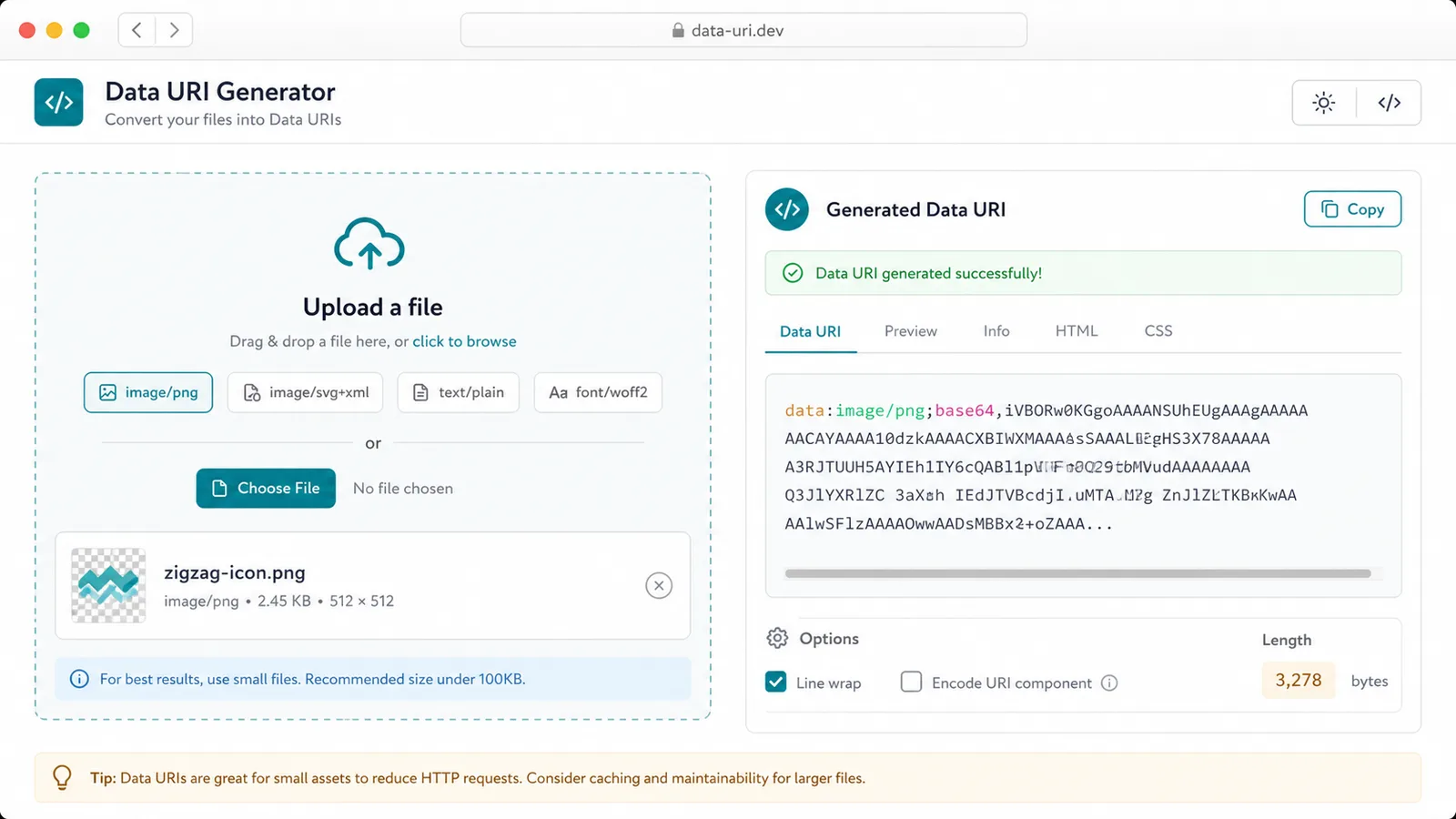
Use this workflow when a tiny resource should travel with the HTML or CSS instead of becoming a separate request.
URL encode a small SVG icon and paste it into CSS or HTML without a separate asset file.
Embed small images or text resources into an HTML prototype that needs to be shared as one file.
Prepare small image or SVG Data URIs for examples, docs, and controlled email experiments.
Common questions about encoding, MIME types, browser use, and local processing.
No. Files are read with browser APIs and the Data URI is generated locally.
Use Base64 for PNG, JPEG, WebP, fonts, and other binary resources.
URL encoding is usually readable and compact for SVG, CSS, JSON, and plain text resources.
Usually no. Data URIs are best for small assets because large inline strings can bloat HTML or CSS and reduce cache flexibility.
Upload or paste a resource, choose Base64 or URL encoded output, and copy Data URIs for HTML and CSS.
Free forever - browser-only Data URI Generator.