One image needs many ratios
Recortador de imágenes helps turn the same source image into square, landscape, portrait, thumbnail, story, and cover crops.
Medios y conversión
Upload an image, drag the crop box, choose free crop or presets like 1:1, 4:3, 16:9, YouTube thumbnail, Instagram story, and Facebook cover, then export PNG, JPG, or WebP locally.
Recortador de imágenes removes the back-and-forth between design apps when you only need a clean crop for a page, post, or cover.
Recortador de imágenes helps turn the same source image into square, landscape, portrait, thumbnail, story, and cover crops.
Recortador de imágenes lets you drag the crop box, zoom the image, and rotate the source before export.
Recortador de imágenes works in the browser, so personal photos and draft assets do not need to leave your device.
Recortador de imágenes combines presets, rotation, zoom, preview, and export in a browser-only workflow.
Recortador de imágenes supports free crop plus 1:1, 4:3, 16:9, 9:16, 3:2, YouTube, Instagram, and Facebook cover presets.
Recortador de imágenes includes an interactive crop box, zoom slider, and rotation slider for fast composition changes.
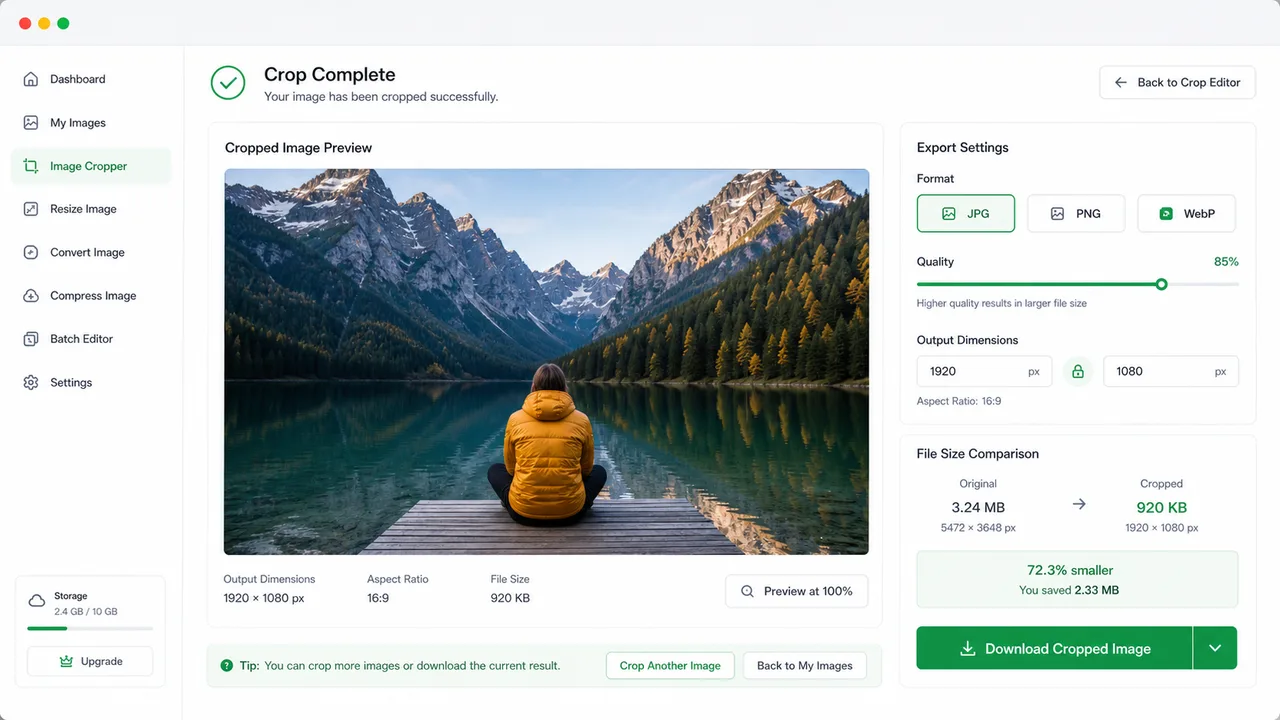
Recortador de imágenes previews the cropped image and downloads it in the output format you choose.
Use Recortador de imágenes to line up a composition, apply a platform ratio, and download the final crop.
Drop a PNG, JPG, WebP, or other browser-supported image into Recortador de imágenes.
Open toolPick free crop or a fixed ratio, then drag the crop box, resize it with the width and height fields, zoom, and rotate.
Choose PNG, JPG, or WebP, export the crop, inspect the preview, and download the final image.
El Recortador de imágenes combina recorte libre, proporciones fijas, composición, vista previa y descarga.
Recortador de imágenes admite recorte libre, proporciones fijas, arrastrar el marco, zoom y rotacion en el navegador.
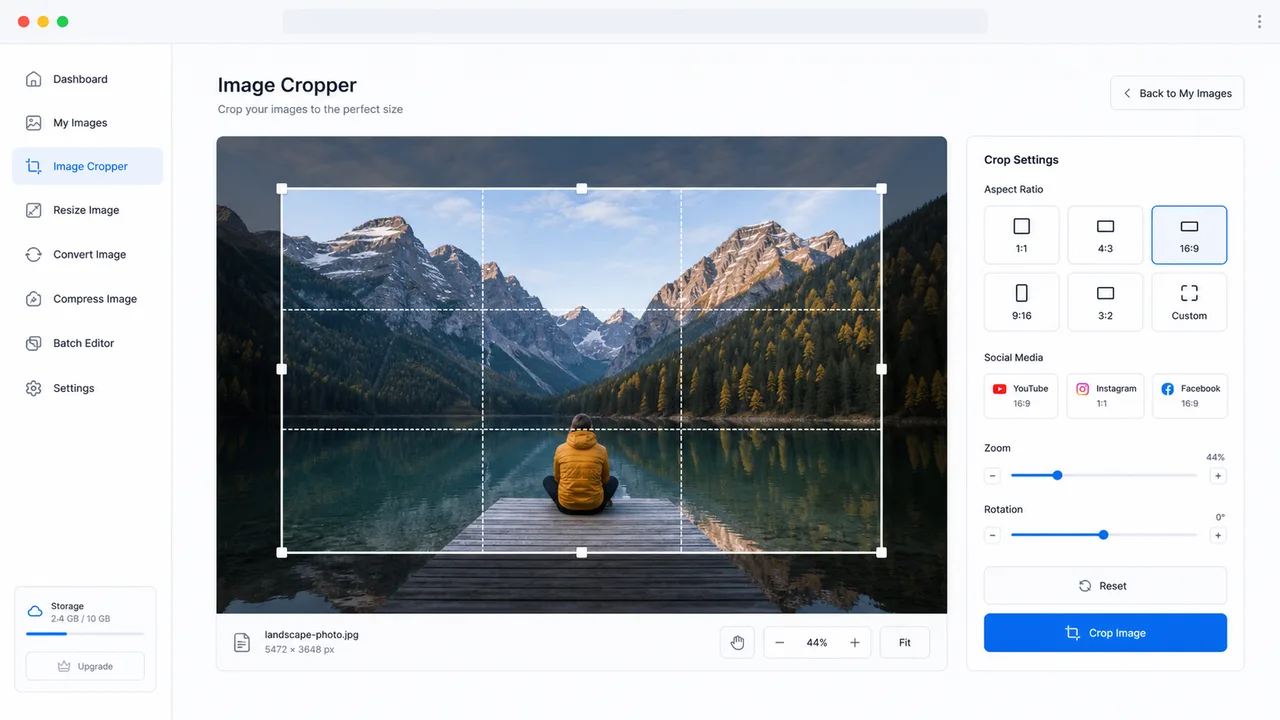
Recortador de imágenes previsualiza el recorte, exporta PNG, JPG o WebP, muestra dimensiones y tamano de archivo, y descarga el resultado.
Recortador de imágenes is useful for creators, marketers, developers, and anyone preparing visual assets.
Make square profile images while keeping the subject centered.
Prepare YouTube thumbnails, Instagram stories, Instagram squares, and Facebook covers.
Crop article images, cards, banners, and product photos before publishing.
Common questions about Recortador de imágenes.
No. Recortador de imágenes renders and exports the crop locally with browser canvas APIs.
Yes. The ratio presets include YouTube thumbnail, Instagram square, Instagram story, and Facebook cover.
You can export PNG, JPG, or WebP. JPG and WebP include a quality slider for smaller files.
Open Recortador de imágenes and export a clean platform-ready crop.