Config needs another format
Convert Kubernetes manifests, Docker Compose snippets, GitHub Actions workflows, and app settings between YAML and JSON without manual rewriting.
Outil développeur gratuit
Convertissez Docker, GitHub Actions, Kubernetes, CI/CD et autres configurations entre YAML et JSON avec validation locale.
Configuration files break easily when teams copy between YAML-first tools and JSON-first APIs.
Convert Kubernetes manifests, Docker Compose snippets, GitHub Actions workflows, and app settings between YAML and JSON without manual rewriting.
Validate YAML indentation, colon placement, and list formatting before you copy configuration into a pipeline or cluster.
The YAML JSON Converter runs in the browser, so secrets, env samples, and internal pipeline snippets are not uploaded.
Validate, convert, format, compress, copy, download, and tune YAML output in one local workflow.
Paste YAML to produce standard JSON, or paste JSON to generate readable YAML for config files.
Catch common YAML mistakes such as inconsistent indentation, missing colons, and malformed list entries.
The converter parses JSON first, so invalid braces, trailing commas, and unquoted keys are flagged before conversion.
Pretty-print for review or compress output when you need a compact payload or one-line YAML flow style.
Choose 2, 4, or 6 spaces and decide whether YAML string values should be quoted.
Preserve null and empty strings for complete schemas, or remove them for cleaner deployment snippets.
Start with a config snippet, validate it, then export the exact format your workflow needs.
Select the conversion direction, then paste Docker, GitHub Actions, Kubernetes, CI/CD, or app configuration into the input panel.
Review any YAML or JSON error message, then set indentation, quoting, empty-value handling, and formatted or compressed output.
Copy the converted configuration or download a .json or .yaml file for your repository, API client, or deployment docs.
Use the YAML JSON Converter when configs move between editors, APIs, CI/CD, and deployment manifests.
Turn readable YAML configuration into strict JSON for APIs, scripts, schema testing, and debugging.
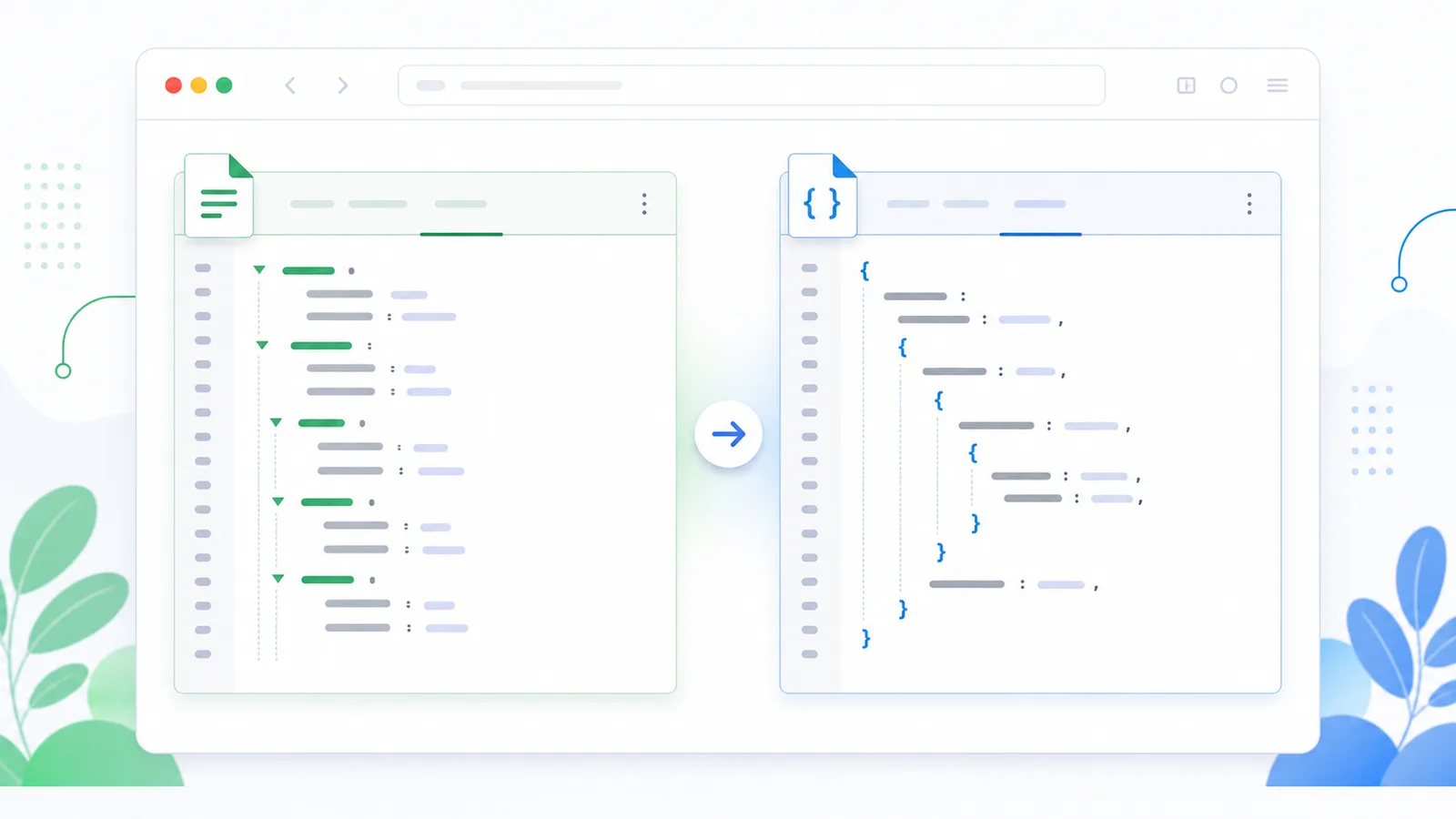
Catch indentation, colon, and list-format issues before a CI/CD job or Kubernetes manifest fails.
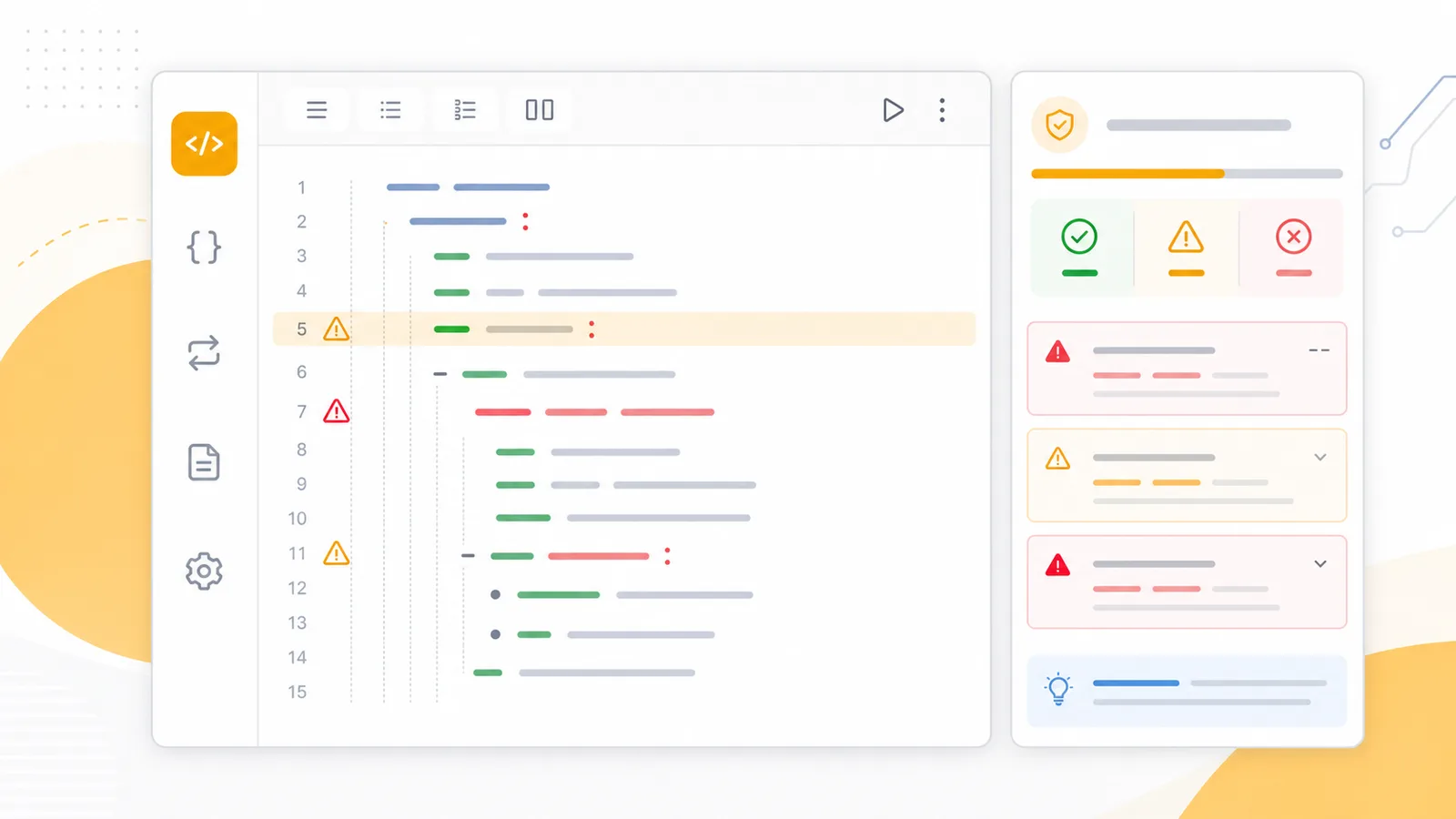
Move Docker, GitHub Actions, Kubernetes, and CI/CD snippets between YAML and JSON formats without losing structure.
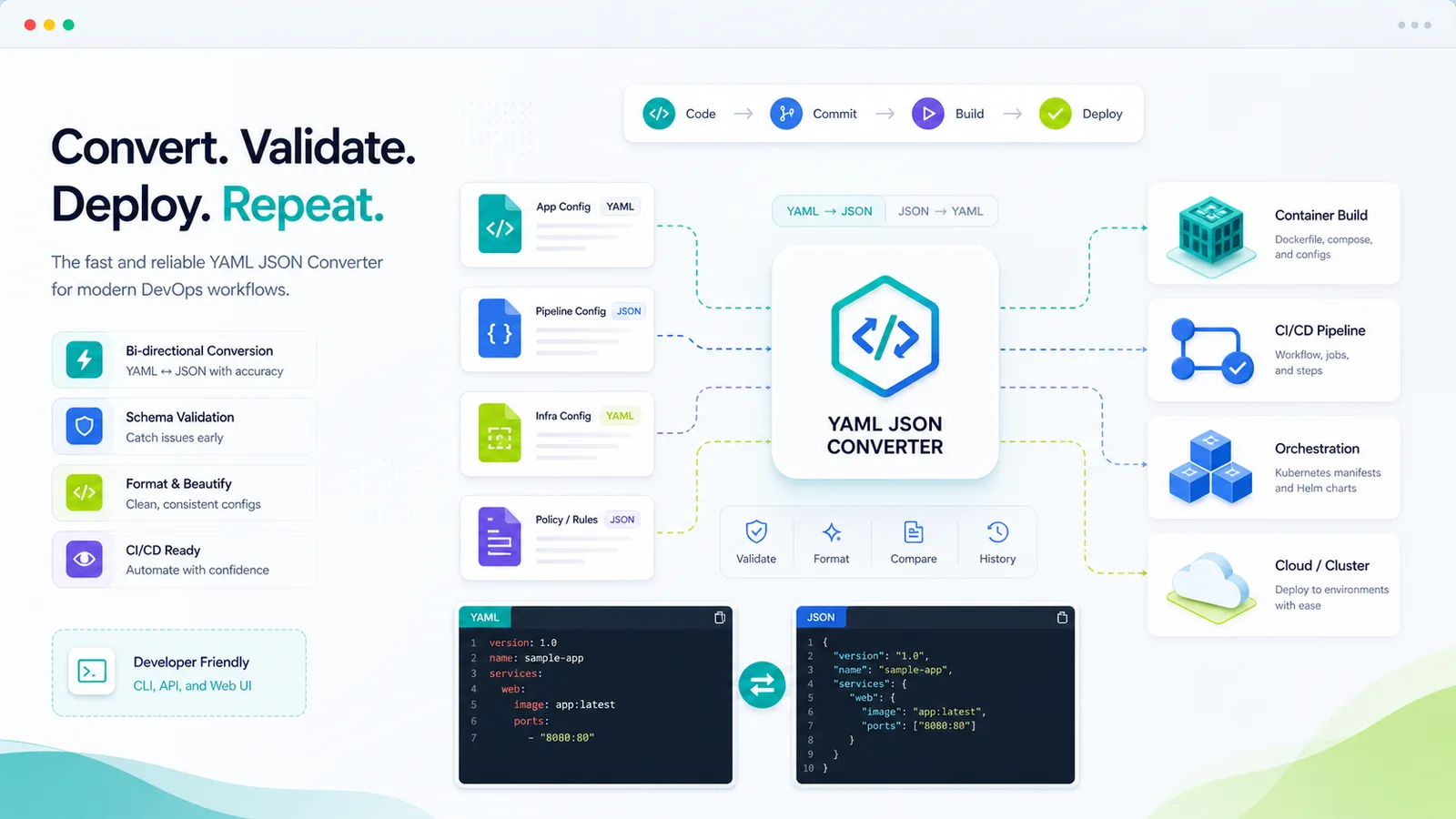
The YAML JSON Converter fits everyday developer, DevOps, and configuration review work.
Convert YAML manifests into JSON for API inspection, policy checks, and generated documentation.
Translate workflow snippets into JSON for tooling, previews, and config normalization.
Review service settings, environment blocks, and compose snippets in whichever format your team prefers.
Common questions about YAML validation, JSON parsing, indentation, quotes, empty values, and local processing.
No. The conversion and validation happen in your browser.
It reports parser errors with line and column details and gives hints for indentation, missing colons, and malformed list formatting.
Yes. JSON can be minified, and YAML can be emitted in a compact flow style.
When enabled, null and empty strings stay in the output. When disabled, they are removed recursively from objects and arrays.
Paste YAML or JSON, validate the syntax, choose indentation and quote rules, then copy or download clean configuration output.
Free forever - browser-only YAML and JSON conversion.