Missing favicon sizes
A browser tab may need 16x16 or 32x32, search and high-density surfaces benefit from larger square icons, and mobile shortcuts often use 180x180 or manifest icons.
무료 웹사이트 아이콘 도구
파비콘 생성기 creates favicon.ico, PNG icons, HTML code, and a complete favicon package from an uploaded image, text, or emoji with PNG to ICO conversion.
파비콘 생성기 helps prepare all favicon files for a new website launch without switching between resizing and ICO tools.
A browser tab may need 16x16 or 32x32, search and high-density surfaces benefit from larger square icons, and mobile shortcuts often use 180x180 or manifest icons.
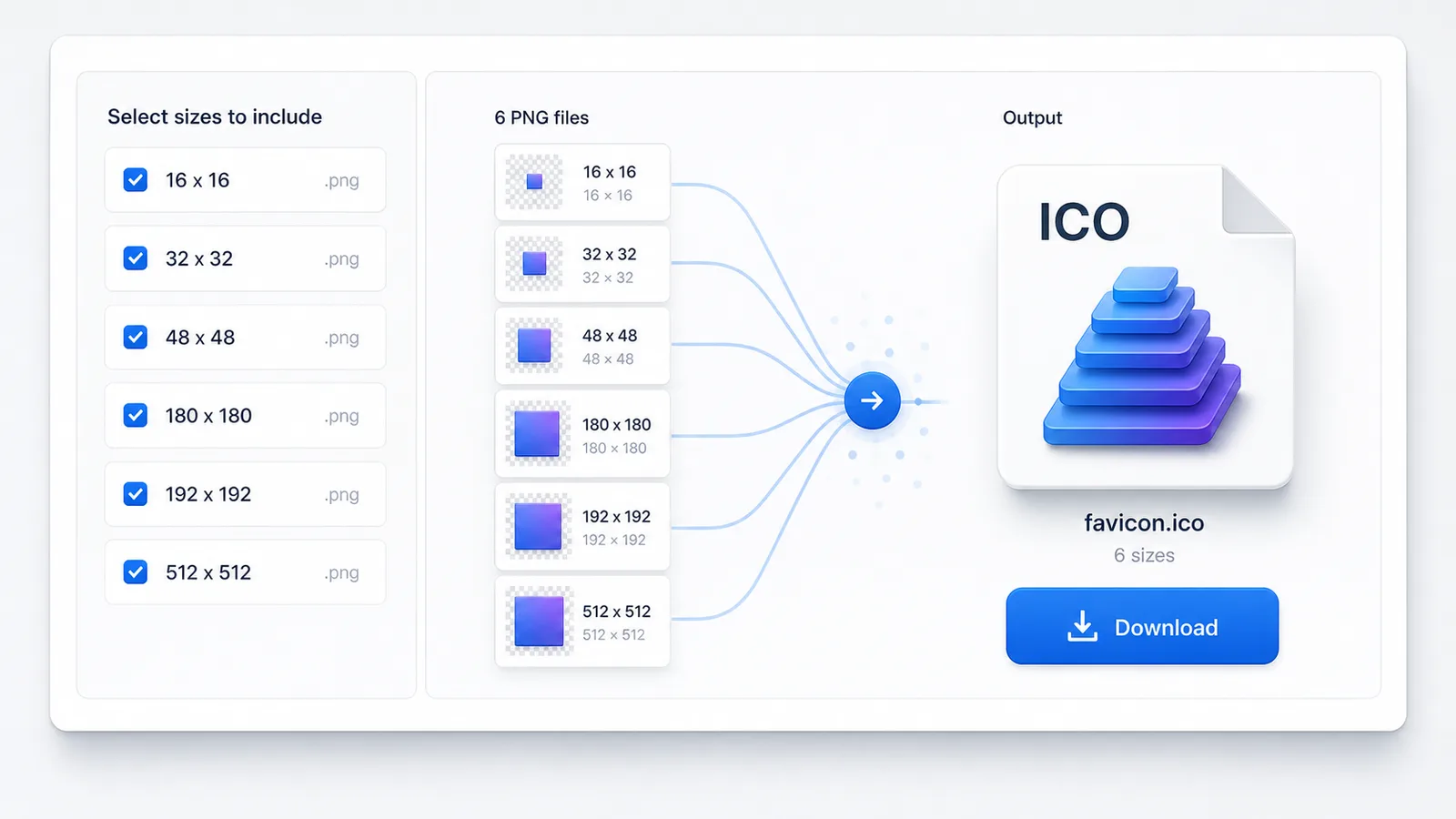
Many design tools export PNG files but not a multi-resolution favicon.ico. The Favicon Generator merges selected PNG sizes into one ICO download.
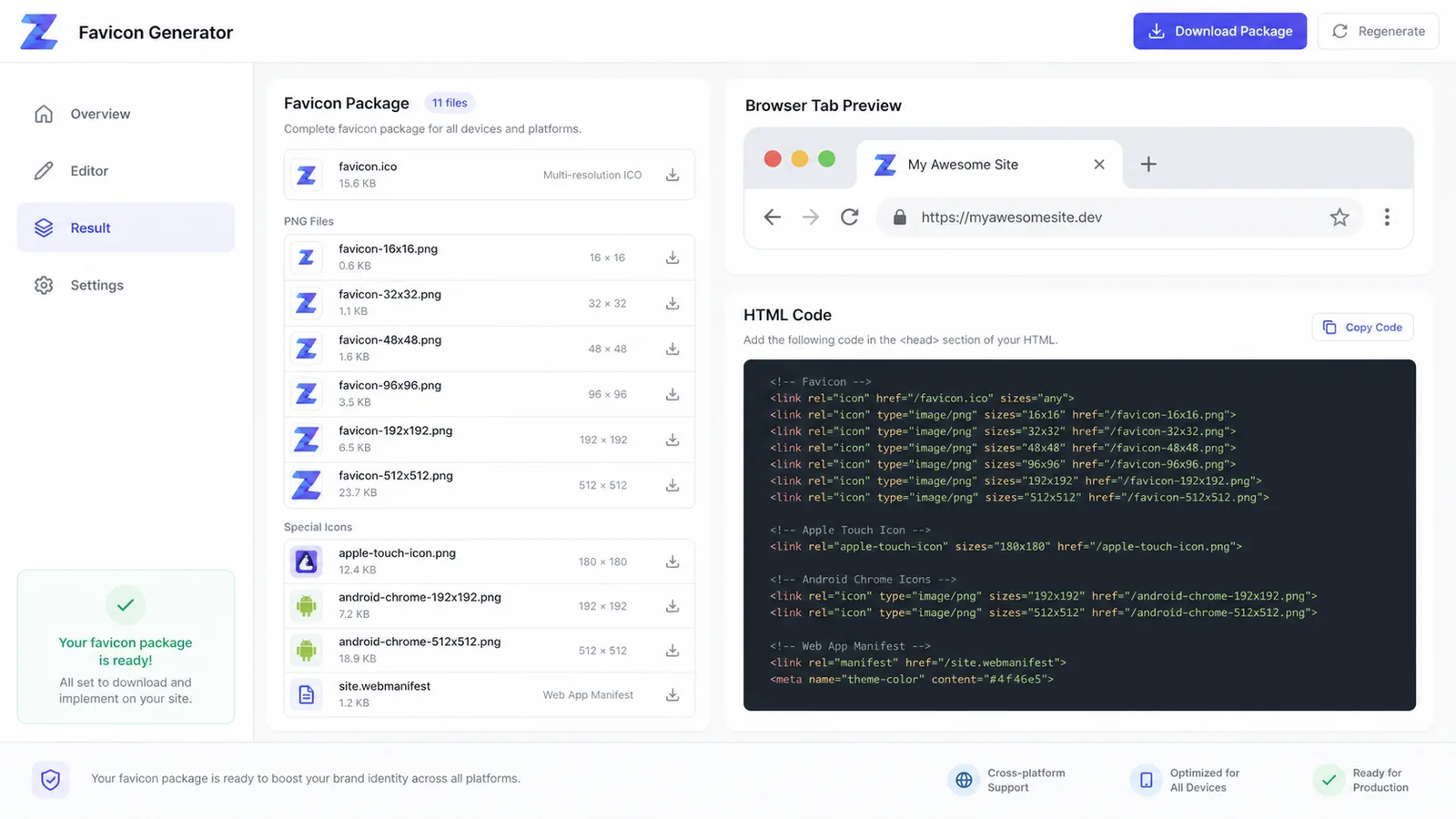
Copy the HTML references for favicon.ico, PNG icons, apple-touch-icon, manifest, and theme color instead of rebuilding tags by memory.
파비콘 생성기 includes image, text, emoji, PNG to ICO, browser preview, HTML code, and package download.
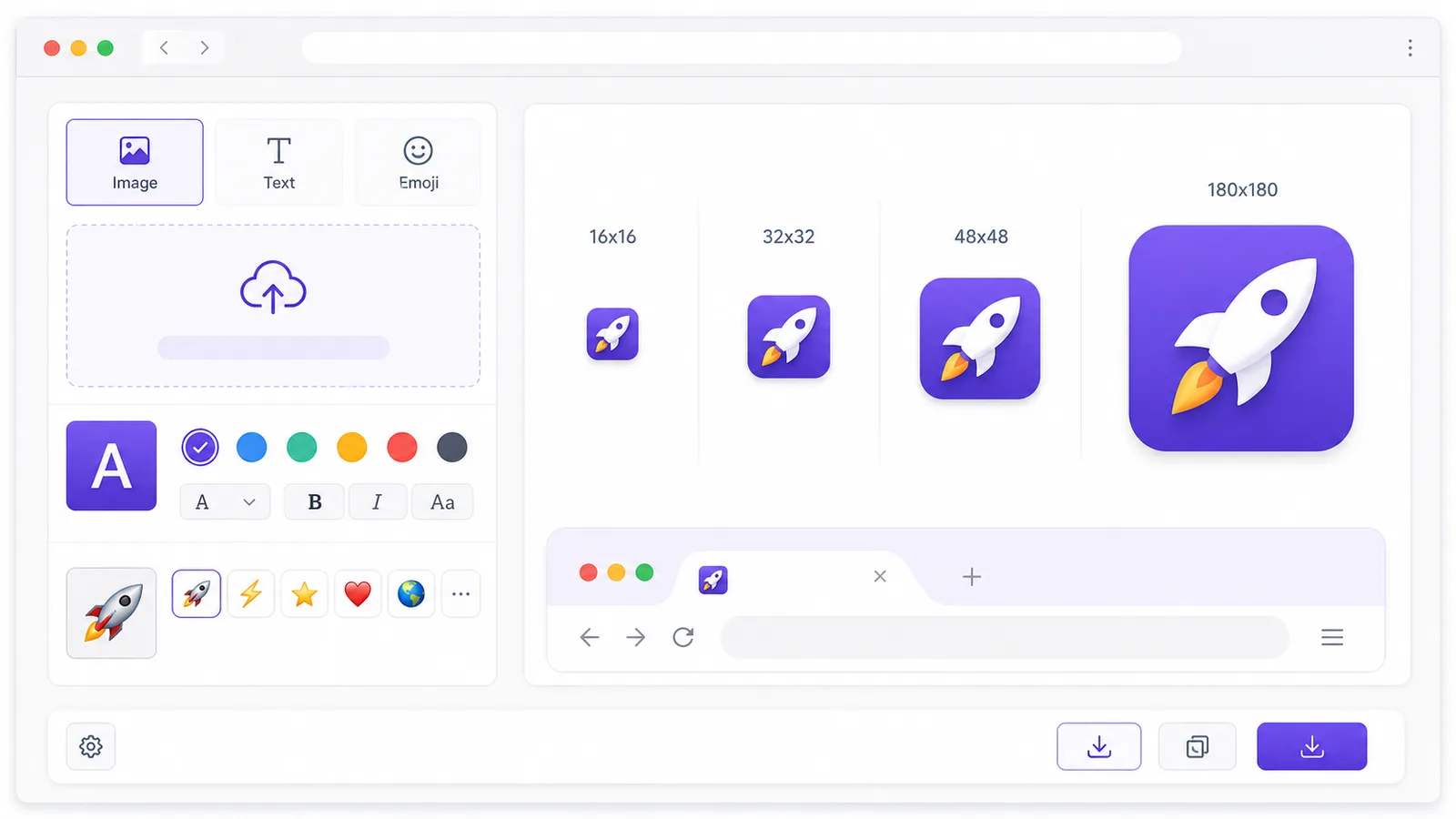
Start with a brand mark, initials, a single letter, or an emoji and preview the result before exporting.
Generate 16x16, 32x32, 48x48, 180x180, 192x192, and 512x512 PNG icons for browser, mobile, and manifest workflows.
Combine selected sizes into one favicon.ico file, useful for legacy browser fallback and root-level favicon support.
Copy implementation code with rel icon tags, apple-touch-icon, web manifest, and theme-color.
Preview how the favicon looks beside a site title before downloading the package.
Download favicon.ico, PNG outputs, Android Chrome icons, apple-touch-icon.png, site.webmanifest, and favicon-html.txt together.
Use 파비콘 생성기 to select a source, choose sizes, download the package, and install the HTML code.
Upload a PNG or other image, type short initials, or enter an emoji. Adjust color, shape, fit, and padding until the Favicon Generator preview is readable at small sizes.
Keep 16x16, 32x32, and 48x48 for favicon.ico, then include 180x180, 192x192, and 512x512 for touch icons and app manifest files.
Download the package, place the files at your site root or public folder, paste the HTML code into the head, and test the browser tab after clearing favicon cache.
파비콘 생성기 covers design, PNG to ICO conversion, and production handoff.
The Favicon Generator lets indie makers and developers turn a logo PNG, text initials, or emoji into a consistent icon set.
Pick multiple PNG sizes and merge them into favicon.ico, while keeping the PNG files available for modern HTML references.
Download favicon.ico, PNG files, apple-touch-icon, manifest icons, site.webmanifest, and HTML code for a clean handoff.
파비콘 생성기 is useful for indie sites, developers, new websites, landing pages, and docs portals.
Create favicon files before publishing a landing page, portfolio, blog, docs site, or product microsite.
Give frontend teams a complete favicon package instead of one oversized logo file.
Test initials, background colors, emoji concepts, and uploaded marks before committing to a final website icon.
Common questions about 파비콘 생성기, favicon sizes, favicon.ico, PNG to ICO, and HTML code.
This Favicon Generator exports 16x16, 32x32, 48x48, 180x180, 192x192, and 512x512. The tiny sizes help browser tabs, 180x180 covers Apple touch icons, and 192x192 plus 512x512 are common web app manifest sizes.
Yes. Upload a PNG or create an icon in the tool, choose the sizes you want, and download a multi-image favicon.ico file.
No. The image is rendered with canvas in your browser and the ZIP is assembled locally.
Browsers and platforms choose icons from link tags and the web manifest. The snippet reduces mistakes when adding favicon.ico, PNG icons, apple-touch-icon, and theme color.