Decoding Unknown Morse Signals
You encounter a string of dots and dashes — in a game, a puzzle, or a survival scenario — and have no idea what it spells. A Morse code translator decodes any valid Morse sequence back to plain text in seconds.
Free Online Morse Code Translator
The fastest free Morse Code Translator online. Convert text to Morse code or decode Morse code back to readable text instantly. Features real audio playback, visual signal flashing, and custom symbol output.
Real situations where a Morse code translator saves time and removes guesswork.
You encounter a string of dots and dashes — in a game, a puzzle, or a survival scenario — and have no idea what it spells. A Morse code translator decodes any valid Morse sequence back to plain text in seconds.
Amateur radio operators need to pass Morse code proficiency tests. Our Morse code translator lets you practice encoding and decoding, listen to the audio output at adjustable WPM speeds, and build muscle memory naturally.
Writers, game designers, and escape room builders use Morse code to embed hidden clues. The Morse code translator lets you encode any English text instantly, then copy the result directly into your puzzle or story.
Most Morse code tools only convert text. Ours adds audio playback, visual flashing, custom symbols, and works entirely in your browser.
This Morse code translator works in both directions. Type English text to encode it into Morse code, or paste dots-and-dashes to decode Morse code back to readable text. Both modes update in real time as you type.
Convert your Morse code into actual beep sounds using the Web Audio API — no plugins required. Adjust the audio frequency (tone pitch) and playback speed (WPM) to match standard radio practice or your personal learning pace.
Watch a signal light flash in sync with your Morse code — dot blinks are short, dash blinks are long. Perfect for visual learners or demonstrating Morse code patterns without sound.
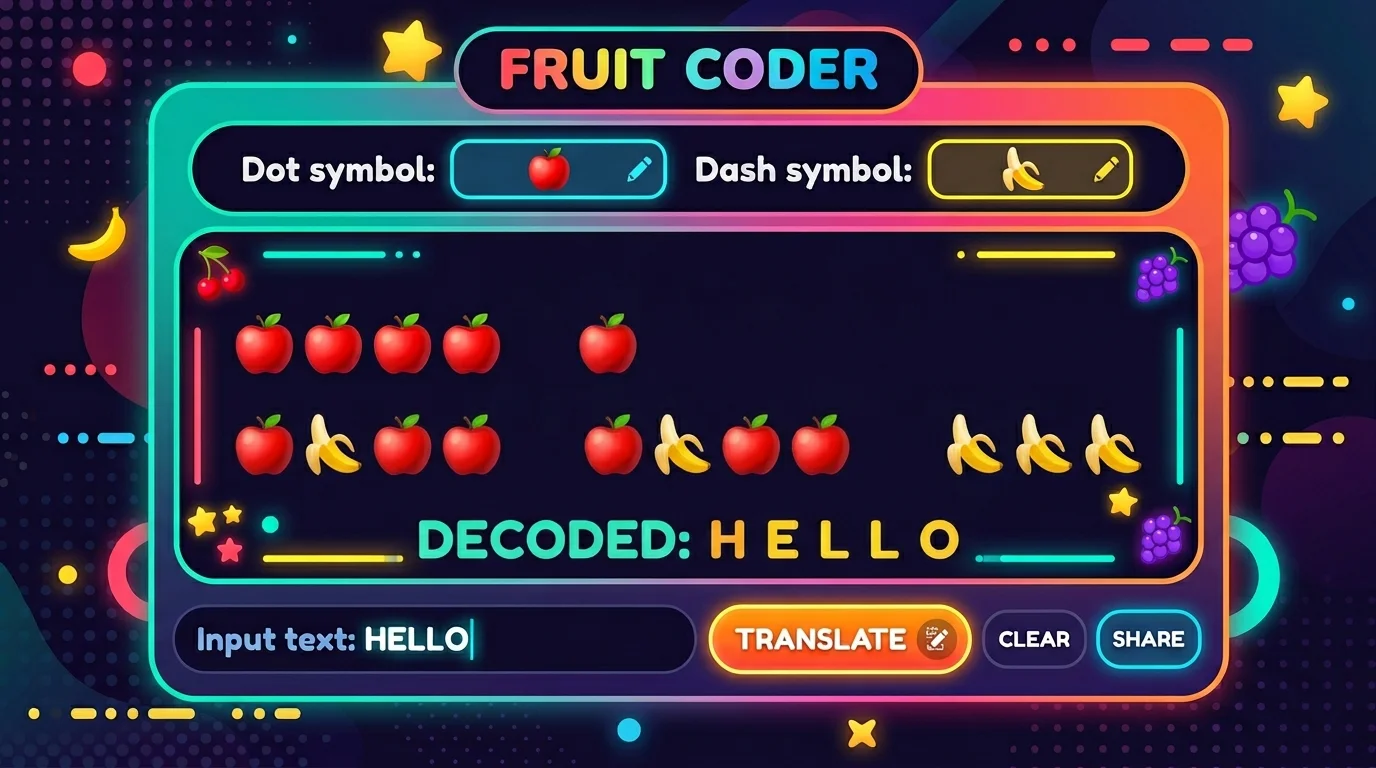
Use 🍎 for dots and 🍌 for dashes to create shareable fruit ciphers for social media — the tool handles the symbol substitution instantly.
Output updates in real time as you type — no submit button, no page reload. All translation logic runs entirely in your browser with zero latency and zero data sent to any server.
Built-in Morse code chart covers the full alphabet (A–Z), digits (0–9), and common punctuation. Collapse or expand it anytime as a quick lookup table while translating.
Three steps to convert text to Morse code — or decode Morse code back to text — with optional audio and visual playback.
Type or paste your input into the tool below. For text-to-Morse mode, enter plain English letters, numbers, or punctuation. For Morse-to-text mode, enter dots (.) and dashes (-) with spaces between letters and a forward slash (/) between words.
Click Advanced Options to adjust the frequency (tone pitch) and WPM speed of audio playback. To use custom symbols, replace the dot or dash characters with any emoji or text of your choice. The preview updates instantly.
Standard amateur radio practice uses 600–800 Hz at 20 WPM. For beginners, lower the speed to 5–10 WPM to hear each character clearly before increasing the pace.
Your Morse code translation appears instantly in the output box. Click Play to hear the audio beeps, click Flash Signal to see the visual light indicator, or click Copy to send the result to your clipboard.
Beyond basic text conversion, this Morse code translator includes audio playback, visual signaling, and custom symbol output to cover every use case.
Encode any English text into Morse code or decode any Morse sequence back to plain text — both directions work instantly as you type. It handles letter spacing (single space), word spacing (/ slash), and punctuation automatically. No format knowledge required.
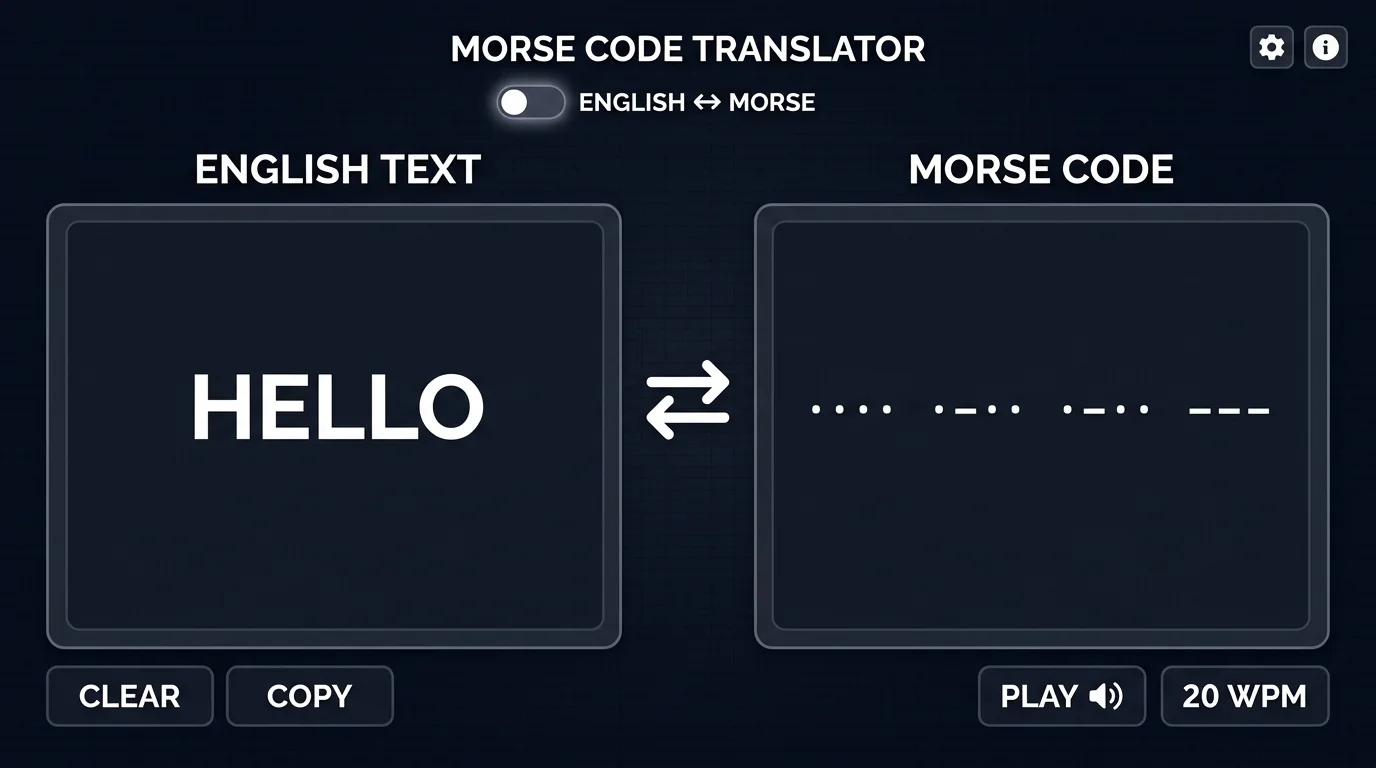
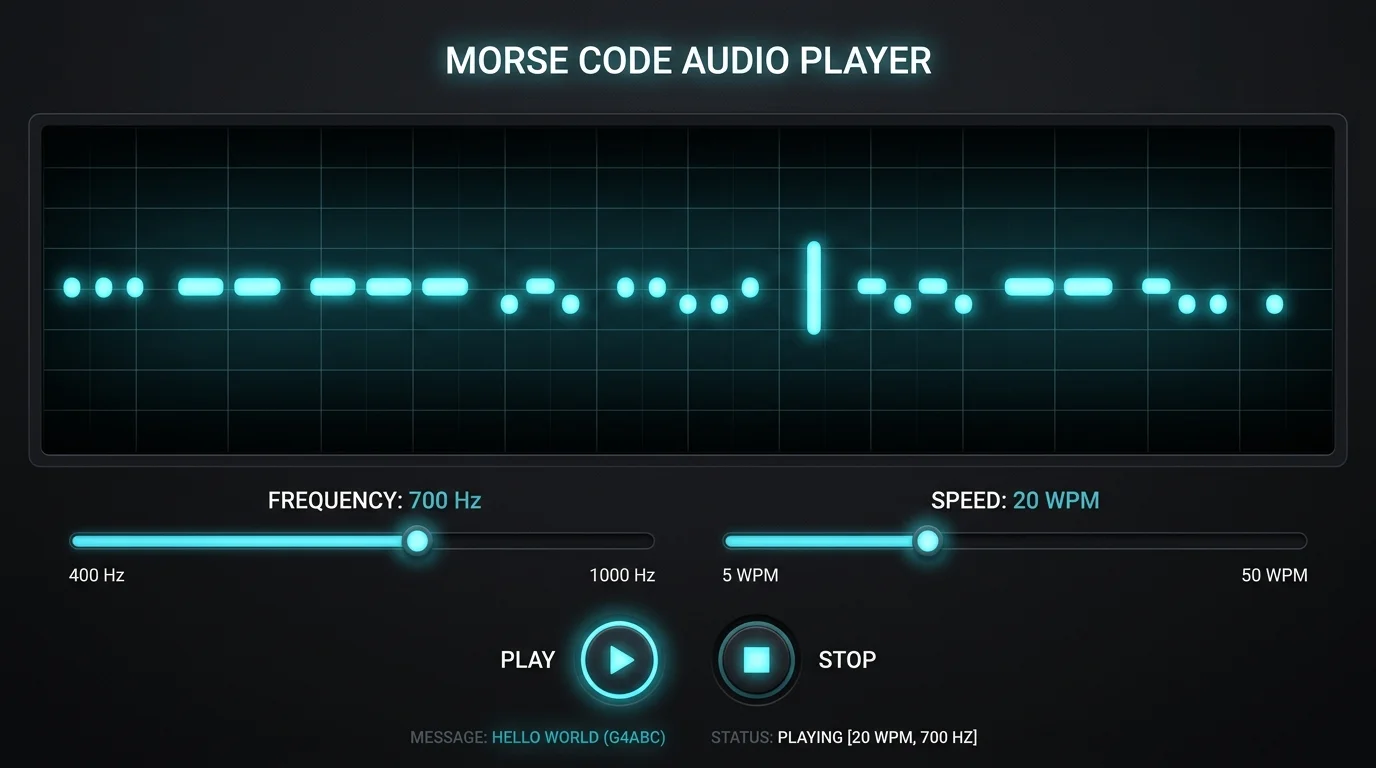
Turn your Morse code into real audio beeps using the Web Audio API built into your browser. Set the frequency anywhere from 300 Hz to 1200 Hz and adjust playback speed from 5 WPM (beginner) to 40 WPM (advanced). Each dit and dah tone is precisely timed to match standard radio conventions.
Replace the standard dot (.) and dash (-) with any character you choose. Swap them for fruit emoji, hearts, or any symbol to create a personal cipher that looks completely different from standard Morse code but encodes the same message. The substitution updates instantly — paste the result anywhere on social media.
From basic bidirectional translation to audio playback and custom symbols, here is everything this Morse code translator includes.
Toggle between Text → Morse and Morse Code → Text mode with one click. It handles all spacing rules automatically — no need to know the format conventions. Just type or paste your input and the result appears instantly.
Hear your Morse code as real dit-dah beeps generated directly in your browser using the Web Audio API. Adjust frequency from 300 Hz to 1200 Hz and speed from 5 WPM to 40 WPM. Designed for both casual learning and ham radio practice.
A built-in signal light flashes in sync with your Morse code for visual learning and silent demonstrations. The custom symbol panel lets you replace dots and dashes with any text or emoji, turning standard Morse code into a personalized shareable cipher.
Common questions about using this Morse code translator, Morse code rules, and audio playback.
A Morse code translator is an online tool that converts plain text into Morse code sequences (dots and dashes), or decodes Morse code back into readable text. It supports the full International Morse Code standard, including letters A–Z, digits 0–9, and common punctuation marks, with real-time translation and audio playback.
Switch to 'Morse Code → Text' mode, then type or paste your Morse code using dots (.) and dashes (-). Separate letters with a single space and words with a forward slash (/). The translator decodes every character to readable text instantly as you type.
In International Morse Code: dots (.) represent short signals, dashes (-) represent long signals (3× the length of a dot). Within a character, symbols are written with no separator. Between letters, use a single space. Between words, use a forward slash (/). For example: HELLO WORLD encodes as ···· · ·-·· ·-·· --- / ·-- --- ·-·· -··
Yes. Click the Play button after entering text to hear your Morse code as real beep sounds generated by the Web Audio API in your browser. You can adjust the tone frequency (pitch) and playback speed (WPM) in the Advanced Options panel. No plugins or downloads are required.
WPM stands for Words Per Minute. In Morse code, WPM is the standard measurement of transmission speed, based on how many times the word PARIS (a standard calibration word) can be sent per minute. Beginners typically start at 5–10 WPM; licensed amateur radio operators often operate above 20 WPM.
SOS in Morse code is ··· --- ··· (three dots, three dashes, three dots). It was chosen as the international distress signal in 1906 because it is simple, distinctive, and easy to transmit even in an emergency. SOS does not stand for 'Save Our Souls' — it was chosen purely for its simplicity in Morse code.
Yes. The custom symbols feature lets you replace the dot (.) with any character or emoji, and the dash (-) with any other character. For example, use 🍎 as a dot and 🍌 as a dash to create a shareable emoji cipher. The underlying Morse code logic remains identical — only the display symbols change.
Yes, completely free with no account required, no usage limits, and no hidden costs. All Morse code translation, audio playback, and visual flashing runs entirely in your browser — your text is never sent to any server.
No signup needed. No downloads required.
Just type your text and get instant Morse code translation with audio.
100% Free · No Signup · Works in Browser