Invisible regex behavior
Highlighted spans make greedy quantifiers, anchors, and escaped characters easier to verify.
Free Developer Tool
Debug a pattern against real text in real time. Toggle global, case insensitive, multiline, and dotAll flags, then inspect every match, group, count, and position without uploading data.
Make regular expressions visible before they reach code, logs, validation rules, or production data.
Highlighted spans make greedy quantifiers, anchors, and escaped characters easier to verify.
Capture groups appear beside each match, making parsers, validators, and extraction scripts easier to debug.
Private logs, emails, API responses, and test strings can be checked locally in the browser.
Live highlighting, flags, capture groups, positions, match counts, and templates sit in one focused tool.
Highlighted spans update as soon as the pattern, flags, or test text changes.
Toggle global, case insensitive, multiline, and dotAll flags without rewriting the regex literal.
See numbered and named capture groups for each match, including positions when the browser supports match indices.
Review total matches, full match text, and start-end offsets for quick parser debugging.
Load email, URL, phone, date, and IP address regex templates with sample text in one click.
The JavaScript RegExp engine runs in your browser and does not upload pasted text.
The workflow follows the short debug loop developers use all day: paste, toggle, inspect, and refine.
Paste only the pattern body, then use the flag toggles to control global, case insensitive, multiline, or dotAll matching.
Add logs, validation examples, sample input, or copied content. Matches highlight immediately.
Review the count, start-end positions, full match text, and capture groups before copying the final pattern.
Use this workflow for validation, extraction, and quick pattern reuse without switching tools.
Watch each matched span update while you refine anchors, quantifiers, and character classes.
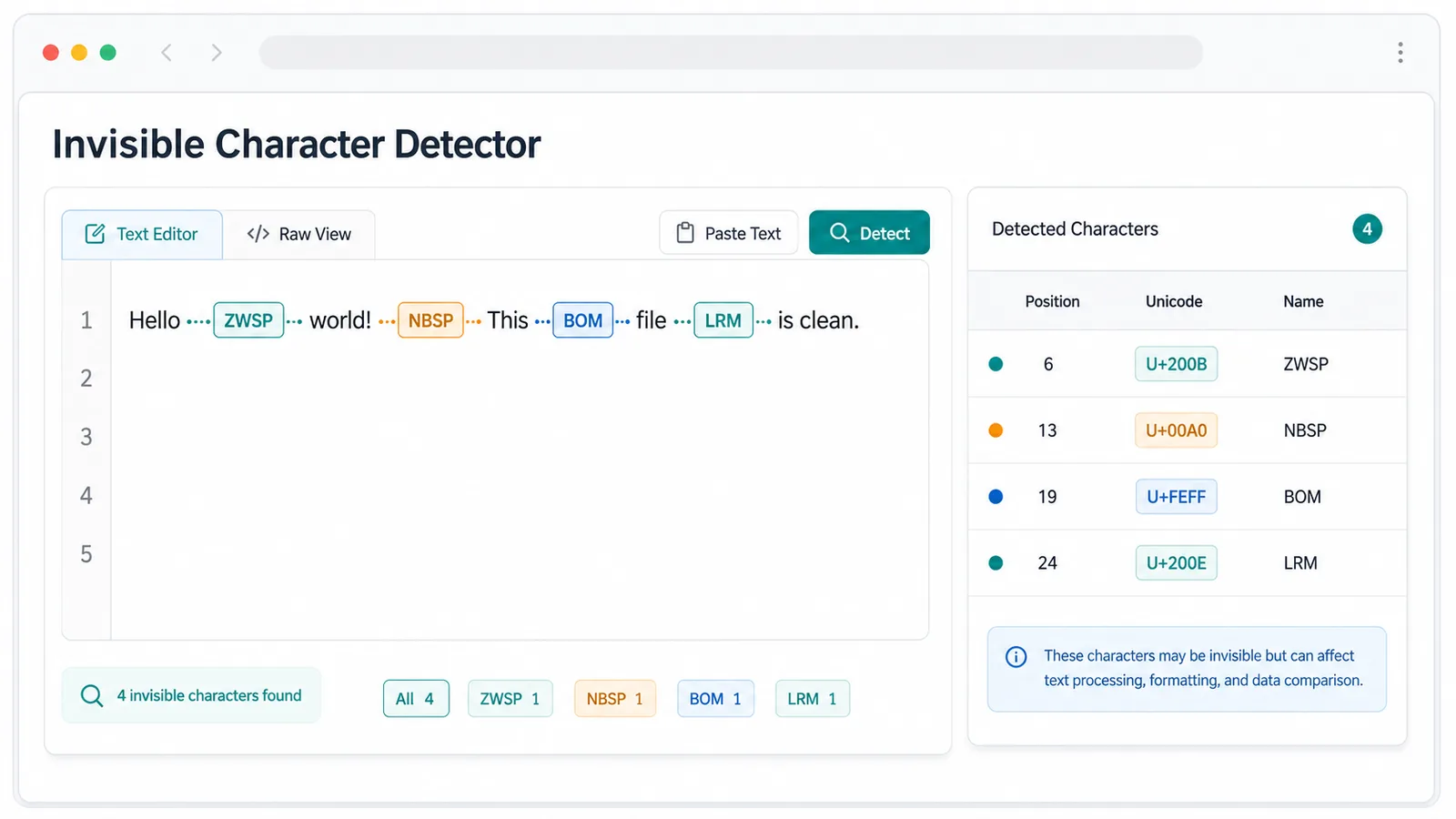
Inspect every match with numbered groups, named groups, and start-end positions.
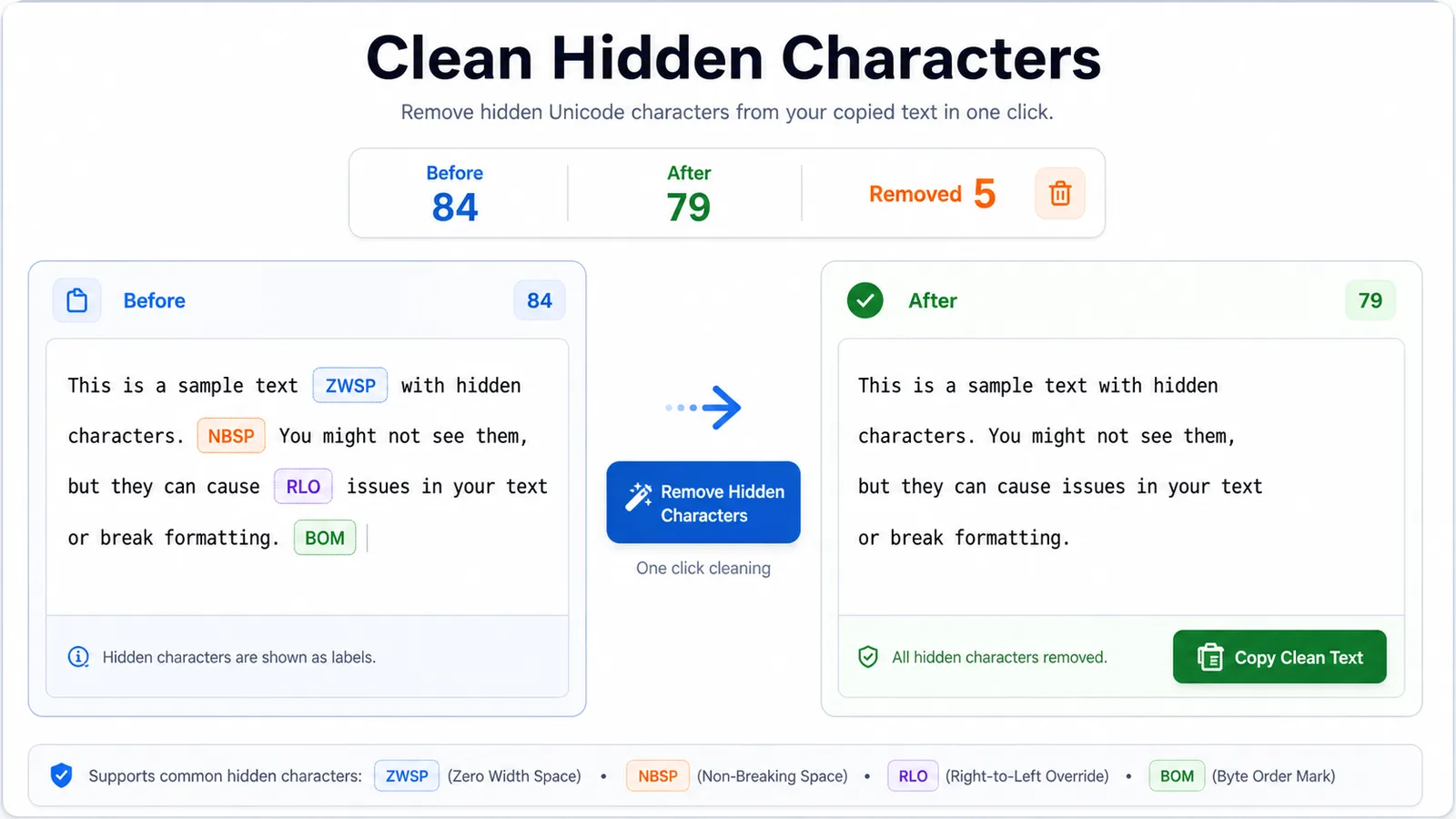
Load email, URL, phone, date, and IP address patterns, then adapt them to your project.
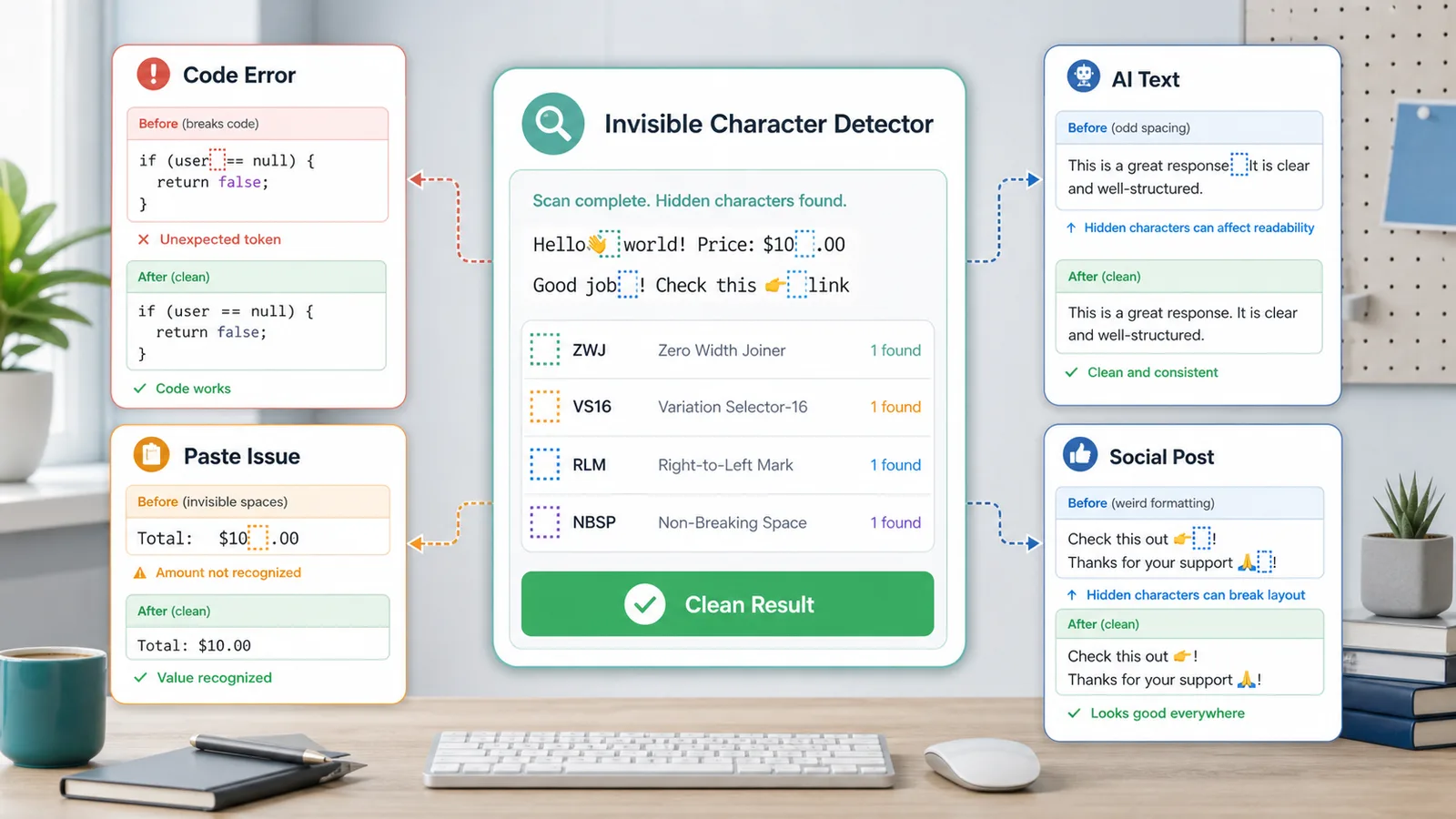
Useful wherever pattern correctness matters before code ships.
Test email, URL, phone, date, and ID validators before wiring them into a frontend form.
Extract IDs, timestamps, paths, and error messages from copied logs with visible match positions.
Find repeated patterns, unusual separators, and structured snippets before writing replacement code.
Common questions about flags, capture groups, matching behavior, and privacy.
It highlights matches, counts them, shows start-end positions, and lists capture groups for each match.
No. Matching uses the browser JavaScript RegExp engine, so pasted text is processed locally.
Regex Tester supports global, case insensitive, multiline, and dotAll flags through simple toggles.
Yes. Numbered and named capture groups appear for every match, with positions when supported by the browser.
Paste a pattern and sample text, choose flags, then inspect highlighted matches, capture groups, counts, and positions.
Free forever - browser-only regex tool.