Design export bloat
Clean metadata, comments, editor attributes, hidden elements, and empty groups from SVG files exported by design tools.
Free Developer Tool
Paste SVG code or upload an SVG file. SVG Optimizer removes export bloat, preserves viewBox, compares file size, and lets you copy or download the optimized SVG.
SVG Optimizer helps when exported icons contain extra design-app data that slows review and bloats icon libraries.
Clean metadata, comments, editor attributes, hidden elements, and empty groups from SVG files exported by design tools.
Keep SVG Optimizer handy when normalizing many icons before adding them to a shared frontend package.
Use SVG Optimizer in the browser so unreleased logos, UI icons, and product artwork stay local.
SVG Optimizer combines structural cleanup, path compression, precision control, byte comparison, copy, and download in one browser workflow.
Add raw SVG code directly or load an .svg file, then optimize without server upload.
Strip metadata, comments, hidden elements, unused editor attributes, and empty groups that do not belong in production icons.
Round path data, coordinates, transforms, opacity, and other numeric attributes to your chosen precision.
SVG Optimizer keeps viewBox and required root attributes so responsive icons remain scalable.
See original size, optimized size, saved bytes, and reduction percentage before exporting.
Copy the optimized SVG for code review or download a clean .svg file for your asset pipeline.
The SVG Optimizer workflow is paste or upload, choose cleanup rules, inspect savings, then copy or download.
Put SVG markup into the editor or upload an .svg file from your device.
Toggle metadata, comments, hidden elements, unused attributes, empty groups, whitespace, and numeric precision.
Check before and after byte counts plus the removed-item summary before using the result.
Copy the optimized SVG into your project or download a clean .svg file.
Use SVG Optimizer for everyday SVG cleanup, precision tuning, and library handoff.
Paste exported SVG markup and remove metadata, comments, hidden elements, editor attributes, and empty groups.
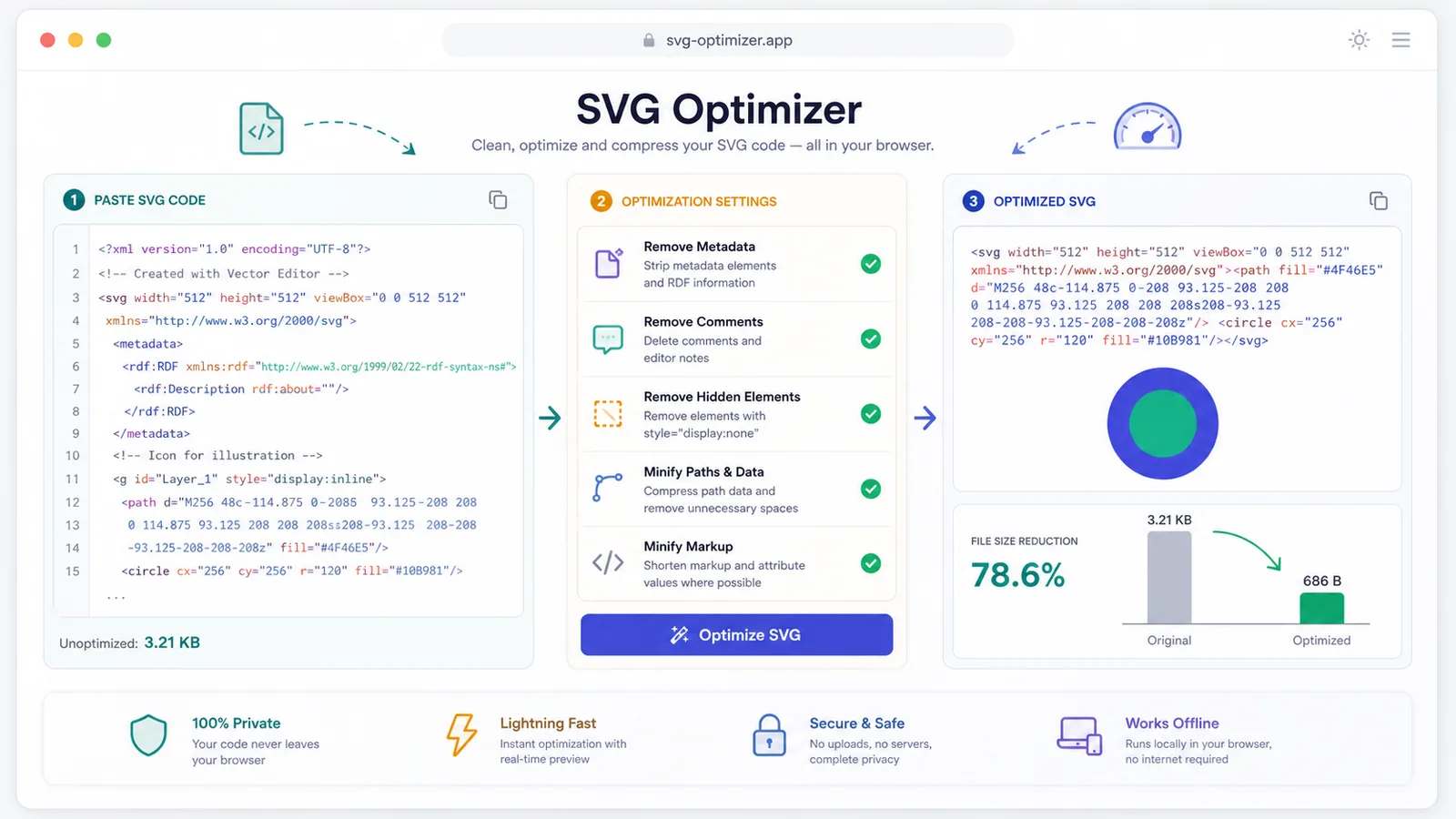
Compress path data and numeric values while preserving viewBox so icons stay responsive.
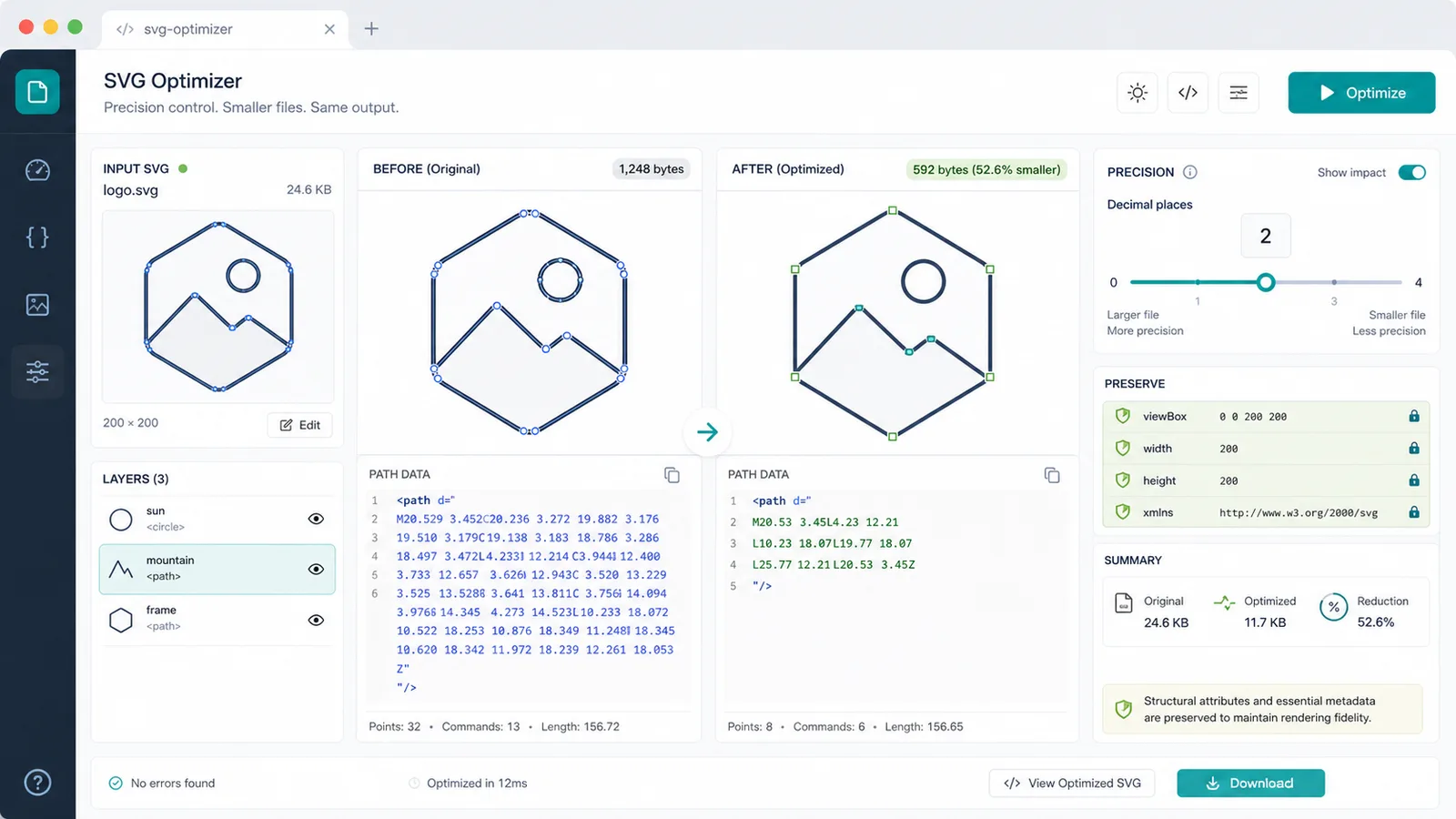
Compare file sizes, copy optimized SVG code, or download a clean file for your icon library.
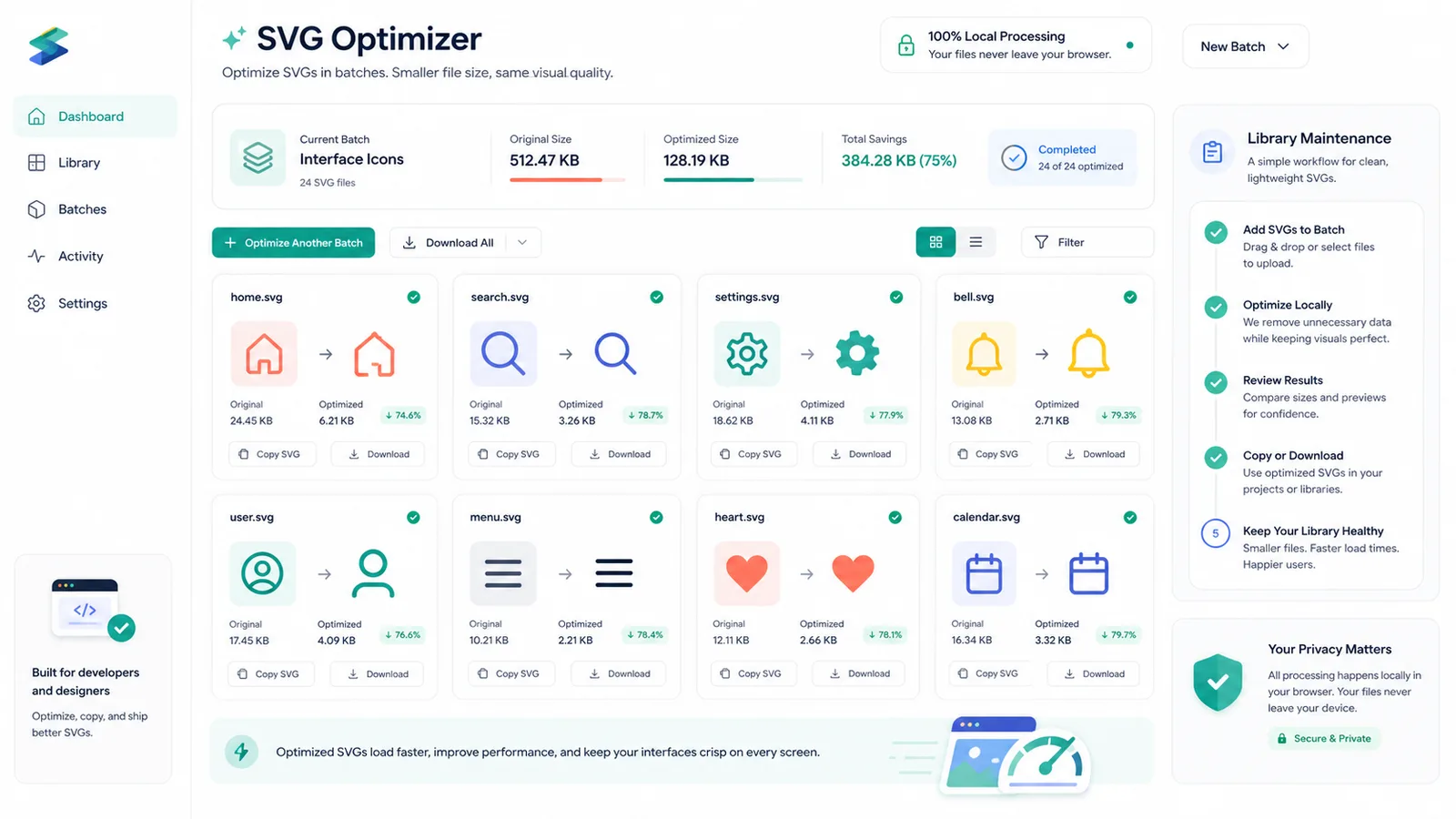
SVG Optimizer is built for frontend developers, designers, and icon library maintainers who need clean production SVG.
Prepare SVG icons for React, Astro, CSS sprites, docs, and component libraries.
Clean design-app exports before handing SVG files to engineering.
Standardize precision, remove clutter, and compare SVG sizes before publishing a shared icon set.
Common questions about SVG cleanup, path compression, viewBox preservation, and local processing.
No. SVG Optimizer parses, cleans, compresses, copies, and downloads SVG in your browser.
Yes. The tool preserves viewBox and restores it if a cleanup pass would remove it.
It can remove metadata, title, desc, comments, hidden elements, unused editor attributes, empty attributes, unreferenced IDs, and empty groups.
Very complex SVG can depend on external CSS, IDs, scripts, or metadata. Review the optimized output and keep precision higher for detailed artwork.
Paste SVG code, remove export bloat, preserve viewBox, compare file size, and copy or download the optimized SVG.
Free forever - browser-only SVG optimization tool.