Spreadsheet exports need APIs
Turn CSV rows from Excel, Sheets, CRMs, or reports into JSON arrays that can move into API clients, fixtures, and scripts.
Free Developer Tool
Paste CSV text or upload a local file, then create formatted or compact JSON arrays with header mapping and type detection.
Remove the slow cleanup between spreadsheet exports and JSON-ready data.
Turn CSV rows from Excel, Sheets, CRMs, or reports into JSON arrays that can move into API clients, fixtures, and scripts.
Choose whether the first row becomes field names, then keep or remove empty fields depending on the payload you need.
Pasted text and uploaded files are read in the browser so customer lists and internal exports are not uploaded.
Control headers, type detection, empty values, formatting, compression, copy, and download in one browser tool.
Paste copied CSV text from a spreadsheet export or upload a local .csv file. The file is read by the browser, so the conversion starts immediately without a server handoff.
Use the first row as field names for JSON objects, or turn off headers when the first row should stay as data and each row should become an array.
Automatically convert numeric values, true and false, null, and blank cells into JSON-friendly values. Turn this off when every cell must remain a string.
Keep blank fields for stable schemas, templates, and imports that expect every column, or remove them when you want smaller object payloads.
Pretty-print JSON for review or compress JSON for transport, fixtures, and API request bodies.
Copy the current JSON output or download a .json file for development, operations, and data handoff.
The workflow is short: add CSV, choose conversion rules, then export JSON.
Add CSV text from a spreadsheet, database export, marketing list, or operations report, or choose a local .csv file.
Enable first-row headers for objects, turn type detection on or off, and decide whether empty fields should stay in the output.
Review the formatted JSON, switch to compressed JSON when needed, then copy or download a .json file.
Use this workflow for developer fixtures, data operations, and spreadsheet-to-API handoff.
Paste spreadsheet rows and create a clean JSON array for scripts, API calls, and app prototypes.
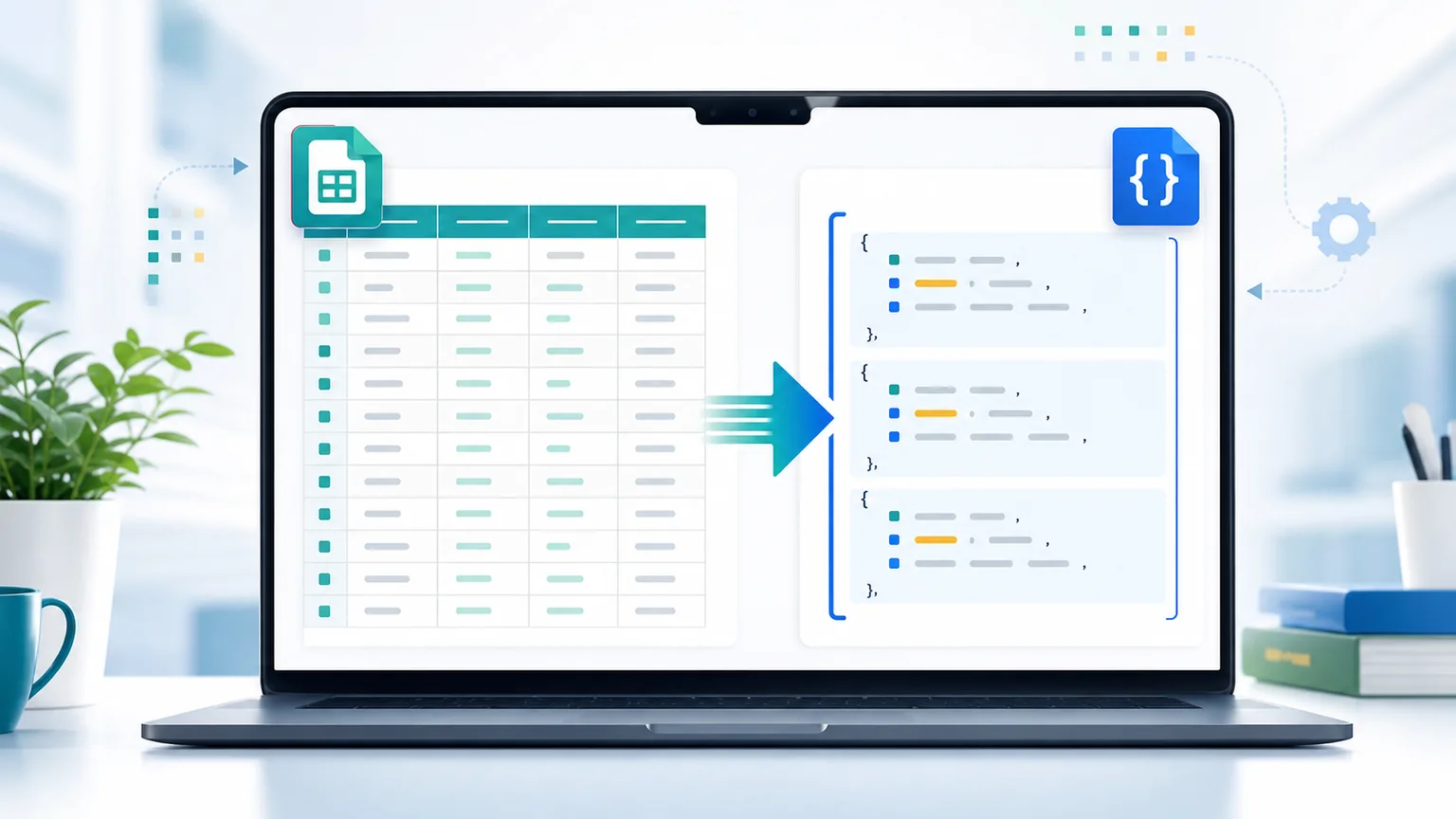
Keep the first row as object keys so exported customer, product, or analytics columns become named JSON properties.
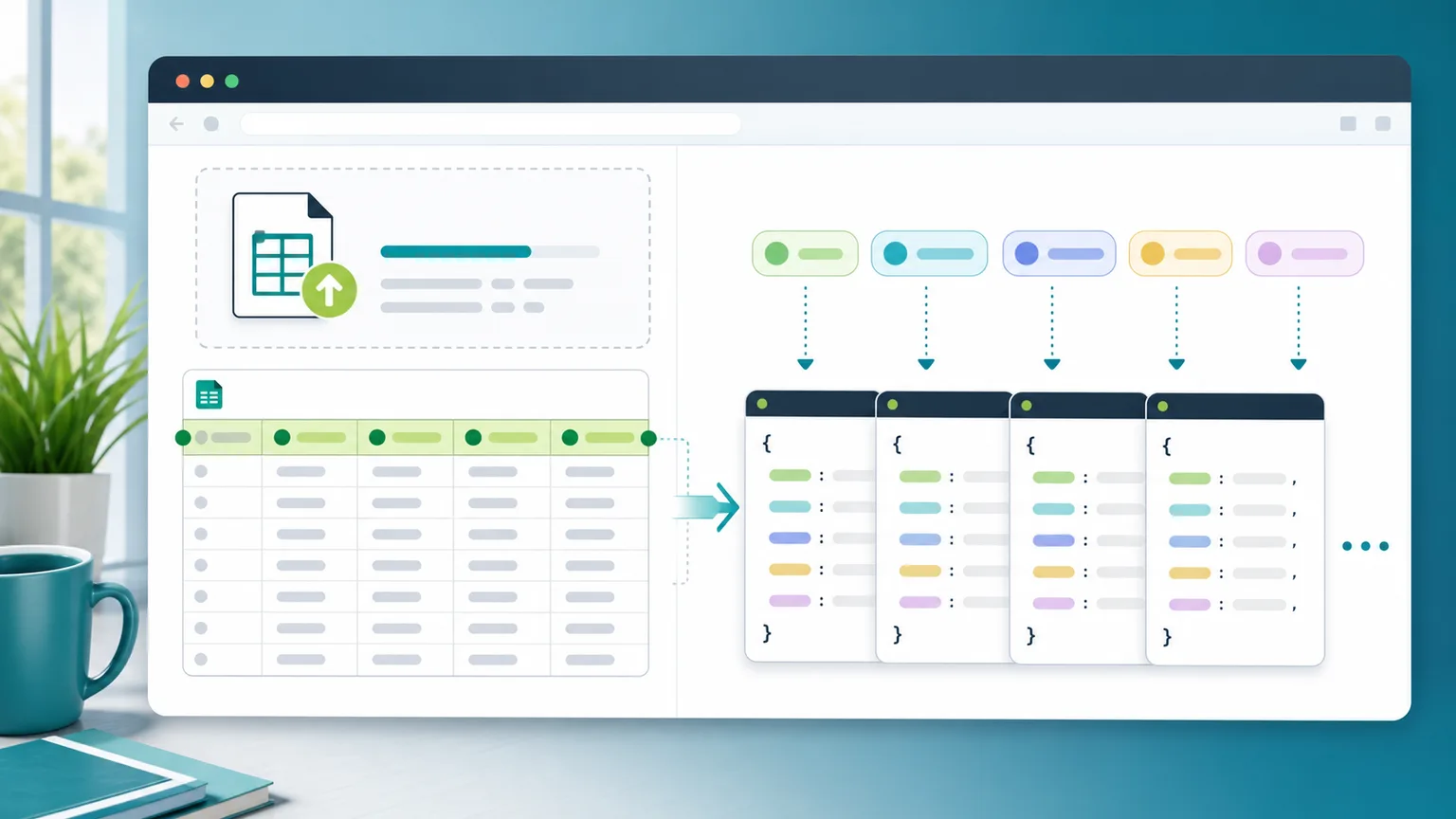
Detect numbers, booleans, and nulls, then copy or download JSON that is easier to consume in code.
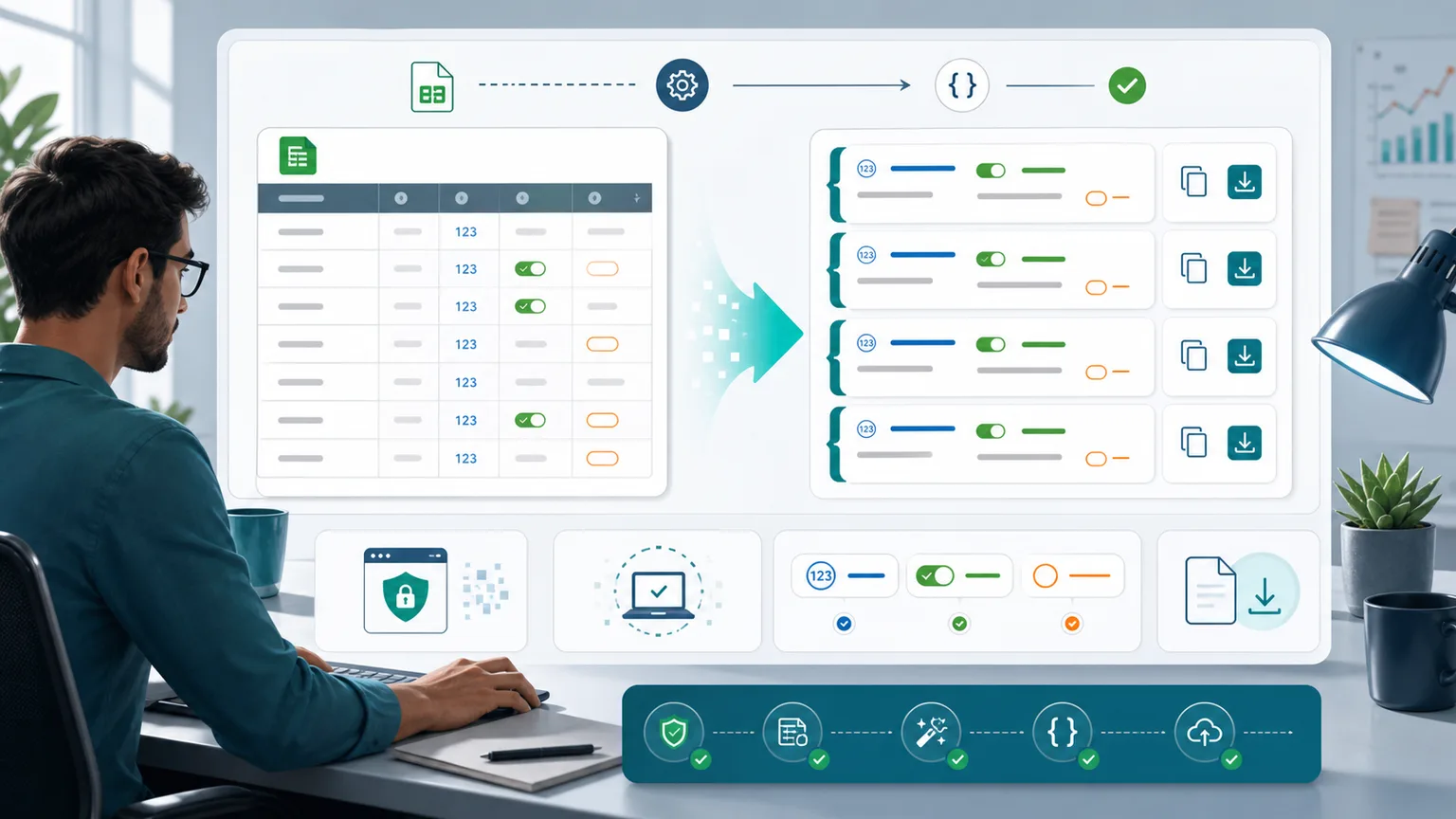
Developers, data processors, and operators can move table data into JSON workflows without extra setup.
Create sample JSON arrays for tests, demos, seed data, and REST client requests.
Convert CRM, campaign, inventory, or spreadsheet exports before sharing them with technical teams.
Normalize empty cells and simple value types before importing CSV data into low-code tools or APIs.
Common questions about CSV parsing, header rows, type detection, empty fields, and JSON export.
With headers enabled, it outputs a JSON array of objects. With headers disabled, it outputs a JSON array of arrays and includes the first CSV row as data.
No. Uploaded CSV files are read with browser APIs and converted locally on your device.
Yes. The parser supports quoted CSV fields, escaped double quotes, commas inside quotes, and common newline formats, which covers the everyday CSV exports people copy from spreadsheet and reporting tools.
Type detection converts numbers, true and false, null, and empty cells into JSON values instead of keeping every cell as a string.
Paste CSV, convert rows into JSON arrays, choose header and type rules, then copy or download a .json file in seconds.
Free forever - browser-only CSV conversion.