Type English on the left or symbols on the right. Translation updates both ways in real time.
Three quick steps to encode your text with Symbol Language Translator.
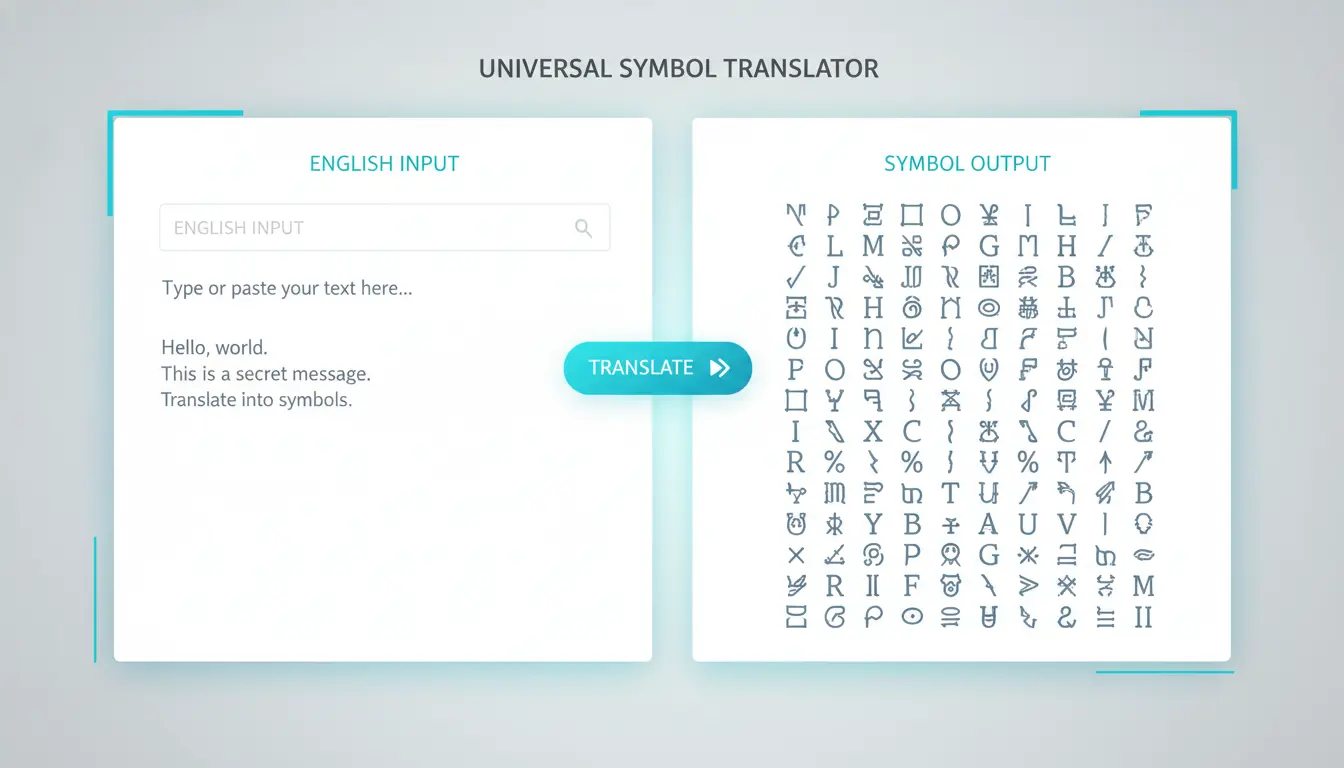
See symbol output instantly on the right side with no extra clicks.
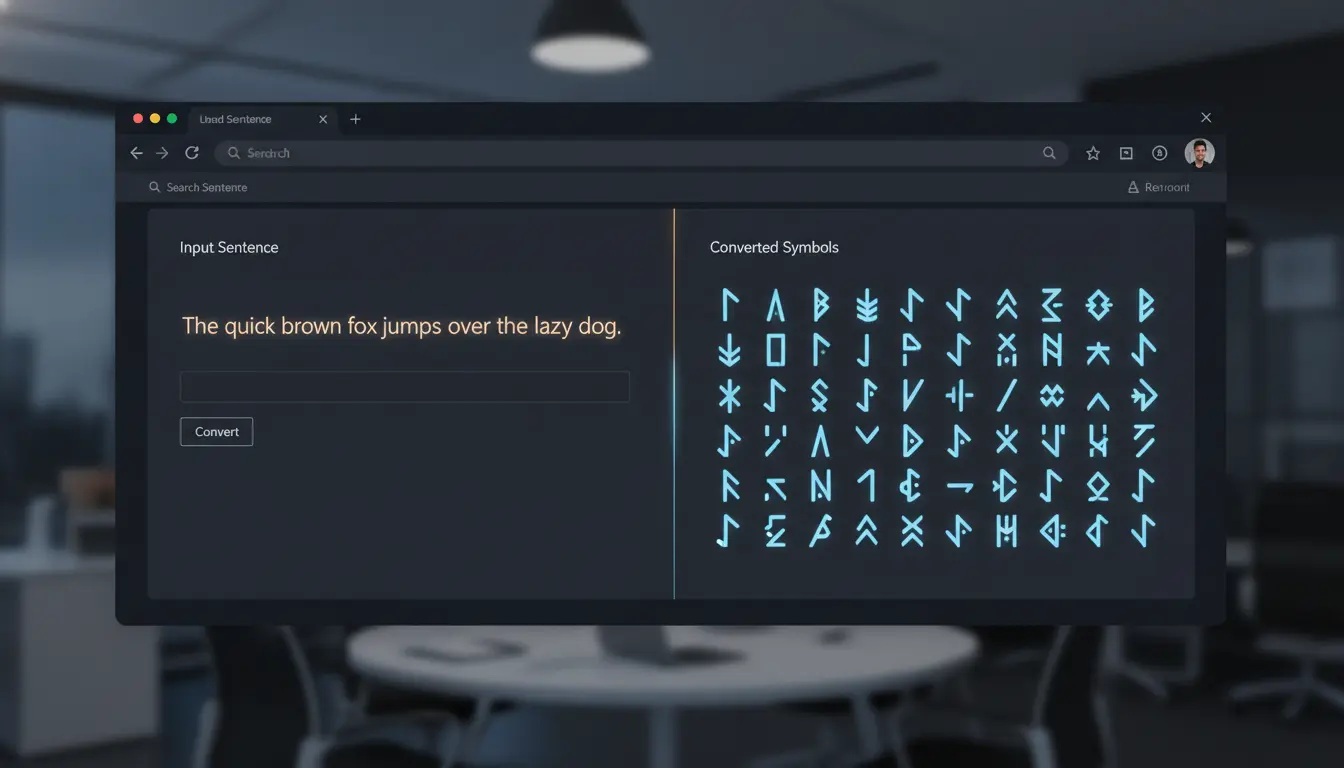
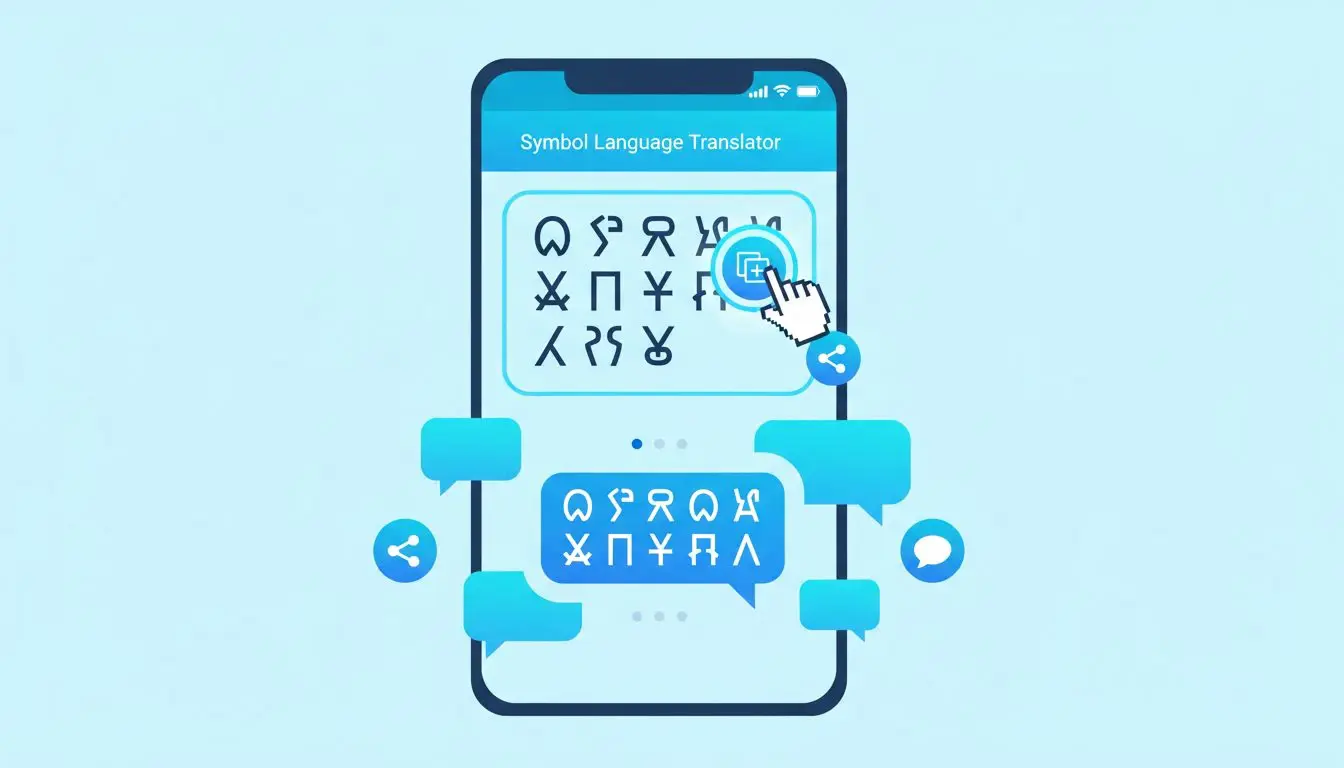
Everything you need for fast, private, reversible symbol translation.
Type and see symbols instantly, with no button clicks needed.
Paste symbols back to decode the original English message.
Mobile-friendly layout that works in modern browsers on phones, tablets, and desktops.
Everything runs locally in your browser with zero server calls.
Based on Mac Option-key characters for a distinct visual style.
Copy translated symbol output to your clipboard instantly.
Common ways people use Symbol Language Translator every day.
Pass coded messages to friends that others cannot read at a glance.
Create a unique, eye-catching username using symbol characters.
Add mysterious flair to stories, poems, or social media bios.
Write a heartfelt message in symbols for someone to decode.
Answers to common questions about symbol encoding and decoding.
Yes. Paste your symbols into the right box and the English appears on the left automatically.
Yes, the translator is fully responsive and works on all modern browsers.
No. All translation happens in your browser. Nothing is sent to any server.
A few uppercase and lowercase pairs share the same symbol (for example, E and e both map to ´). This is a limitation of the character set.
Yes. The symbols are standard Unicode characters supported by most platforms including Instagram, Twitter/X, Discord, and WhatsApp.
All 26 lowercase letters, 26 uppercase letters, digits 0-9, and common punctuation marks (! @ # $ % ^ & * ( ) , . / < > ?).
100% Free · No Signup Required · Works in Browser
