Free DIY Copybook Generator

DIY Copybook
Generator

The free DIY copybook generator that turns any text into printable tracing worksheets. Pick a grid template, choose your tracing style, and print A4 sheets for Chinese, English, Japanese, or Korean — no login, no upload, no cost.

Why Parents Are Done Buying Printed Workbooks

Store-bought copybooks are expensive, generic, and impossible to customize. A free DIY copybook generator solves all three problems instantly.

Fixed Content, Zero Flexibility

Printed copybooks cannot be changed once purchased. Your child moves past a lesson, repeats a mistake, or needs their own name practiced — and there is no way to update the content. A DIY copybook generator rolls with every learning stage.
High Cost, Low Frequency of Use

Quality handwriting workbooks cost $10–$30 each and are often discarded after a single use. Generating a personalized DIY copybook on demand costs nothing and wastes no paper on exercises your child has already mastered.

No Multi-Language Support

Most store workbooks cover one language. Families with children learning Chinese, English, Japanese, or Korean in parallel need a flexible DIY copybook that handles all scripts from a single tool.

DIY Copybook Generator

Type your text, pick a template, and print

Settings auto-saved
Preview (Printable)
Type something above to generate your DIY copybook

Everything a Great DIY Copybook Needs

From Chinese calligraphy drills to English penmanship sheets, the DIY copybook generator covers every use case your child encounters.

Multi-Language Ready

Generate a DIY copybook for Simplified Chinese, Traditional Chinese, English, Japanese kana, Korean hangul, or any Unicode script — just type and go.

Four Grid Templates

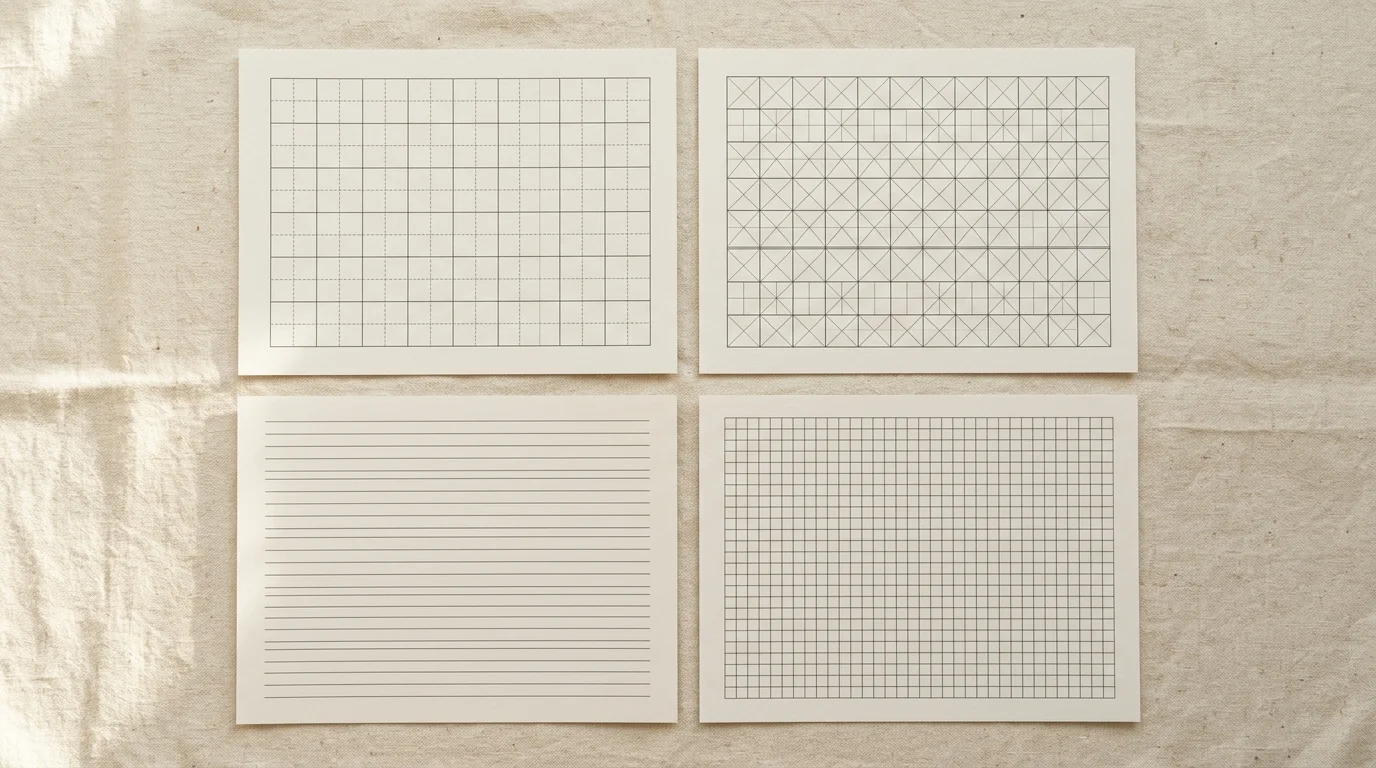
Choose Tian Zi Ge (田字格), Mi Zi Ge (米字格), English Four-Line, or blank board. Every DIY copybook template matches official school standards.

Hollow & Light Tracing Styles

Switch between hollow outline characters and soft light-fill guides. Both styles are printer-friendly and proven effective for tracing practice.

One-Click Print to A4 / Letter

Hit Print and the browser renders a clean A4 or Letter page. The DIY copybook preview hides all UI controls so only the worksheet reaches the printer.

Settings Auto-Saved Locally

Template, style, size, and layout preferences are saved in your browser via LocalStorage. Reopen the DIY copybook generator and your last session is instantly restored.

100% Private — Nothing Uploaded

All rendering happens inside your browser. Your child's practice words never leave the device, making this DIY copybook generator fully COPPA-compliant by design.

How to Make a DIY Copybook in 3 Steps

From blank page to printed worksheet in under a minute.

01

Type Your Text

Enter any words, characters, or sentences in the text box. The DIY copybook generator supports any Unicode script — Chinese, English, Japanese, Korean, and more.

  • Use Your child's own name or favorite words for extra motivation
  • Blend multiple languages in one session if needed
💡 Pro Tip:Short phrases of 4–8 characters keep each row focused and easy to follow.
02

Pick a Template and Style

Select a paper grid (Tian Zi Ge, Mi Zi Ge, English Four-Line, or Blank) and a tracing style (Hollow or Light Fill). Adjust character size, columns, and practice rows to fit your paper.

  • Tian Zi Ge and Mi Zi Ge are recognized by Chinese school curricula
  • Hollow style uses less printer ink than solid-fill options
💡 Pro Tip:Set Character Size to 80 and Columns to 8 for a standard A4 Chinese DIY copybook.
03

Print or Save as PDF

Click 'Print / Save as PDF' to open the browser print dialog. Select A4 or Letter paper, disable headers and footers, and print. Your DIY copybook is ready in seconds.

  • Use 'Save as PDF' in the print dialog to create a digital copy
  • Disable background graphics in print settings to save ink
💡 Pro Tip:Print multiple copies of the same sheet so children can practice the same characters over several days.

A DIY Copybook for Every Learning Scenario

Whether drilling Chinese strokes, mastering English penmanship, or keeping homework cost-free — one generator handles it all.

Grid Templates Built for School Standards

Every template in the DIY copybook generator matches official school formatting. Tian Zi Ge for Chinese character structure, Mi Zi Ge for advanced stroke placement, English Four-Line for penmanship, and Blank Board for free-form practice.

DIY copybook grid templates — Tian Zi Ge, Mi Zi Ge, English four-line, and blank board examples side by side

Any Language, Any Script, One Tool

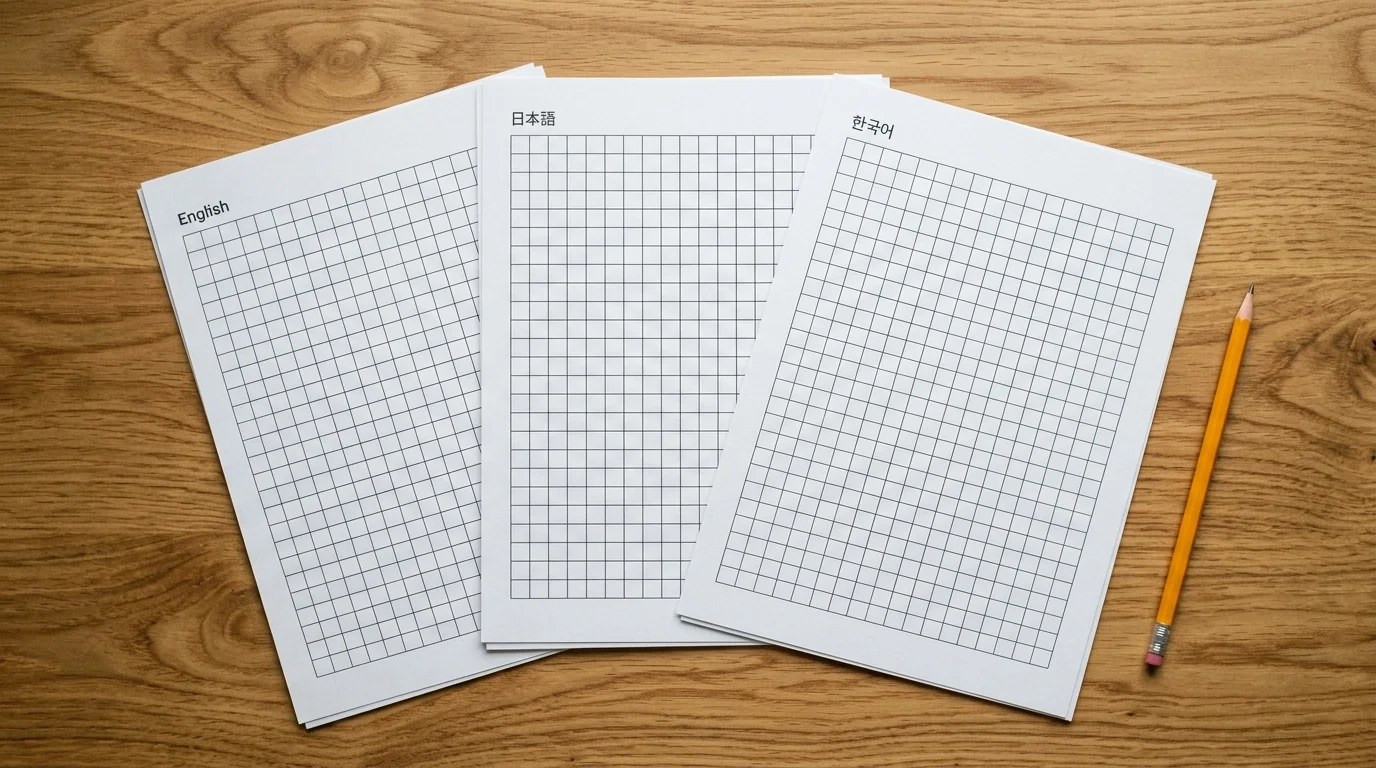
The DIY copybook generator renders whatever you type — Simplified Chinese, Traditional Chinese, hiragana, katakana, hangul, or English cursive. Switch languages mid-session and print a mixed bilingual worksheet in one click.

DIY copybook generator showing Chinese, English, Japanese, and Korean tracing worksheets in one interface

Print-Ready, Privacy-First, Zero Cost

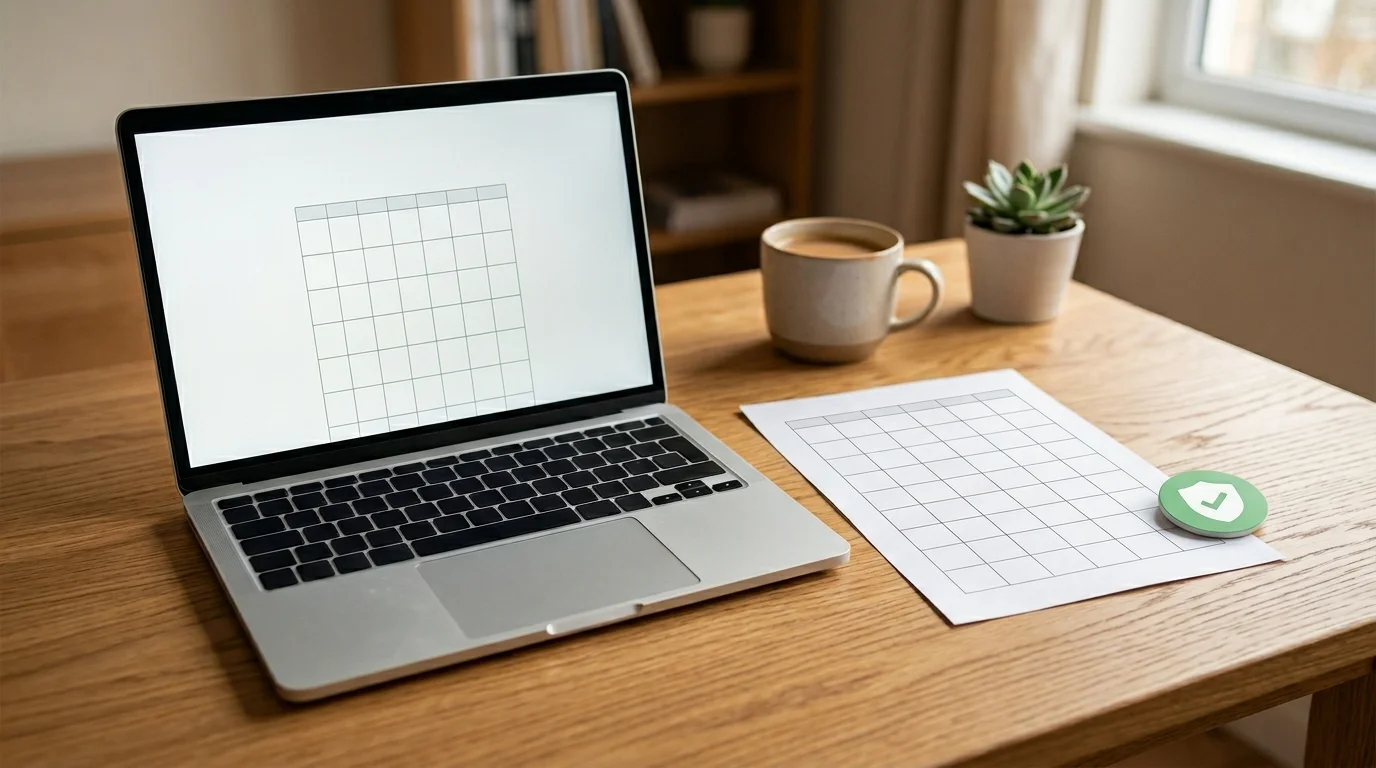
One click opens the browser print dialog with a clean A4 layout. No watermarks, no accounts, no cloud uploads. The DIY copybook generator processes everything locally so your family's data never leaves the device.

DIY copybook print preview with A4 layout and browser print dialog — no upload, privacy badge visible

DIY Copybook Generator — FAQ

Common questions about making your own printable tracing worksheets.

What is a DIY copybook generator?

A DIY copybook generator is a browser-based tool that turns text you type into printable handwriting worksheets. You choose a grid template (like Tian Zi Ge or English Four-Line), a tracing style (hollow or light-fill), and the character size, then print the result directly on A4 or Letter paper — no design software needed.

Which languages does the DIY copybook support?

The DIY copybook generator supports any language that uses Unicode characters, including Simplified and Traditional Chinese, English, Japanese (hiragana, katakana, kanji), Korean (hangul), and mathematical symbols. Simply type the characters you want and they appear in the copybook automatically.

What paper templates are available?

There are four paper templates: Tian Zi Ge (田字格) with a cross-divided square for Chinese stroke structure, Mi Zi Ge (米字格) with diagonal guides for advanced placement, English Four-Line for standard Western penmanship, and Blank Board for free-form practice on any script.

How do I print the DIY copybook?

Click the 'Print / Save as PDF' button. The browser print dialog opens with a clean A4-formatted worksheet. Select your printer, choose A4 or Letter paper, and click Print. To save a digital copy, choose 'Save as PDF' in the print dialog destination.

Does the DIY copybook upload my child's information?

No. Every operation in the DIY copybook generator runs entirely inside your web browser using JavaScript. No text you type is sent to any server. Your child's practice words, name, or school content stay on your device at all times.

Can I customize font size and tracing style?

Yes. You can adjust character size (small, medium, or large), select between hollow-outline and light-fill tracing styles, choose the number of columns per row, and set how many blank practice rows follow each model row. All settings are automatically saved in your browser.

Does it work on mobile and tablets?

Yes. The DIY copybook generator works in any modern browser including mobile Safari and Chrome. For printing, a tablet or computer connected to a printer gives the best result. The preview area is scrollable on smaller screens.

Is the DIY copybook generator completely free?

Completely free, with no account required and no usage limits. Generate as many DIY copybook worksheets as you like, print as often as needed, and share the page URL with other parents or teachers.

Print Your First DIY Copybook in 60 Seconds

No registration. No download. Just type, style, and print.