NEWFree BMI Checker

BMI Checker

Check your Body Mass Index in seconds โ€” no signup, no data upload. Our BMI Checker supports metric and imperial units, shows your health category on a live color spectrum, and calculates your ideal weight range. Your data never leaves your browser.
cm
kg

๐Ÿ”’ Pure local calculation โ€” your health data never leaves this browser.

Your BMI Result

Enter your height and weight above to see your BMI result instantly.

BMI History (Last 10 Records)

No history yet. Your BMI records will appear here after your first check.

Why You Need a BMI Checker Right Now

These are the three most common health questions our BMI Checker answers in seconds โ€” no doctor's visit required.

"Am I at a Healthy Weight?"

Most people rely on a vague sense of how they look, or outdated charts that don't account for height differences. A BMI Checker gives you a WHO-standard numeric score in seconds, converting your height and weight into an objective health indicator โ€” no guesswork involved.

"How Much Should I Weigh for My Height?"

Generic weight tables list ranges for average heights but rarely give a personalized answer. Our BMI Checker calculates your exact healthy weight range for your specific height, so you know the precise target โ€” not just a ballpark figure pulled from a population average.

"Is My BMI Going Up or Down Over Time?"

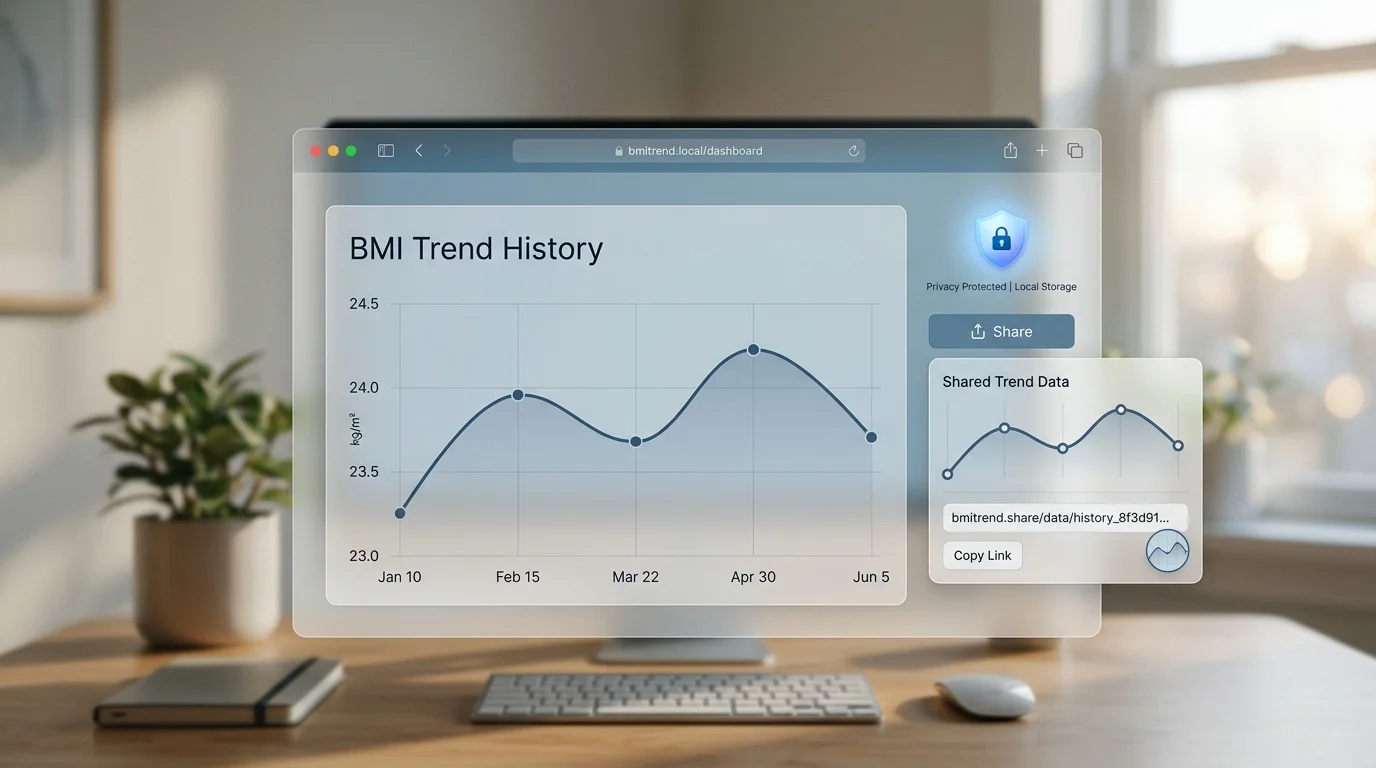
A single BMI reading tells you where you are today, but a trend tells you if your habits are working. Our BMI Checker saves the last ten records to your browser's local storage and plots them as a line chart โ€” giving you a personal health timeline without any account or cloud storage required.

What Makes This BMI Checker Different

Most online BMI calculators show one number and nothing else. Ours gives you the full picture โ€” dual units, health spectrum, ideal weight range, trend history, and privacy by design.

Dual-Unit Support

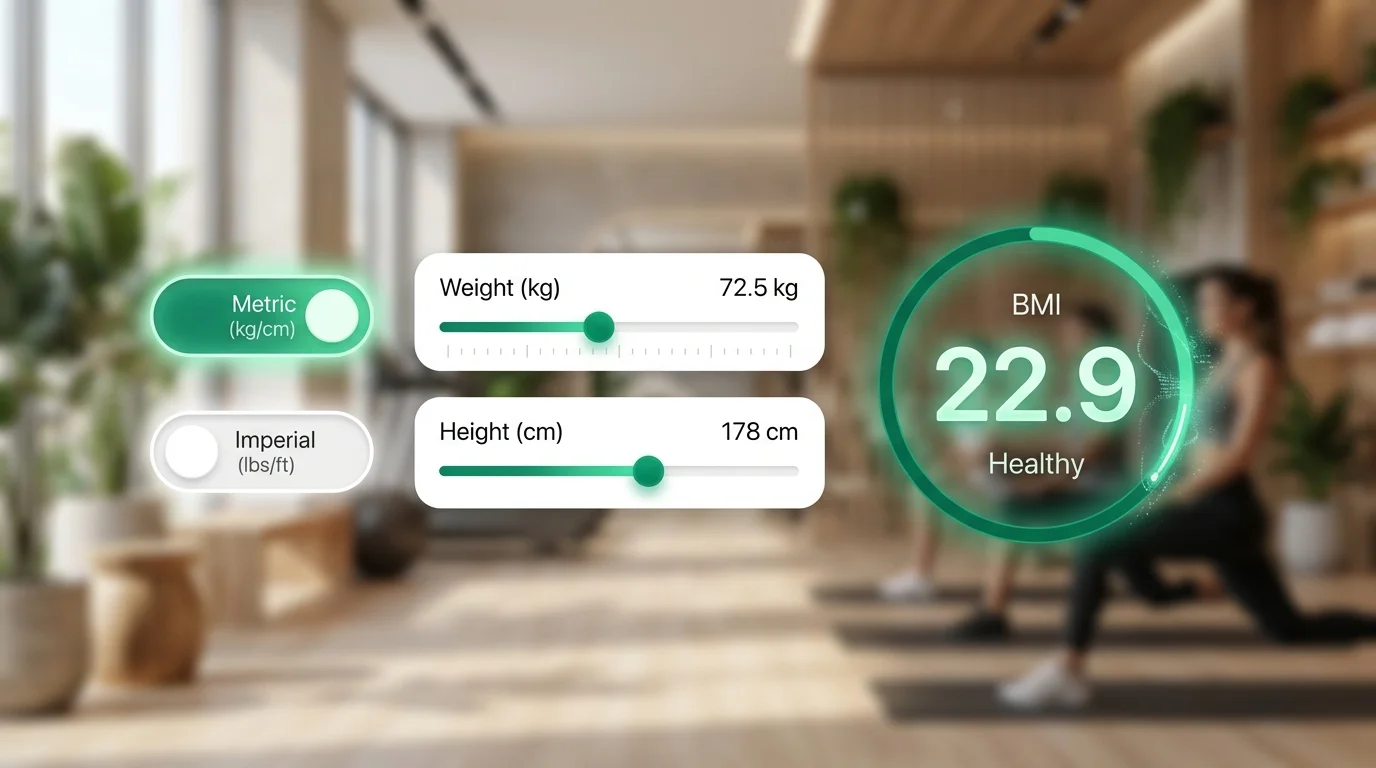
Switch instantly between metric (cm/kg) and imperial (ft/in/lbs) with a single tap. The BMI Checker recalculates your Body Mass Index in real time โ€” no page reload, no lost data.

Live Health Color Spectrum

See exactly where your BMI lands on a dynamic color bar โ€” blue for underweight, green for normal, orange for overweight, red for obese. The marker moves in real time as you type, making the BMI Checker a visual health dashboard.

Ideal Weight Range

The BMI Checker doesn't just score you โ€” it tells you your healthy weight target. For your exact height, it calculates the minimum and maximum weight that keeps your BMI within the WHO normal range of 18.5 to 24.9.

BMI Trend History

Your last ten BMI readings are saved locally in your browser and displayed as a line chart. Track progress over days, weeks, or months entirely offline โ€” the BMI Checker never sends your data to any server.

One-Click Result Sharing

Share your current BMI check via a URL that pre-fills height and weight values for the recipient, or save a clean result card as a PNG image using our BMI Checker's built-in canvas snapshot โ€” no third-party app needed.

Privacy by Design

Every calculation runs entirely in your browser using pure JavaScript. No account, no analytics on your inputs, no server calls with personal data. The BMI Checker is built so your most sensitive health metrics never leave your device.

Three Ways Our BMI Checker Helps You

From a quick daily check to long-term health tracking, see how the BMI Checker fits into your real-world routine.

Dual-Unit BMI Check for Any User

Whether you think in kilograms and centimetres or pounds and feet, the BMI Checker switches seamlessly between metric and imperial. Enter your numbers in the system you know โ€” the Body Mass Index formula adjusts automatically so everyone gets an accurate result with zero mental arithmetic.

Smartphone screen showing BMI Checker with metric and imperial unit toggle, real-time Body Mass Index calculation updating as height and weight are entered

Visual Health Spectrum & Ideal Weight Target

A BMI number alone lacks context. Our BMI Checker maps your score onto a live color spectrum โ€” from blue underweight to green normal, orange overweight, and red obese โ€” and simultaneously shows you the exact weight range your body needs to reach the healthy green zone for your height.

Health spectrum color bar on tablet screen showing BMI zones from blue underweight through green normal to orange overweight and red obese, with ideal weight bracket

Private History Trend & Instant Sharing

Your last ten BMI Checker records are stored in your browser and plotted as a line chart โ€” no account, no cloud. When you want to show your progress, share a pre-filled URL or save a result card as a PNG image. Your health data stays 100% local unless you choose to share it yourself.

Browser window showing BMI history line chart and privacy shield icon, representing local storage and zero server upload

How to Use the BMI Checker

Three steps to your complete BMI health picture โ€” free, browser-only, zero upload.

01

Step 1 โ€” Choose Your Unit System and Enter Your Height

Toggle between Metric (cm) and Imperial (ft/in) at the top of the BMI Checker. Enter your height in the corresponding field. The tool validates your input in real time and shows an error if the value falls outside a realistic range.

  • Use metric if you know your height in centimetres
  • Use imperial if you think in feet and inches โ€” the BMI Checker handles the conversion internally
๐Ÿ’ก Pro Tip:Measure barefoot and stand straight against a wall for the most accurate height reading. A 2 cm error in height can shift your BMI by up to 0.5 points.
02

Step 2 โ€” Enter Your Weight

Type your body weight in the weight field. The BMI Checker calculates your Body Mass Index instantly โ€” as you type, the result, category badge, health spectrum, and ideal weight range all update without any button press.

  • Weigh yourself in the morning before eating for the most consistent results
  • Use the same scale each time to ensure comparability across BMI Checker sessions
๐Ÿ’ก Pro Tip:Body weight naturally fluctuates by 1โ€“2 kg throughout the day. Your BMI trend over multiple weeks is far more meaningful than any single reading.
03

Step 3 โ€” Review Results, History, and Share

Check your BMI score, health category, and ideal weight range in the result panel. Scroll down to see your BMI history trend chart if you have previous records. Use the share buttons to copy a pre-filled link or save a result image.

  • Click 'Copy Link' to share your exact BMI check โ€” the recipient opens the URL and sees your pre-filled values
  • Click 'Save as Image' to download a clean BMI result card you can send via message or save to your health journal
๐Ÿ’ก Pro Tip:BMI is a screening tool, not a diagnostic one. Use it as a starting point and consult a healthcare professional if your result falls outside the normal range.

Frequently Asked Questions

Common questions about the BMI Checker, Body Mass Index calculations, and health ranges.

How does the BMI Checker calculate Body Mass Index?

For metric units, the BMI Checker uses the standard WHO formula: BMI = weight (kg) รท height (m)ยฒ. For imperial units, it applies the equivalent formula: BMI = 703 ร— weight (lbs) รท height (in)ยฒ. Both formulas produce identical results โ€” the BMI Checker handles unit conversion internally so you always get the correct Body Mass Index regardless of which system you choose.

What BMI categories does the BMI Checker use?

The BMI Checker uses the World Health Organization (WHO) standard categories: Underweight (BMI below 18.5), Normal Weight (18.5โ€“24.9), Overweight (25.0โ€“29.9), Obese Class I (30.0โ€“34.9), Obese Class II (35.0โ€“39.9), and Obese Class III (40.0 and above). These thresholds apply to adults aged 18 and older.

How does the BMI Checker calculate ideal weight?

The ideal weight range shown by the BMI Checker is the weight at which your BMI falls within the WHO normal range of 18.5 to 24.9 for your exact height. The minimum healthy weight = 18.5 ร— heightยฒ (mยฒ), and the maximum healthy weight = 24.9 ร— heightยฒ (mยฒ). This gives a personalised target specific to your height, not a population average.

Does the BMI Checker save my health data?

Your data never leaves your device. The BMI Checker saves the last ten results to your browser's localStorage for the history trend feature โ€” this data is stored locally on your device and is never transmitted to any server. Clearing your browser data will erase the history. You can also clear it manually using the 'Clear History' button.

Is BMI accurate for everyone?

BMI is a useful population-level screening tool, but it has known limitations as an individual measure. It does not distinguish between muscle and fat, so athletes and people with high muscle mass may be classified as overweight despite being healthy. It also does not account for age, sex, or ethnicity differences in body composition. Use the BMI Checker as a starting point and consult a healthcare professional for a complete assessment.

How does the URL share feature work in the BMI Checker?

When you click 'Copy Link', the BMI Checker encodes your current height, weight, and unit system as URL parameters (e.g., ?h=175&w=70&u=metric). Anyone who opens that link will see the BMI Checker pre-filled with your exact values. No personal data is stored on any server โ€” the values live only inside the URL itself.

Can I use the BMI Checker for children?

The standard BMI formula used by this BMI Checker is designed for adults aged 18 and over. For children and teenagers, paediatric BMI-for-age percentiles are required, which compare against a reference population rather than fixed thresholds. For users under 18, please use a dedicated paediatric growth chart tool and consult a paediatrician.

Ready to Check Your BMI?

Use the free BMI Checker above โ€” no signup, no download, no data upload. Your Body Mass Index, health category, and ideal weight range are ready instantly.