Unclear crawler rules
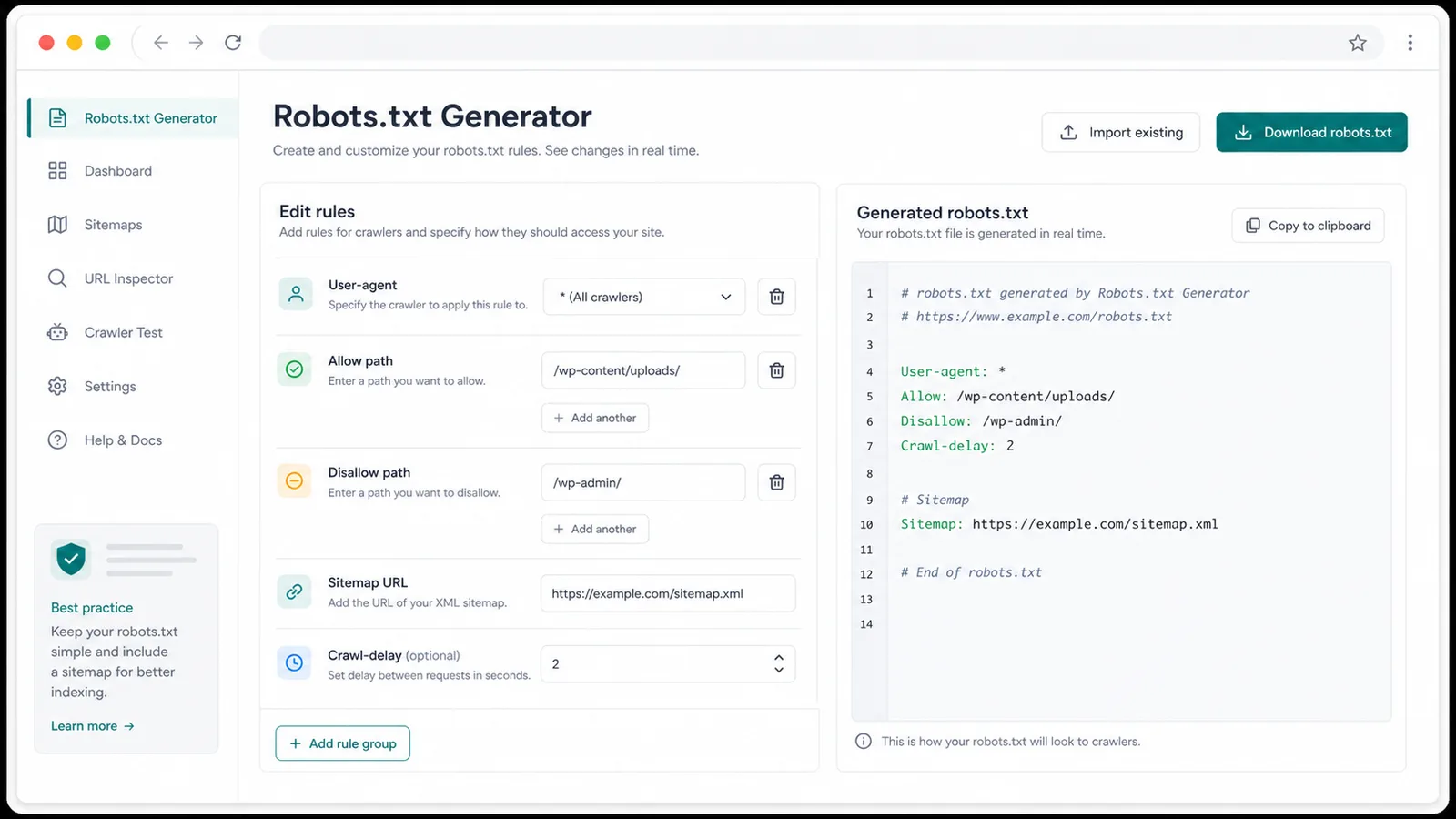
The Robots.txt Generator turns scattered Allow and Disallow notes into grouped User-agent rules.
Free SEO Tool
The Robots.txt Generator helps independent site owners and SEO teams build a clean robots.txt file before launch, with crawler templates, path rules, sitemap lines, copy, and download.
A small robots.txt mistake can block launch pages, expose staging paths, or leave sitemap discovery unclear.
The Robots.txt Generator turns scattered Allow and Disallow notes into grouped User-agent rules.
Add one or more fully qualified Sitemap URLs so crawlers can find your published XML sitemap.
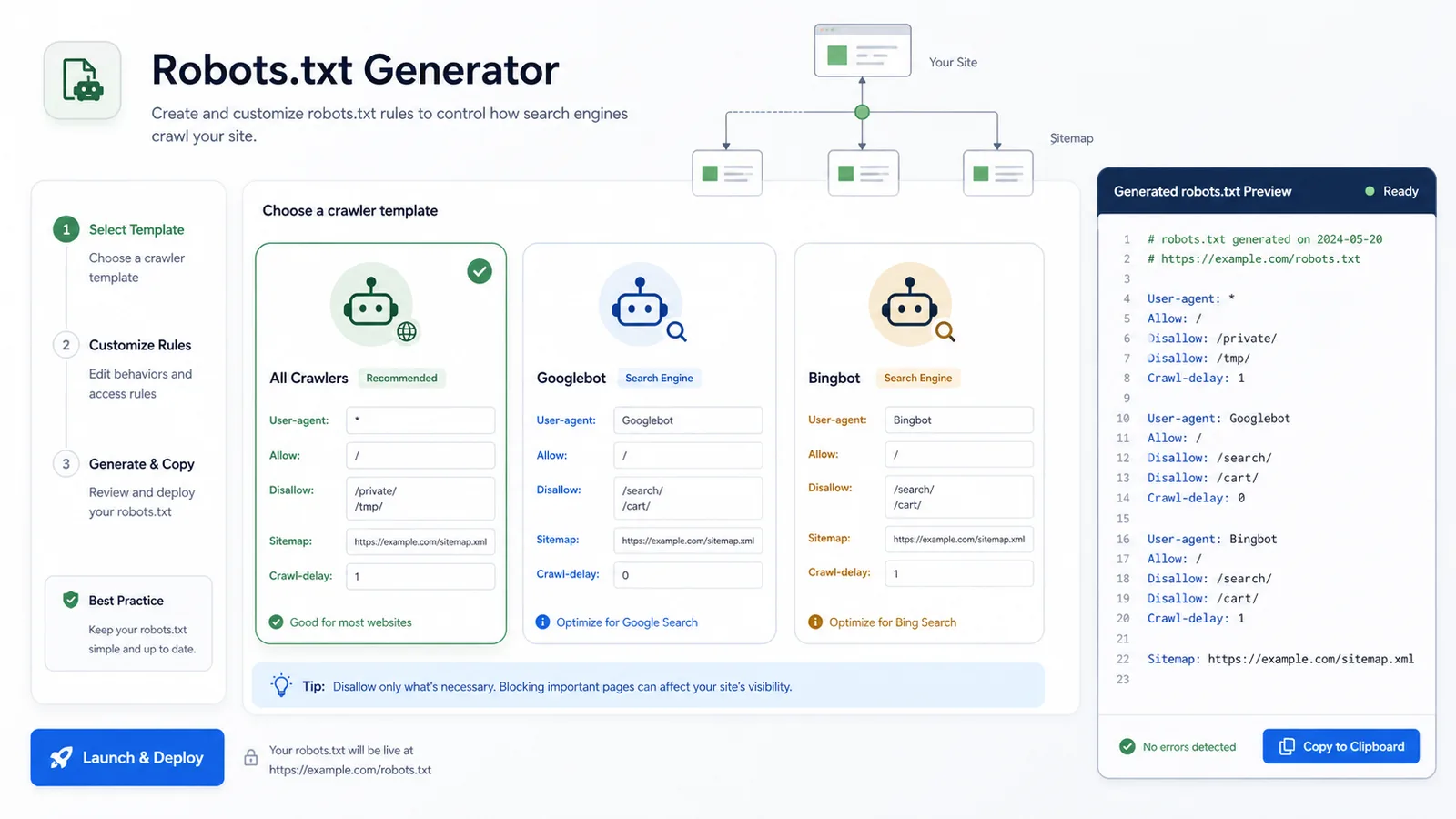
Start with all crawlers, Googlebot, or Bingbot and adjust only the paths that matter.
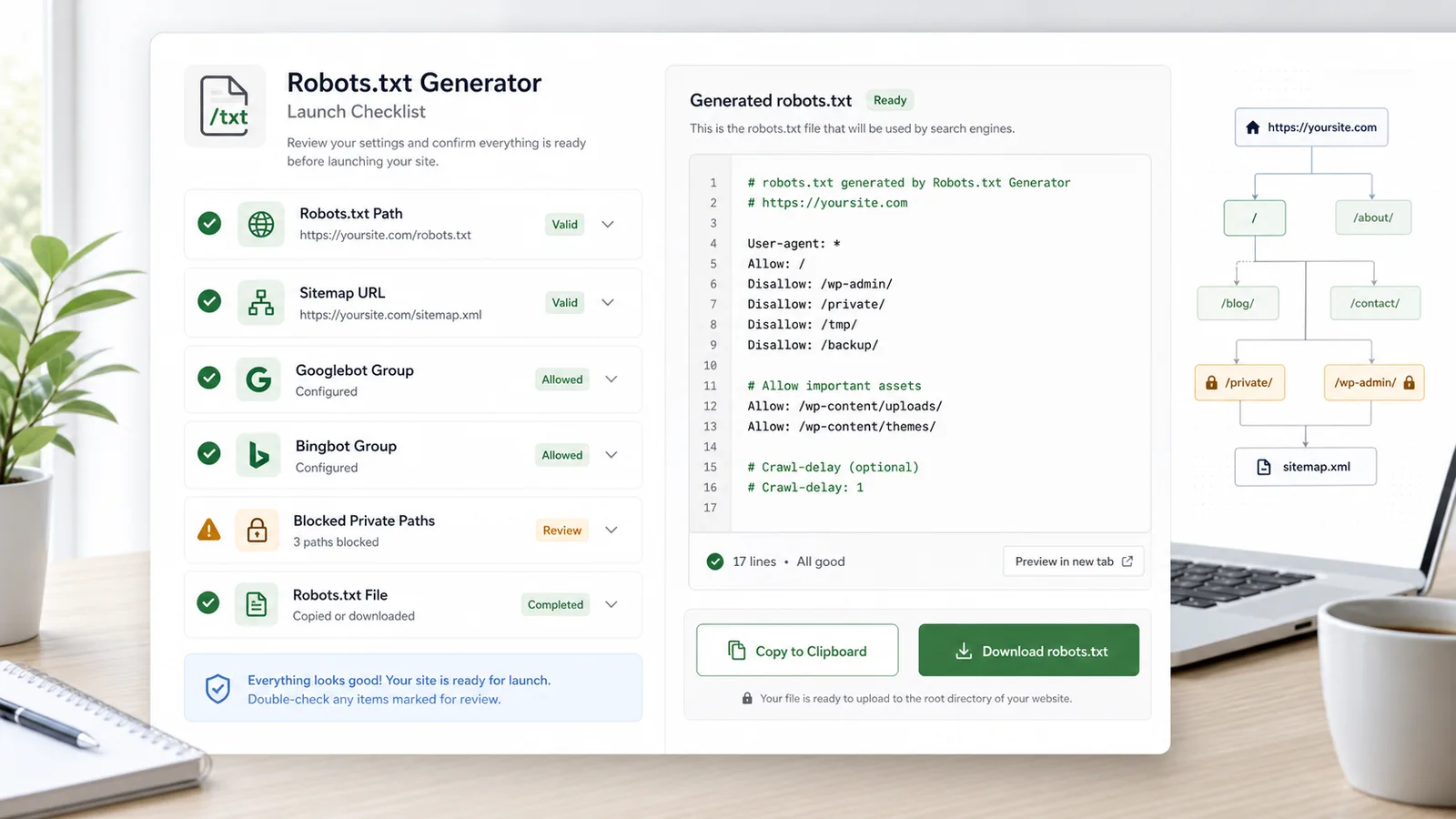
Use the Robots.txt Generator as a practical launch checklist for crawler access.
Create separate groups for *, Googlebot, Bingbot, or a custom crawler.
Add multiple paths, keep directories readable, and spot paths that do not start with /.
Place one or more Sitemap lines at the end of the generated robots.txt file.
Add Crawl-delay where supported and see a reminder when Googlebot rules include it.
Copy the generated robots.txt or download it as a robots.txt file for deployment.
The Robots.txt Generator runs in your browser without uploading site paths.
Create a robots.txt draft, review it, and upload it to the root of the host it controls.
Open the Robots.txt Generator and start with all crawlers, Googlebot, or Bingbot.
Open the toolEnter root-relative paths such as /private/ or /wp-admin/ and add sitemap URLs.
Edit rulesReview the quick checks, copy the output, or download robots.txt for your site root.
Export robots.txtUse the Robots.txt Generator when you are preparing a new site, protecting private paths, or standardizing SEO basics.
Turn form fields into clean User-agent, Allow, Disallow, Crawl-delay, and Sitemap lines.
Use all crawler, Googlebot, and Bingbot templates instead of starting from a blank file.
Copy or download robots.txt after checking sitemap URLs, private paths, and crawler groups.
The Robots.txt Generator fits everyday SEO, developer, and publishing workflows.
Create a simple robots.txt file for a new website without hand-writing every directive.
Confirm that important pages are allowed and private or duplicate paths are blocked.
Generate a file that can be committed, reviewed, and uploaded to the site root.
Coordinate sitemap and crawler rules before publishing a new section.
Robots.txt controls crawling, not guaranteed indexing, so pair it with careful launch review.
For https://example.com/, the file should be available at https://example.com/robots.txt.
Sitemap lines should use fully qualified URLs so crawlers do not have to infer host variants.
After using the Robots.txt Generator, open the final URL in a private browser and validate it in search engine tools.
Common questions about robots.txt rules, Crawl-delay, and sitemap lines.
No. robots.txt controls crawling. A blocked URL may still appear if search engines discover it elsewhere, so use noindex or removal tools when you need indexing control.
No. Google documents User-agent, Allow, Disallow, and Sitemap support, and notes that unsupported fields such as Crawl-delay are ignored.
Upload robots.txt to the root of the host it applies to, such as https://example.com/robots.txt.
Yes. The Robots.txt Generator accepts multiple sitemap URLs, one per line, and outputs separate Sitemap directives.
Open the Robots.txt Generator, choose a crawler template, and export a clean robots.txt file for your next launch.