Large images slow pages down
Prepare lighter WebP assets before adding images to articles, landing pages, and product pages.
Media & Conversion
Upload JPG, PNG, or GIF images, tune WebP quality, optionally resize, compare original and WebP file sizes, then download each file or the full batch.
This browser tool removes the slow upload-and-retry loop from website image optimization.
Prepare lighter WebP assets before adding images to articles, landing pages, and product pages.
Apply the same quality and resize settings to a whole batch so frontend image folders stay predictable.
Review original size, WebP size, and savings before download so you can judge the tradeoff.
Keep the practical controls close to the preview and download flow.
Use the quality slider to balance visual clarity and smaller files.
Keep original dimensions, use exact width and height, or scale images by percentage.
Run everything in the browser and download one WebP file or a ZIP archive for multiple outputs.
Use it for a single image or a full batch without uploading files.
Drop JPG, PNG, or GIF files into the tool. The original dimensions and total size appear immediately.
Open toolChoose WebP quality, keep the original size, enter target dimensions, or scale the batch by percentage.
Preview each output, compare file sizes, and download single files or the ZIP.
Local upload, WebP quality, optional resizing, preview, and download stay in one flow.
Upload JPG, PNG, or GIF images, keep processing in the browser, and apply one WebP quality setting across the batch.
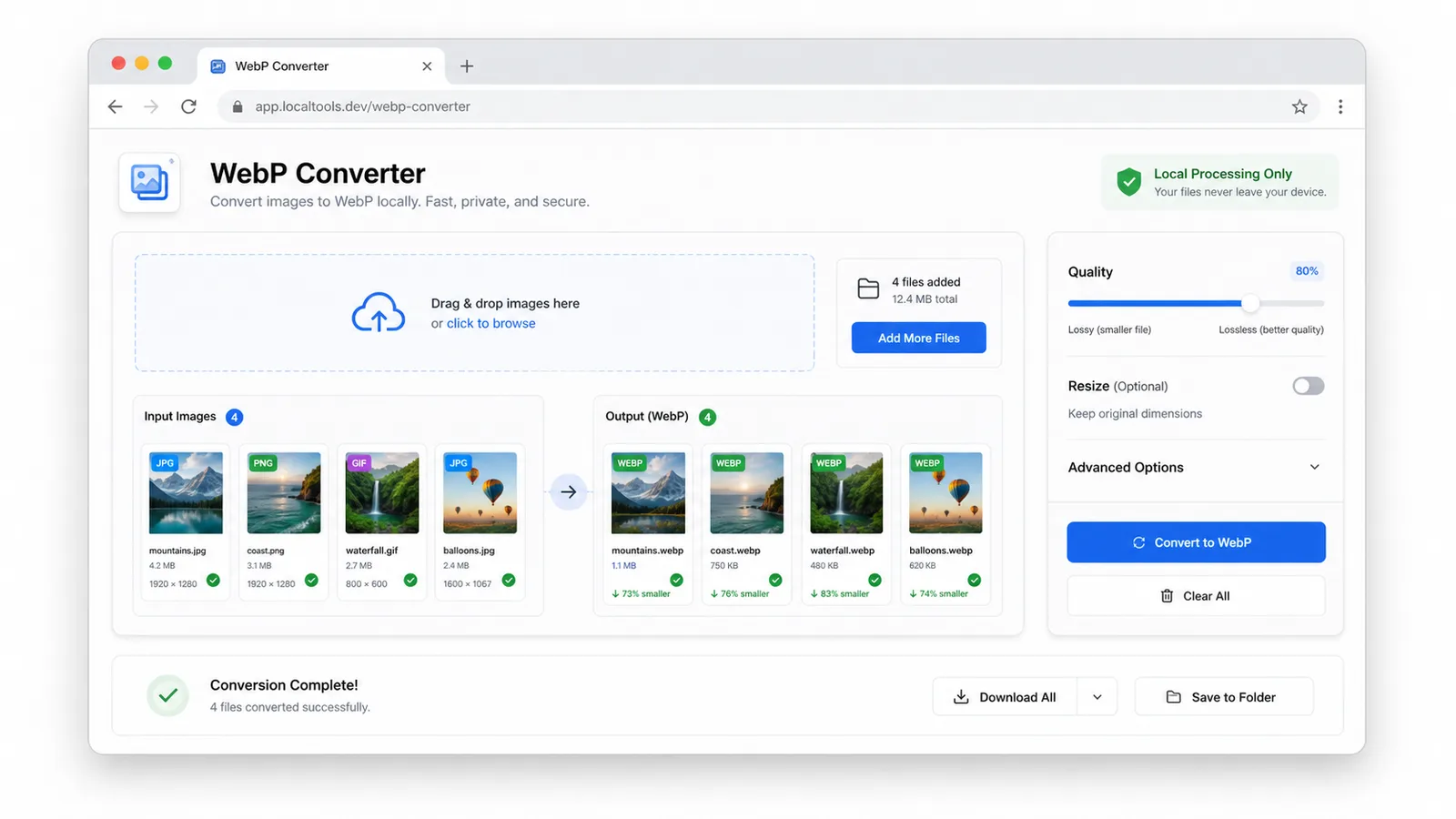
Check original size against WebP output size, review the saved percentage, and download one file or the full ZIP archive.
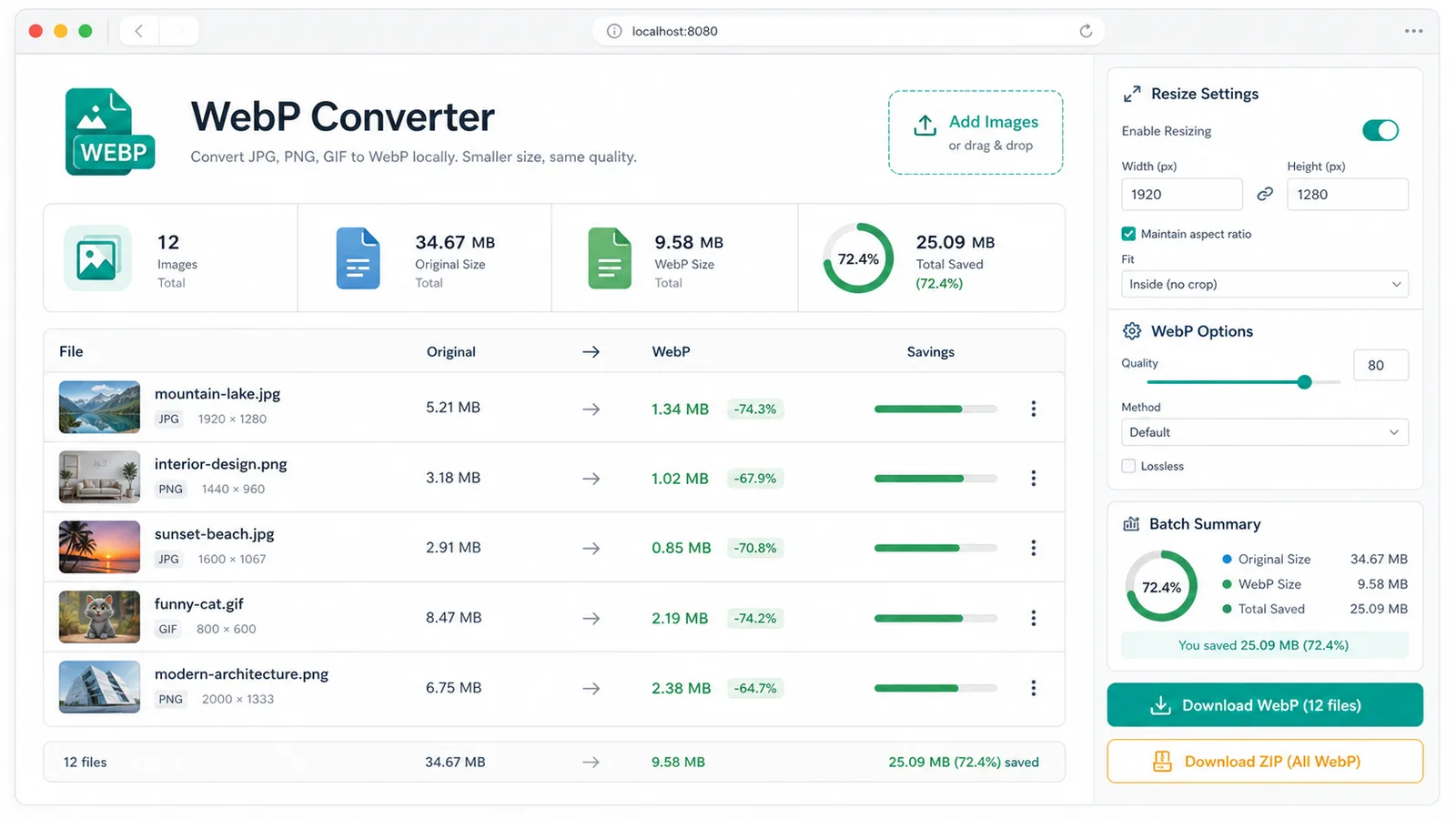
Built for practical publishing and performance work.
Prepare lighter hero images, blog images, and thumbnails before uploading them to a CMS.
Convert design exports into WebP assets for responsive image sets and static site folders.
Review before-after file size changes while improving image payloads for faster page loading.
Common questions about local WebP image conversion.
No. JPG, PNG, and GIF files are processed locally on this device with browser canvas APIs.
Yes. Upload several images, apply one quality and resize setting, then download individual WebP files or a ZIP archive.
Animated GIFs are read by the browser as a canvas image and exported as a still WebP frame. Static GIF images convert normally.
Open the tool and make your next website image batch smaller, local, and ready to publish.