
Insights
Symbol Language Translator: Complete Guide, Use Cases, and Best Practices
Symbol Language Translator is a text tool that converts regular English characters into a stylized symbol set and also decodes symbols back to readable text. If you want coded messages, distinctive usernames, or creative social captions, this tool is one of the fastest no-install options.
What Is Symbol Language Translator?
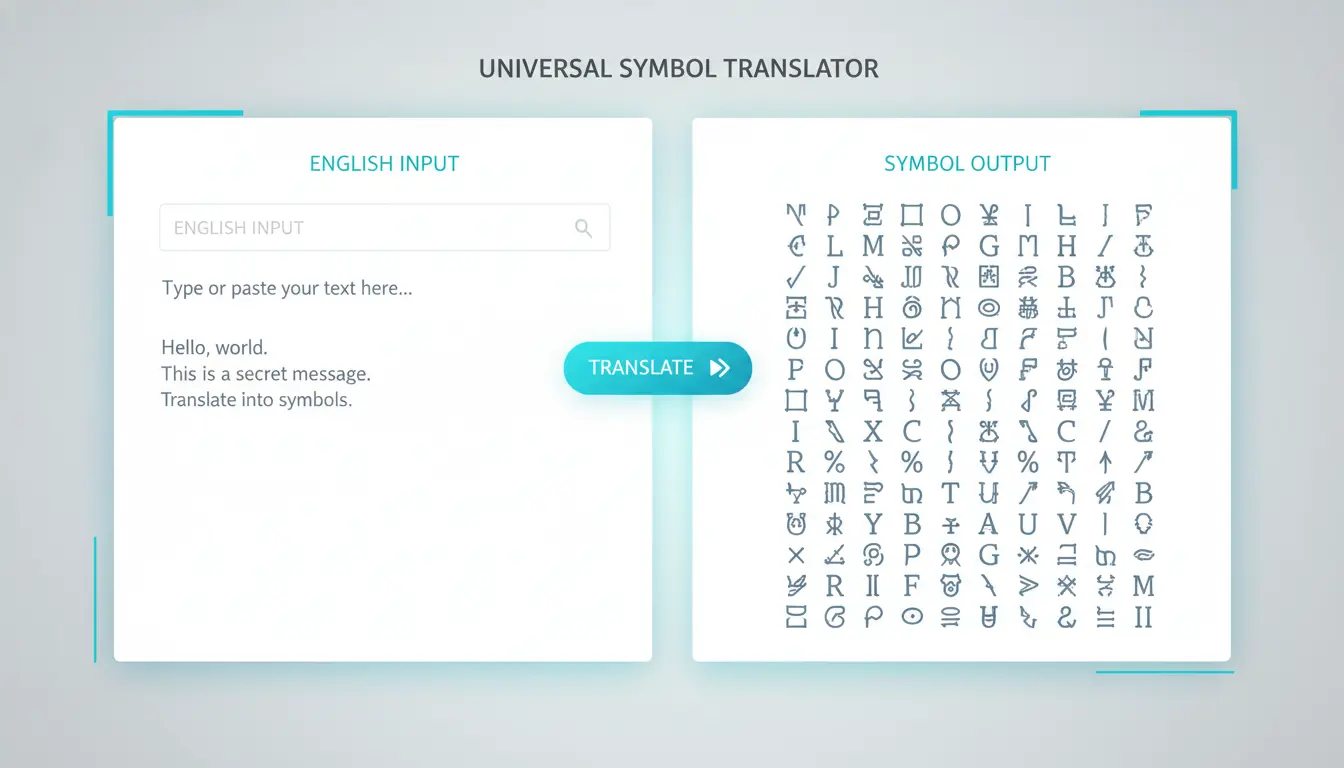
A Symbol Language Translator maps each supported character (letters, numbers, punctuation) to a predefined Unicode symbol. In practice, the workflow is simple:
- Type English text.
- Get instant symbol output.
- Copy and paste anywhere.
- Reverse-translate symbols back to English when needed.
Try the live tool: Symbol Language Translator
How the Symbol Language Translator Works
Most implementations use two lookup tables:
MAP: English character -> symbolREVERSE_MAP: symbol -> English character
Then they run real-time two-way translation on input events.
Why It Feels Instant
- Character-by-character mapping is O(n)
- No backend request required
- Rendering and copy actions happen entirely in browser memory
Supported Characters (Typical Scope)
A robust Symbol Language Translator usually supports:
- 26 lowercase letters (
a-z) - 26 uppercase letters (
A-Z) - digits (
0-9) - common punctuation (
! @ # $ % ^ & * ( ) , . / < > ?)
Characters outside the map are typically passed through unchanged.
Real-World Use Cases
1. Secret Notes and Coded Messages
Send a message that looks unreadable to casual viewers, while still reversible for recipients.
2. Gaming Usernames
Use symbol-heavy handles that stand out in lobbies and friend lists.
3. Social Bios and Captions
Add a “mysterious” visual layer to Instagram, TikTok, Discord, or X profile text.
4. Creative Writing and Puzzle Design
Great for ARGs, escape room clues, short story snippets, and themed campaigns.
Symbol Language Translator vs Fancy Text Generator
Both are useful, but intent is different:
| Tool | Best For | Style Pattern |
|---|---|---|
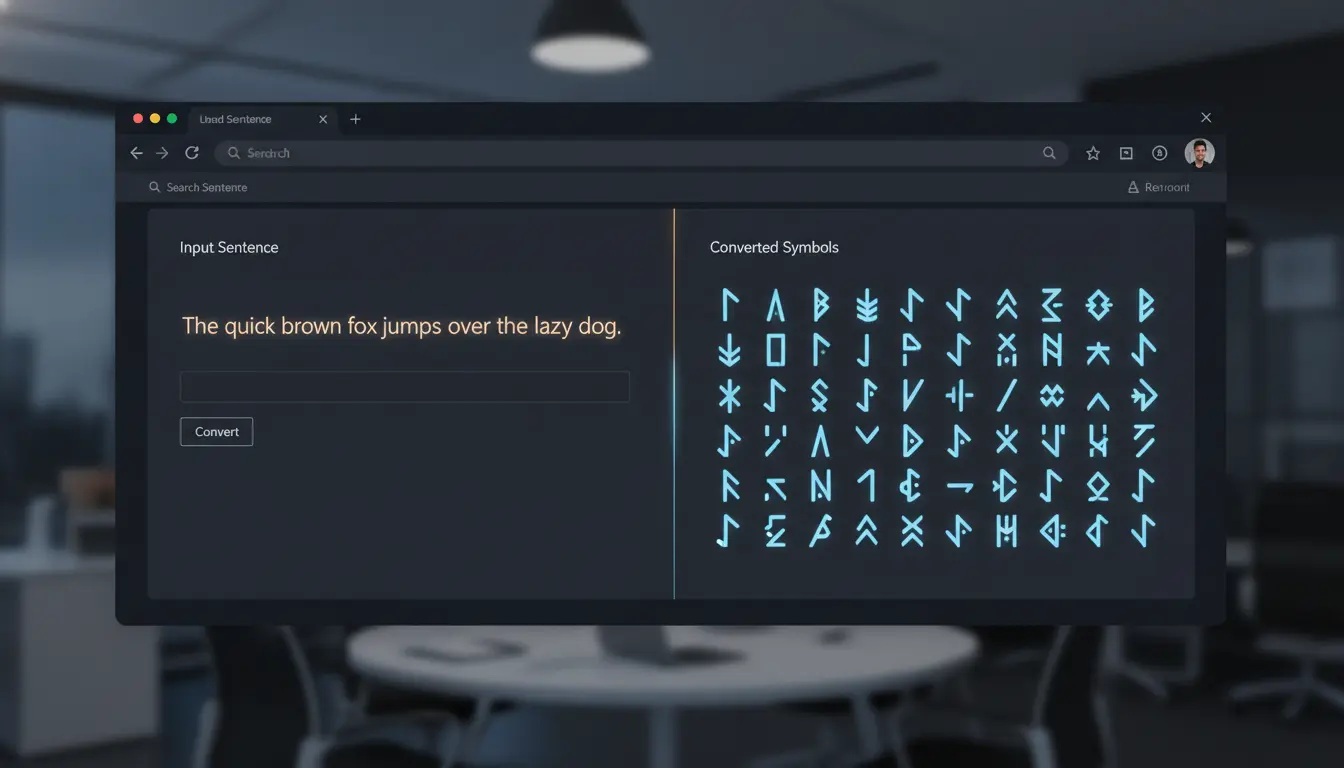
| Symbol Language Translator | Encoded / secret-looking text | Fixed symbol mapping |
| Fancy Text Generator | Decorative typography styles | Multi-style Unicode font variants |
If your goal is coded communication, use Symbol Language Translator first. If your goal is visual branding and readable stylized text, use Fancy Text Generator.
How to Get Better Results as a Regular User
If you are using Symbol Language Translator daily, these habits help a lot:
1) Write Short Sentences First
Short text is easier to verify after conversion, especially when symbols look visually similar.
2) Copy in Small Chunks
For long notes or bios, copy paragraph by paragraph to avoid paste mistakes.
3) Test on Your Target App
Before publishing, paste once into the app you care about (Discord, Instagram, X, WhatsApp) to confirm rendering.
4) Keep a Plain-Text Backup
Save the original English line so you can quickly edit and re-convert later.
5) Use Locale-Prefixed Tool Links
Open the tool with your language path to stay in the right locale:
FAQ: Common Questions About Symbol Language Translator
Can Symbol Language Translator decode back to English?
Yes. With reverse mapping enabled, symbol input can be converted back to readable English instantly.
Does it work on mobile?
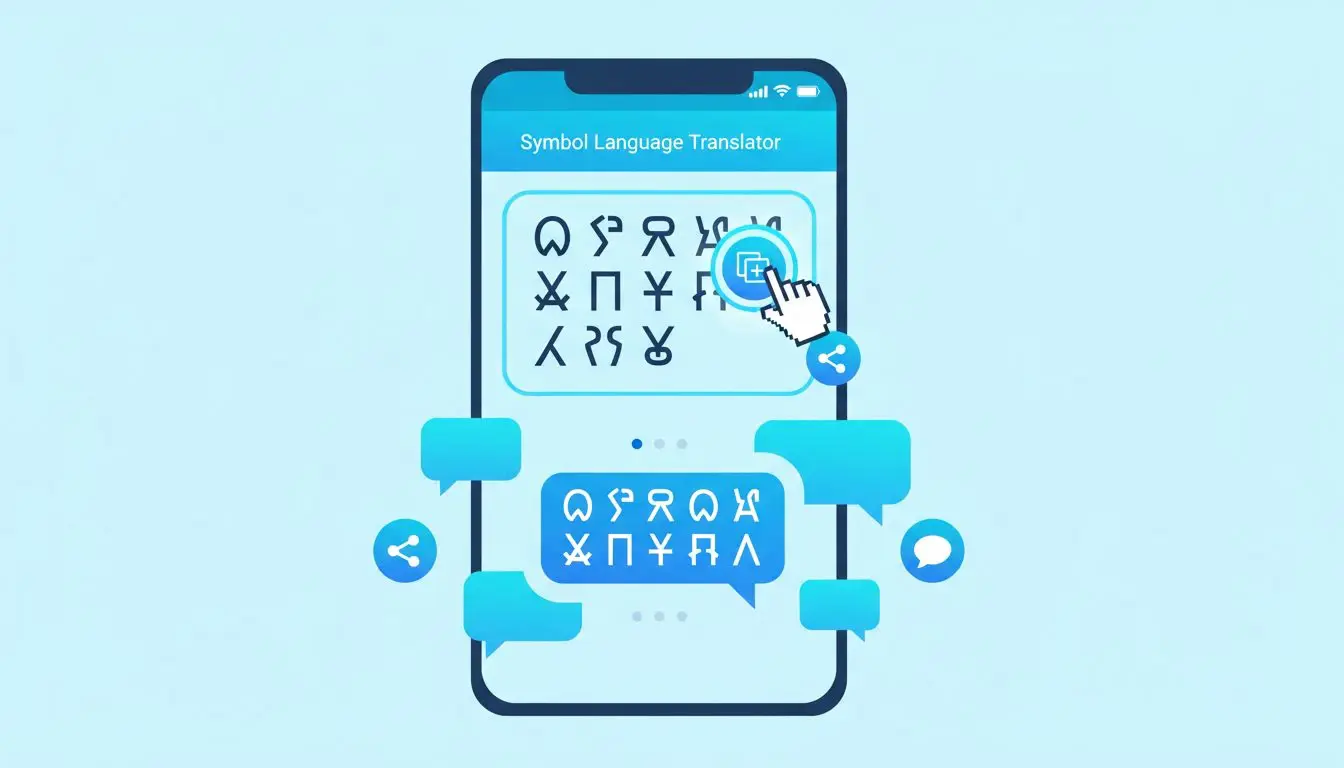
Yes. A responsive layout with stacked textareas works well on modern mobile browsers.
Is user text stored?
Not in client-side-only implementations. Translation and copy actions run locally in the browser.
Why do some symbols overlap between uppercase and lowercase?
Because some character sets intentionally reuse symbols, making perfect one-to-one reversibility impossible for specific pairs.
Final Takeaway
Symbol Language Translator is most useful when it is instant, reversible, and easy to copy. For regular users, the winning workflow is simple: type, verify, copy, and share.
Start here: Open Symbol Language Translator
Explore related tool: Wingdings Translator