Millions of people search every day for a way to shrink video before hitting "Send". Here are the three walls they keep running into.
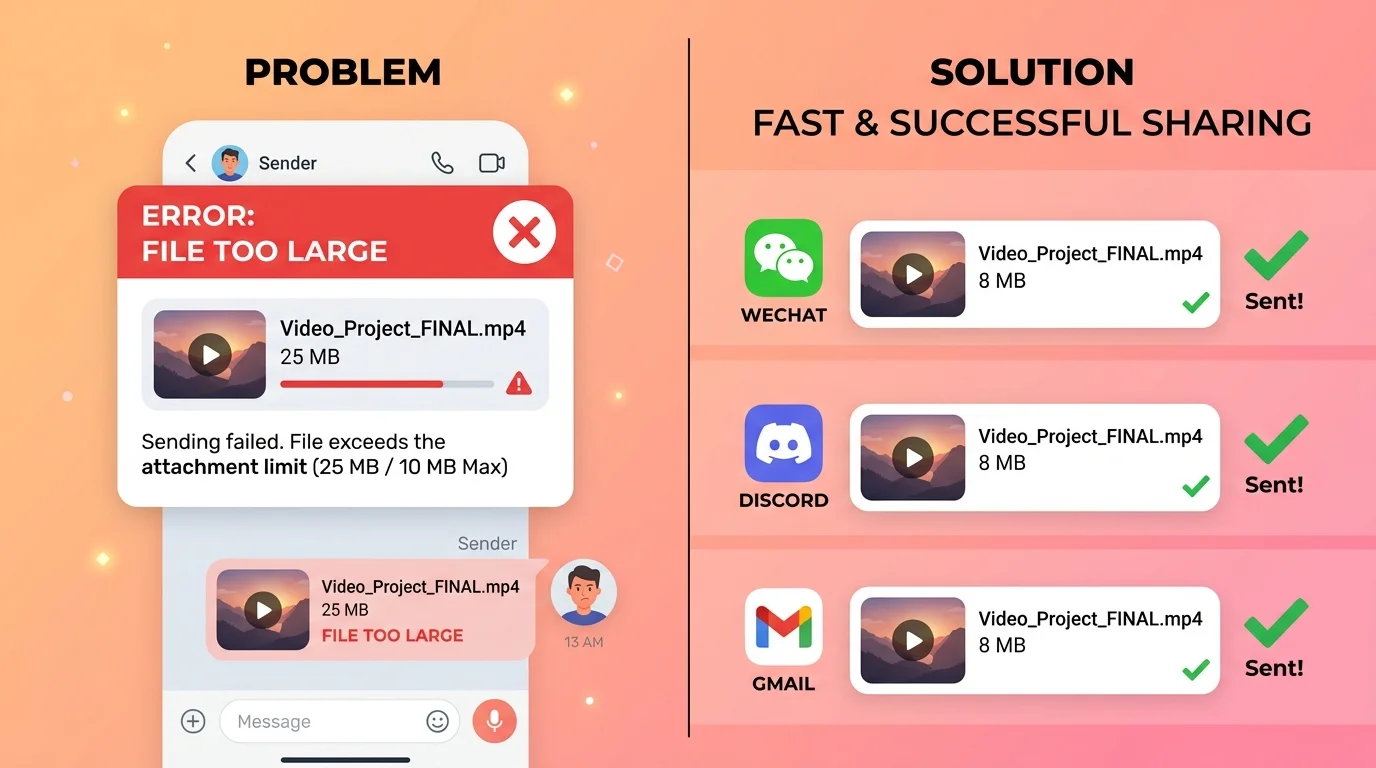
Cloud-based compressors silently upload your video to a remote server owned by strangers. For family moments, confidential recordings, or unreleased content, that is an unacceptable gamble — your file could be stored, analysed, or leaked.
WeChat caps files at 25 MB, Discord at 8 MB for free accounts, and email attachments rarely survive past 20 MB. Without a fast way to shrink video, that birthday clip simply never gets sent.
Installing HandBrake, Premiere, or Format Factory just to shrink video once is overkill. They require GB of disk space, leave behind system files, and come with a steep learning curve most users never need.
Drop your video, choose a preset, and let FFmpeg run locally in your browser. No file ever leaves your device.
Drop Your Video Here
Drag & drop any MP4, WebM, or MOV file to shrink video instantly
or click to browse files
Supported: MP4 · WebM · MOV · AVI · MKV
Max file size: 500 MB
Built for everyone who needs to shrink video fast — without giving up privacy, quality control, or their afternoon.
Every byte of your video stays inside your browser tab. No server ever touches your file. Shrink video from a private recording, medical clip, or confidential presentation with complete confidence.
Our "WeChat Ready" preset reliably outputs files under 25 MB. Shrink video once and send to any chat app or email client — no re-try loops, no "file too large" grief.
Once the page loads, shrink video operations continue even if you lose internet. No bandwidth consumed uploading or downloading — your connection does nothing after the page is ready.
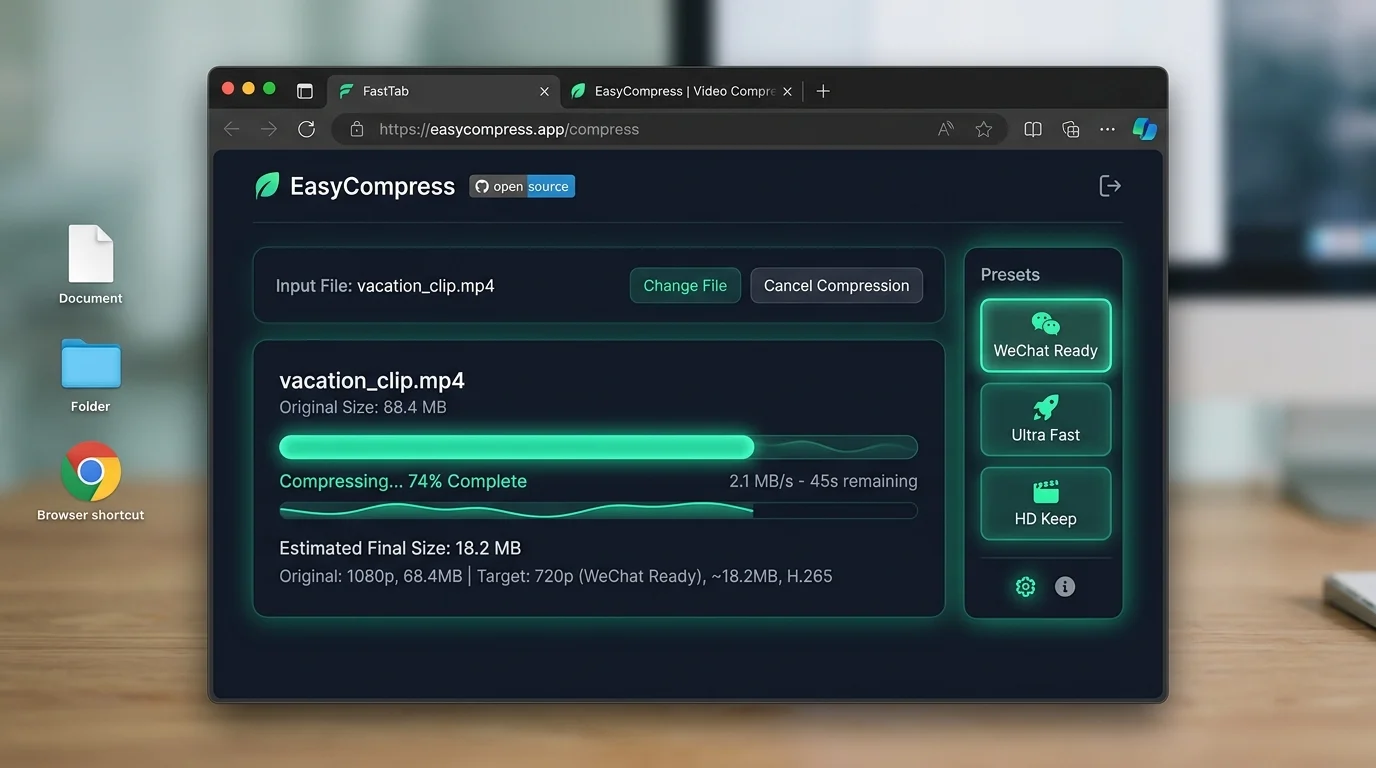
WeChat Ready, Ultra Fast, HD Keep, and Custom. Each preset is tuned for a real use-case so you can shrink video in one click without touching a bitrate slider.
Before you hit Shrink Video Now, the tool calculates your expected output size based on bitrate and duration. No surprises — you see what you'll get before committing.
Close the tab and the tool is gone — no background processes, no disk footprint, no system slowdown. Shrink video instantly, then walk away clean.
From upload to download in under a minute. No account needed, no software to install.
Drag your MP4, WebM, or MOV file onto the drop zone, or click Browse to select it. Files up to 500 MB are supported. Your video loads instantly — nothing is uploaded.
Pick the preset that matches your goal. "WeChat Ready" hits platform share limits. "Ultra Fast" gives the smallest possible file. "HD Keep" preserves quality. "Custom" puts you in full control of resolution, bitrate, and FPS.
Click "Shrink Video Now". A progress bar shows percentage, elapsed time, and estimated remaining time so you always know what's happening. When done, click Download to save the compressed file directly to your device.
Fast, private, and powerful — here's what sets this browser-based approach apart.
Unlike cloud compressors that silently upload your file, this tool runs FFmpeg entirely inside your browser via WebAssembly. The video never leaves your machine — not even a single packet is sent to a server. Shrink video recordings, medical clips, or confidential footage without a second thought.
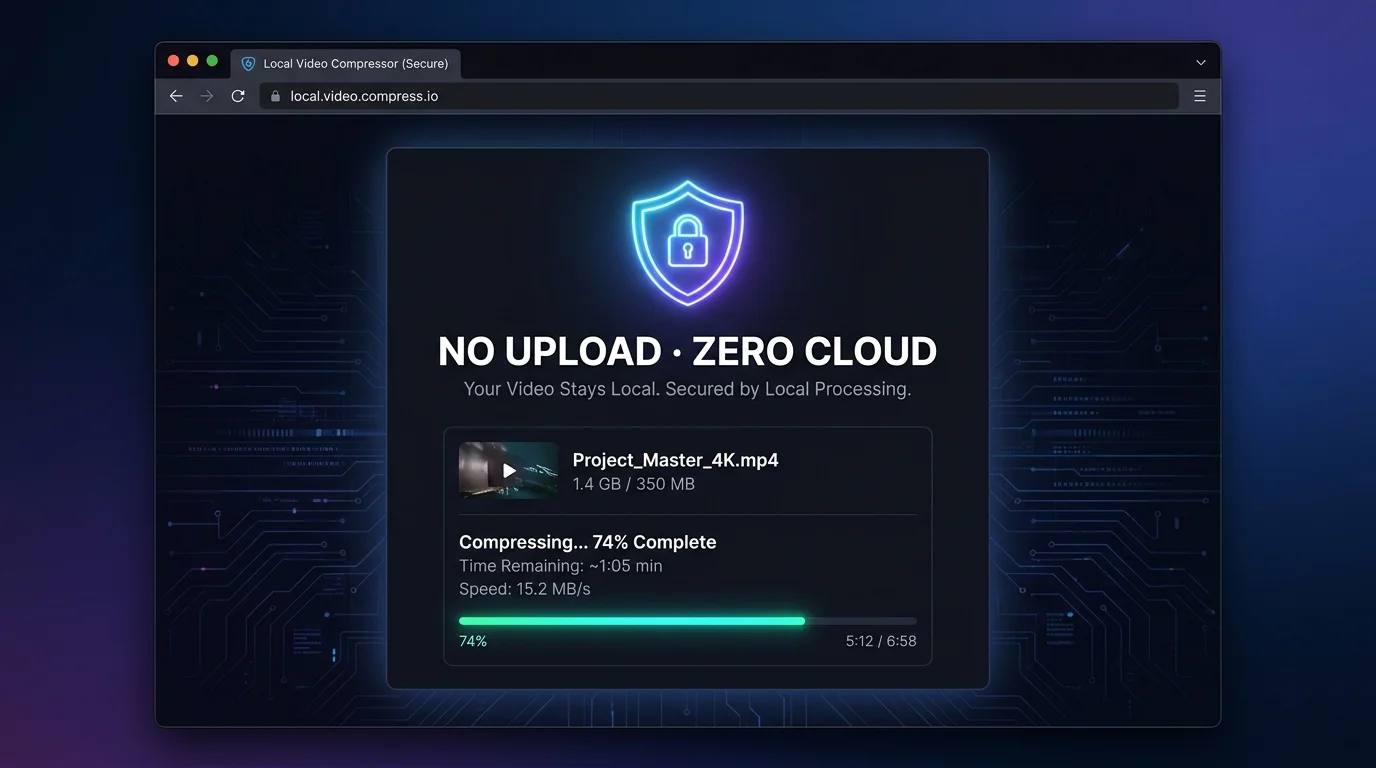
Going from a 200 MB recording to an 8 MB share-ready clip is the exact reason this tool was built. Our smart presets are tuned to hit the sweet spot for WeChat (25 MB), Discord (8 MB free / 500 MB Nitro), Gmail (25 MB), and email attachments. Shrink video once and it fits everywhere.
Forget Format Factory, HandBrake, or any desktop app. Open the page, shrink video, close the tab. Nothing is installed, nothing is left behind. The entire FFmpeg engine runs live inside your browser tab — powered by WebAssembly — and disappears the moment you close it.
Common questions about browser-based video compression.
No. This Shrink Video tool runs 100% inside your browser using FFmpeg.wasm (WebAssembly). Your video file is never transmitted to any server — not even a single byte. All processing happens locally on your CPU.
Yes — once the page is loaded and the FFmpeg engine is downloaded (first run only, ~10 seconds), you can shrink video completely offline. No internet is required for the compression itself.
You can input MP4, WebM, MOV, AVI, and MKV files. The output can be MP4 (H.264 + AAC, maximum compatibility) or WebM (VP9 + Opus, smaller size on modern browsers). Shrink video from virtually any source.
Compression ratios depend heavily on the original file. A typical smartphone MP4 recorded at 4K can shrink to 10–20% of its original size using the Ultra Fast preset. The WeChat Ready preset typically achieves 50–80% reduction while keeping the video clearly watchable.
The first time you use the Shrink Video tool, the browser needs to download the FFmpeg WebAssembly engine (~10–15 MB) from a CDN. This happens once per browser session. After the engine is loaded, all subsequent compressions start immediately.
Our "HD Keep" preset (1080p, 2000kbps, 30fps) produces output that is visually nearly identical to the original for most content. The "WeChat Ready" preset (720p, 800kbps) yields noticeably good quality for sharing. Use "Custom" mode to dial in exactly the bitrate you need.
100% free · No upload · Works offline after first load
