These are the real situations that send people looking for a Braille Translator every day.
Special educators, volunteers, and accessibility advocates need to produce Braille labels fast — for medicine bottles, classroom signs, or tactile materials. A Braille Translator eliminates the need for expensive embossers just for quick drafts.
Grade 1 Braille maps every letter individually — straightforward for learners. Grade 2 UEB uses contractions and word-root shortcuts used by fluent Braille readers. Without a Braille Translator that supports both, you risk producing the wrong output for your audience.
Most Braille converters render images or PDFs — you can't copy the Unicode Braille characters into a bio, tattoo design brief, or escape-room prop. This Braille Translator outputs real Unicode Braille (U+2800–U+28FF) you can paste anywhere.
Convert text to Braille symbols instantly, or decode Braille back to readable text
Auto-translate enabled
Most online Braille tools only support Grade 1. Ours supports Grade 1 and Grade 2 UEB, works both ways, and runs entirely in your browser.
Full Braille Translator support for both standards. Grade 1 maps every letter individually — perfect for beginners. Grade 2 applies UEB contractions used by fluent Braille readers worldwide.
Type text and see Braille appear instantly, or paste Braille symbols and decode them back to plain English — this Braille Translator processes both directions with zero delay.
Results are real Unicode Braille characters (U+2800–U+28FF), not images. Copy and paste into any app: social media bios, design briefs, tattoo notes, escape-room props, or documents.
Copy your Braille Translator output to the clipboard in one click. Paste directly into Word, Instagram, Discord, or anywhere that supports Unicode characters.
The Braille Translator detects the language of your input text and reads it aloud using your browser's native Speech Synthesis API — a built-in accessibility feature.
Adjust Braille font size, line height, and letter spacing using sliders. Ideal for users who want to screenshot or print the Braille output at a specific scale.
Three steps to convert text to Braille symbols — or decode Braille back to text — using this free online Braille Translator.
Type or paste the text you want to convert into the Braille Translator input box. The tool accepts standard Latin characters including letters, numbers, and common punctuation.
Select Grade 1 for a direct letter-by-letter Braille translation, or Grade 2 for UEB contractions. Set the direction — Text to Braille for encoding, or Braille to Text for decoding.
Your Braille translation appears instantly. Use the display sliders to adjust font size and spacing before screenshotting or printing, then click Copy to send the Unicode Braille to your clipboard.
From accessibility educators to tattoo artists, this Braille Translator serves a surprisingly wide range of real-world needs.
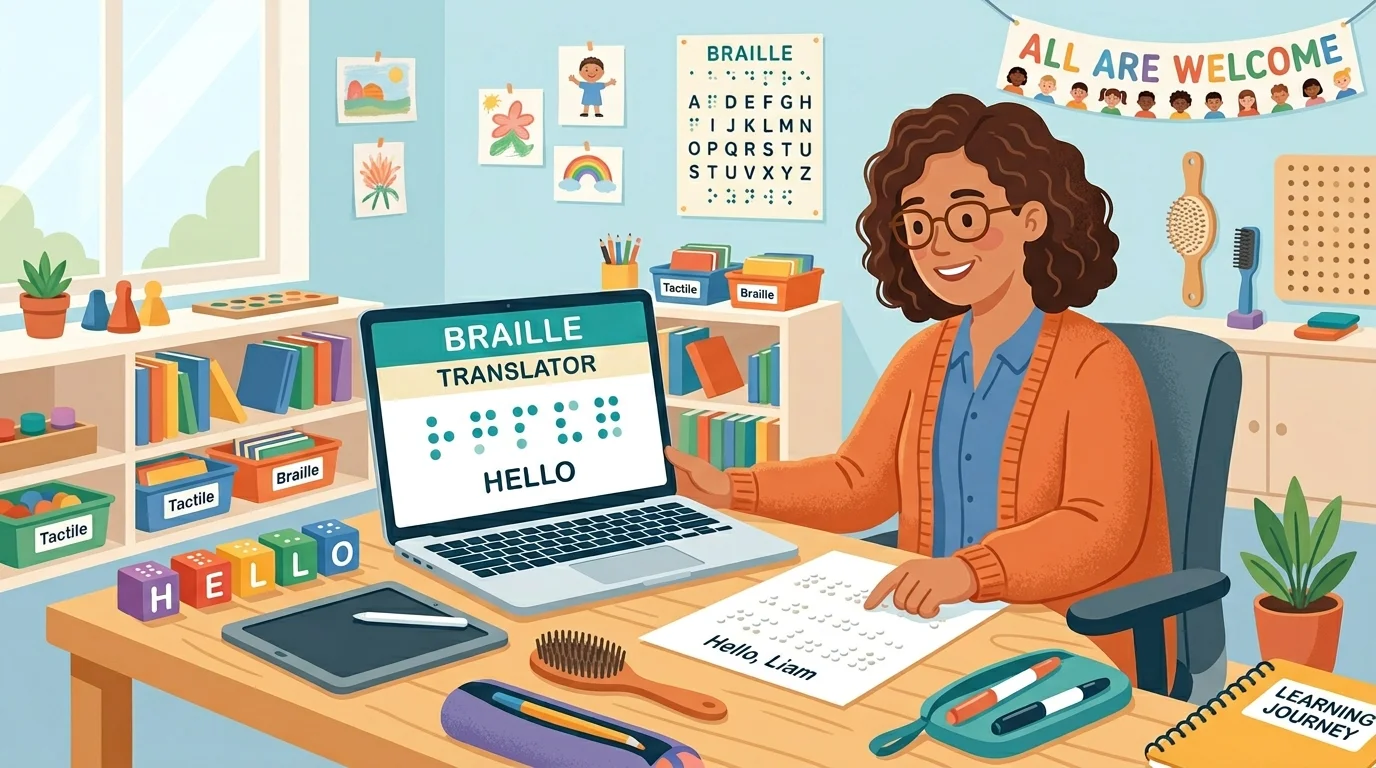
Quickly convert lesson content, labels, and tactile materials to Braille symbols for visually impaired students — no embosser required for draft-quality output.
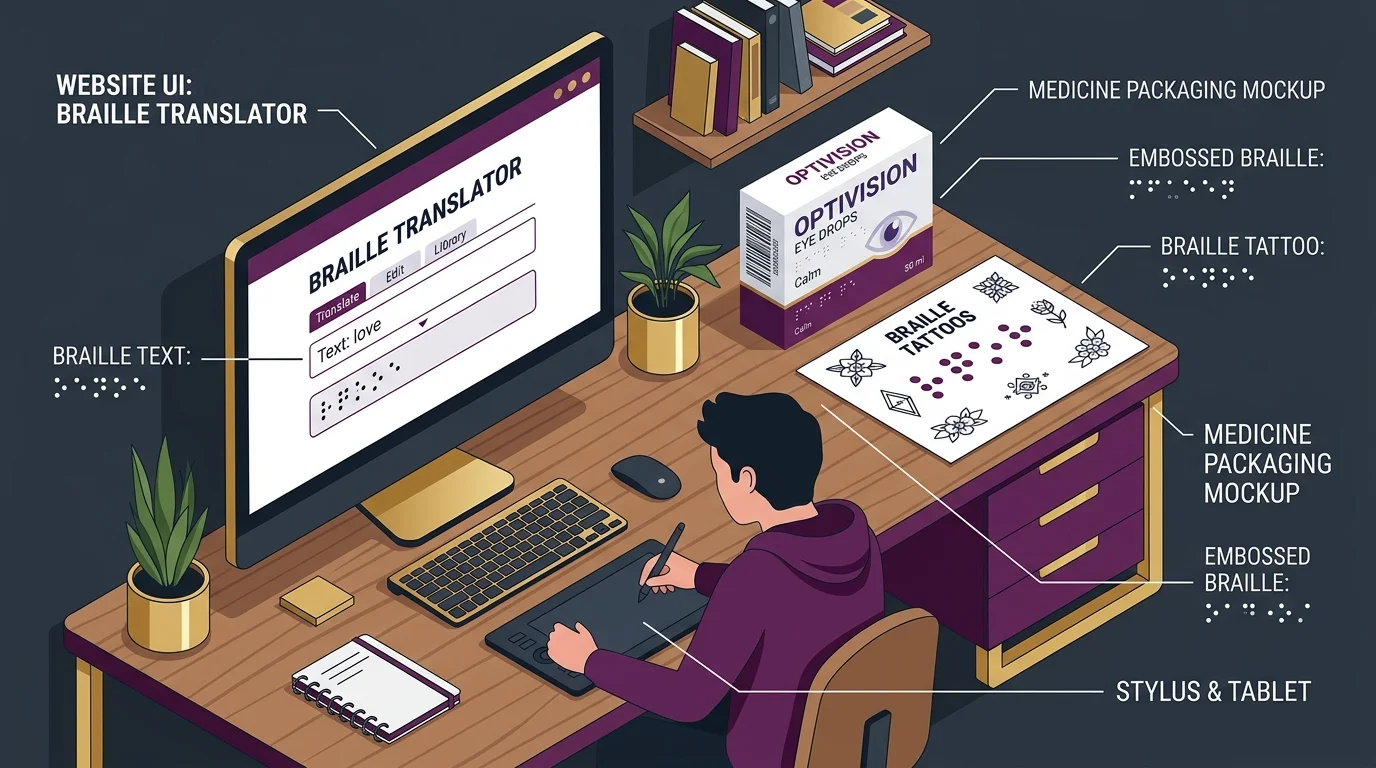
Generate accurate Braille patterns for medicine packaging, public signage, business cards, or tattoo artwork. Export the Unicode output directly into your design tool.
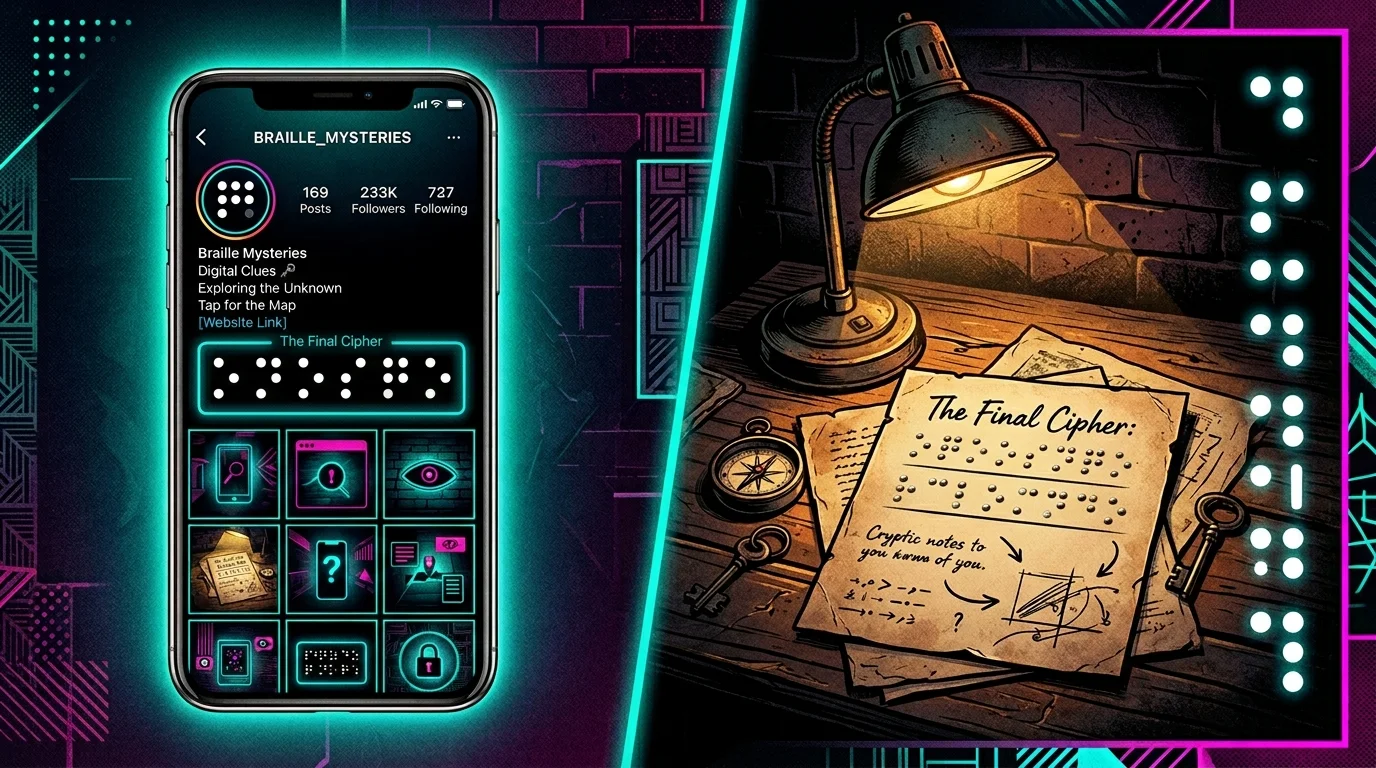
Add Braille symbols to Instagram bios, Twitter posts, or create coded clues for alternate reality games and escape room puzzles. Unicode Braille pastes directly into any text field.
Common questions about using the Braille Translator, Braille standards, and how to use the output.
A Braille Translator is an online tool that converts standard text into Braille symbols, or decodes Braille back into readable text. This free Braille Translator supports both Grade 1 (letter-by-letter) and Grade 2 (UEB contractions), processes everything instantly in your browser, and outputs real Unicode Braille characters you can copy and paste anywhere.
Grade 1 Braille maps every single letter, number, and punctuation mark to a Braille cell one-to-one — ideal for beginners and simple labels. Grade 2 Braille (UEB) uses contractions: common words and letter combinations are abbreviated into single cells, making it faster for fluent readers. This Braille Translator lets you switch between both grades instantly.
Yes. This Braille Translator outputs real Unicode Braille characters (U+2800–U+28FF), not images. You can copy and paste the result directly into Instagram bios, Twitter/X posts, Discord usernames, WhatsApp messages, or any platform that supports Unicode text.
Yes. Switch the mode to 'Braille → Text', paste your Braille symbols into the input box, and the Braille Translator will decode them back to readable text instantly. Both Grade 1 and Grade 2 decoding are supported.
The Read Aloud button uses your browser's built-in Web Speech API (SpeechSynthesis). The Braille Translator automatically detects the language of your input text and selects the best available voice on your device. No internet connection or plugin is required.
The Unicode Braille output from this Braille Translator is a good starting point and is accurate for Grade 1. For certified professional Braille embossing (e.g., medical packaging or official accessibility materials), we recommend having the output reviewed by a certified Braille transcriptionist before production.
Unicode Braille characters are rendered by your system's default font. Different operating systems and browsers use different fonts, which affects how large or spaced the Braille dots appear. Use the display sliders in this Braille Translator to adjust font size and spacing to match your intended output.
Yes, completely free with no account required and no usage limits. All Braille translation happens locally in your browser — your text never leaves your device.
100% free · No account required · Runs in your browser
