These are the issues developers run into every day when working with Base64 encoding.
A wall of characters tells you nothing. You need a Base64 decoder to quickly reveal what the string actually contains — whether it's JSON, an image, or raw binary data.
JavaScript's native btoa() silently corrupts Chinese characters, emoji, and accented text. A proper Base64 encoder must handle UTF-8 encoding first.
Most Base64 decoder websites upload your data to a server. Sensitive tokens, API keys, and private images shouldn't leave your machine.
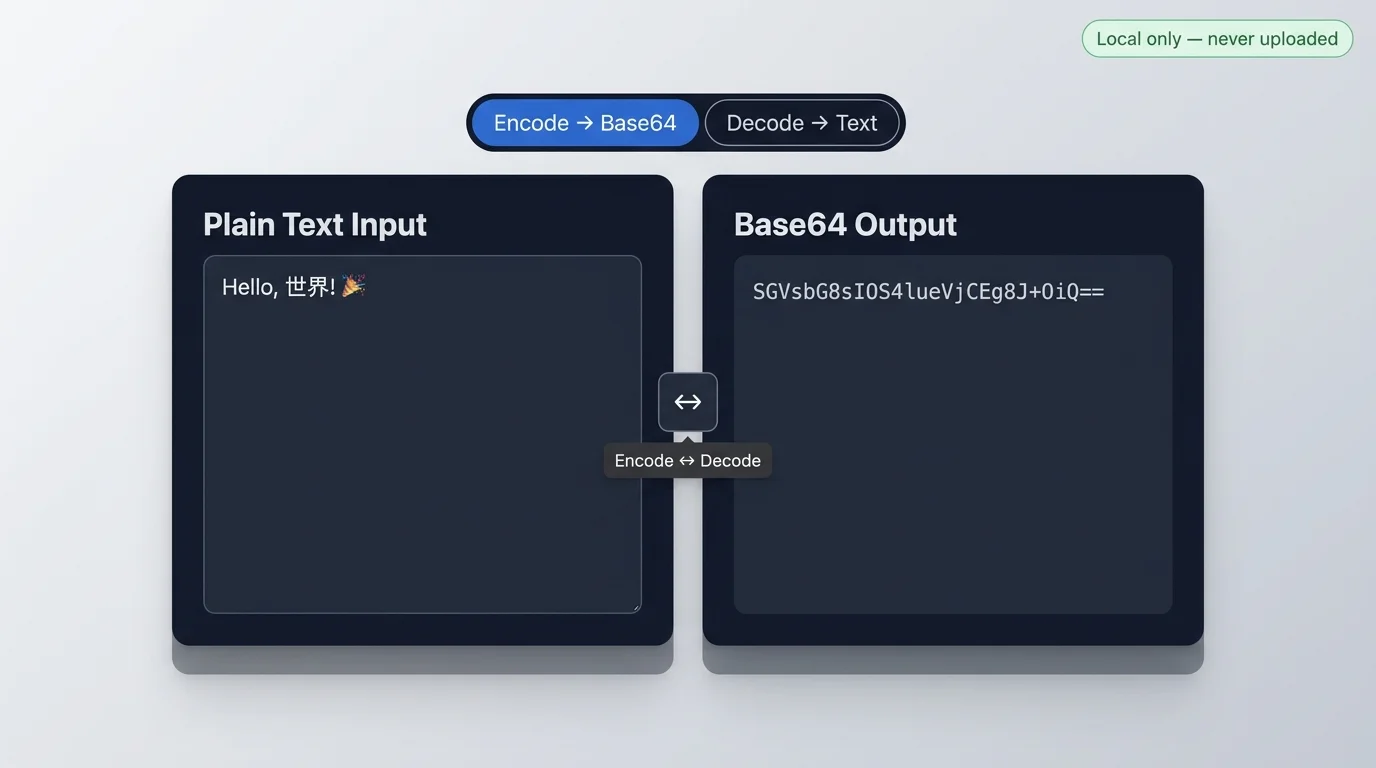
Encode UTF-8 text to Base64 or decode a Base64 string back to plain text in real time.
Every feature is designed around real developer and content workflows.
The Base64 decoder updates your output as you type. No convert button, no page refresh — just instant results.
Unlike btoa(), this Base64 encoder correctly handles Chinese, Japanese, emoji, and all Unicode text by encoding to UTF-8 bytes first.
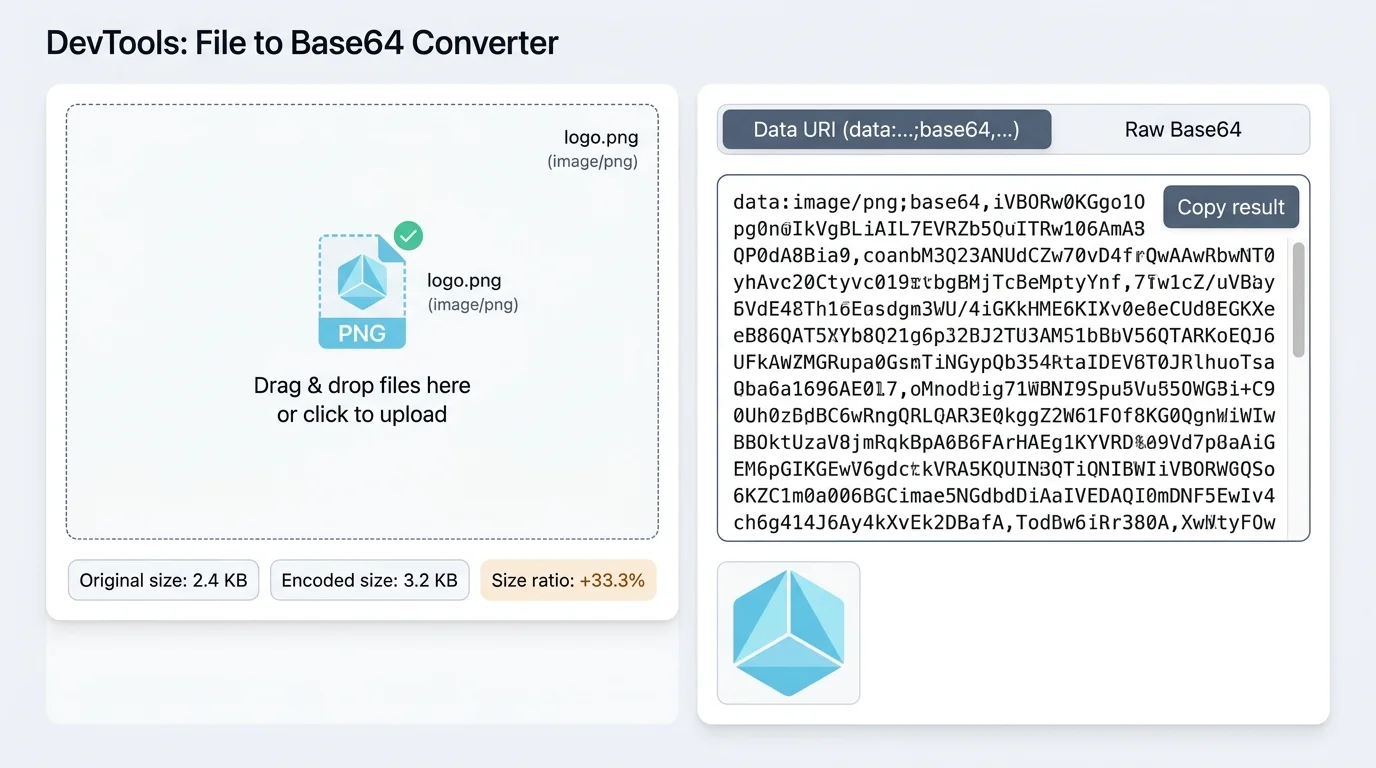
Drag in an image, PDF, or any file and instantly get its Base64 or Data URI string — ready to embed in HTML, CSS, or JSON.
Paste a Data URI string and the Base64 decoder will render the image immediately, with a download button to save it to your device.
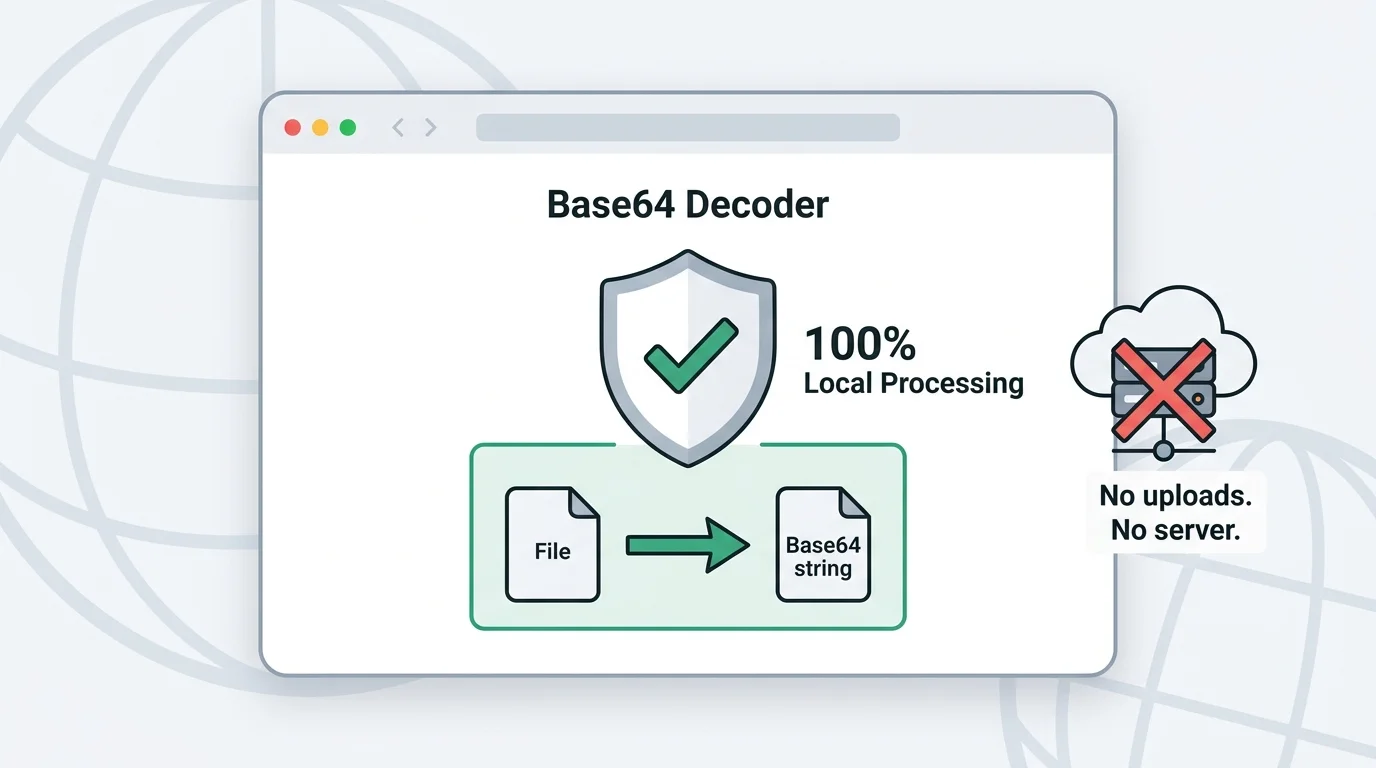
All Base64 encoding and decoding runs in your browser. Your text, images, and files never leave your device or touch a server.
See exactly how much a file grows after Base64 encoding. Base64 adds roughly 33% overhead, and this tool shows you the exact ratio.
From decoding API tokens to embedding images in CSS — three practical workflows in one free tool.
Paste a mystery Base64 string and the decoder reveals its content instantly — whether it's a JWT payload, a JSON blob, or an API response. Encoding also works the other way: convert any plain text, including Chinese and emoji, to Base64 with correct UTF-8 handling.
Upload a small image and get its data:image/png;base64,… string in one click. Paste that directly into your HTML <img> tag or CSS background-image property to eliminate an HTTP request. The file size comparison panel shows you exactly how much the Base64 encoding added.
Every Base64 decode and encode operation runs entirely inside your browser. Your tokens, private images, and sensitive documents never leave your device — there is no server involved, no network request, and no account required.
Three steps from input to result — no configuration needed.
Use Text Mode for strings, JWTs, API tokens, and code snippets. Switch to File Mode for images, PDFs, or any binary file you want to encode or preview.
In Text Mode, type or paste your string. In File Mode, drag and drop a file or click the upload area. The Base64 decoder or encoder runs immediately — no button click needed.
Click Copy to grab the Base64 string to your clipboard, or use the Download button to save a decoded image directly to your device.
Answers to the most common questions about Base64 encoding and decoding.
A Base64 decoder is a tool that converts a Base64-encoded string back into its original form — plain text, binary data, or an image. Base64 is a text-safe encoding scheme that represents binary data using only 64 printable ASCII characters.
JavaScript's built-in btoa() only handles Latin-1 (single-byte) characters. For multi-byte Unicode like Chinese, Japanese, or emoji, you must first encode the text to UTF-8 bytes using encodeURIComponent before calling btoa(). This Base64 encoder handles that conversion automatically.
Upload your image in File Mode and switch the output to 'Data URI'. You'll get a string like data:image/png;base64,iVBORw0KGgo… — paste that as the src attribute of an <img> tag or as a CSS background-image value. This removes the separate HTTP request for that image.
Yes. All encoding and decoding runs entirely in your browser using the Web APIs. Your text, files, images, and tokens are never sent to any server. You can even use this tool offline after the page has loaded.
Base64 encodes every 3 bytes of input as 4 ASCII characters, which adds approximately 33% overhead. For example, a 100 KB image becomes roughly 133 KB when Base64-encoded. The File Mode panel shows you the exact original size, encoded size, and ratio for every file you upload.
Yes, as long as the string is valid Base64 — meaning it only contains A–Z, a–z, 0–9, +, /, and = padding characters. If the decoded bytes represent an image with a valid MIME type, the Base64 decoder will also render a preview.
Free forever — runs entirely in your browser.
