These are the real pain points that send people searching for a reliable area volume calculator every day.
Mixing up the cone volume formula with the cylinder formula — or forgetting to halve base-times-height for a triangle — leads to costly material over-orders and failed results. An area volume calculator that shows its working lets you verify every step instantly.
Your blueprint states millimeters, the supplier quotes meters, and the client asks for square feet. Converting manually at each step multiplies errors. A true area volume calculator lets you assign a different unit to every input field and handles the conversion automatically.
Most online calculators handle rectangles and circles, then stop. For a trapezoid-shaped garden, a cylindrical tank, or a cone-shaped funnel, you need a dedicated area volume calculator that covers both 2D and 3D geometry in one place.
Select a shape, enter dimensions with any unit mix, and get instant results.
No calculations yet. Results will appear here automatically.
Nine shapes, millisecond results, per-field unit selection, and step-by-step formulas — all running locally in your browser with no account required.
Five 2D shapes (rectangle, circle, triangle, trapezoid, regular polygon) and four 3D shapes (cuboid, cylinder, sphere, cone) in a single area volume calculator. Switch shapes instantly — the form updates without a page reload.
Forget the calculate button. Every keystroke triggers the area volume calculator instantly. Area, perimeter, volume, and surface area all update in under a millisecond — entirely in your browser, zero server round-trips.
Assign mm, cm, m, km, in, ft, or yd to each individual dimension. The area volume calculator normalizes every input before computing — freely mix feet and centimeters without manual conversion.
Every area volume calculation comes with a live formula display and a substitution step showing your exact values — ideal for verifying homework, briefing a client, or understanding the math behind the result.
The area volume calculator rejects negative dimensions and checks triangle inequality in real time, warning you before a physically impossible shape produces a meaningless result.
Your last 10 area volume calculations are saved automatically in your browser. Reload anytime and pick up exactly where you left off — no account, no syncing, nothing uploaded.
Three steps to compute area, volume, perimeter, or surface area for any supported shape.
Choose a category (2D or 3D) from the top tabs, then click the shape you need. The area volume calculator immediately renders only the input fields relevant to that shape — no unnecessary clutter.
Type a measurement into each field and pick its unit from the dropdown. Mix units freely — for example, length in feet and width in centimeters. The area volume calculator converts everything to a common base before calculating.
Results appear the moment you finish typing. Use the output unit selectors in the results panel to switch between square meters, square feet, cubic centimeters, and more — all without re-entering any data.
From construction sites to classrooms, discover how this area volume calculator fits every workflow.
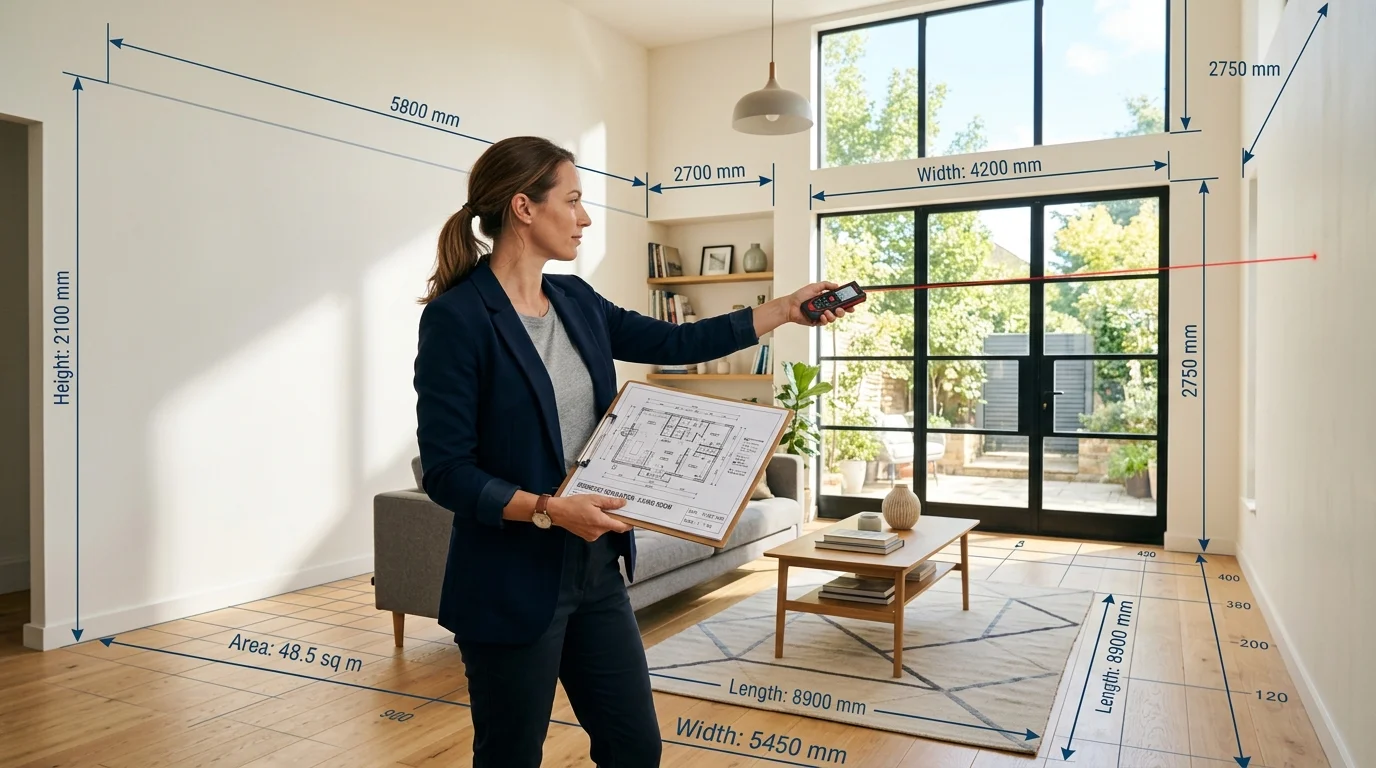
Calculate wall paint coverage, tile counts, and floor area in one tool. Enter room dimensions in any mix of meters and feet — the area volume calculator handles unit conversion automatically. Accurate square footage cuts material waste and saves money on every renovation project.
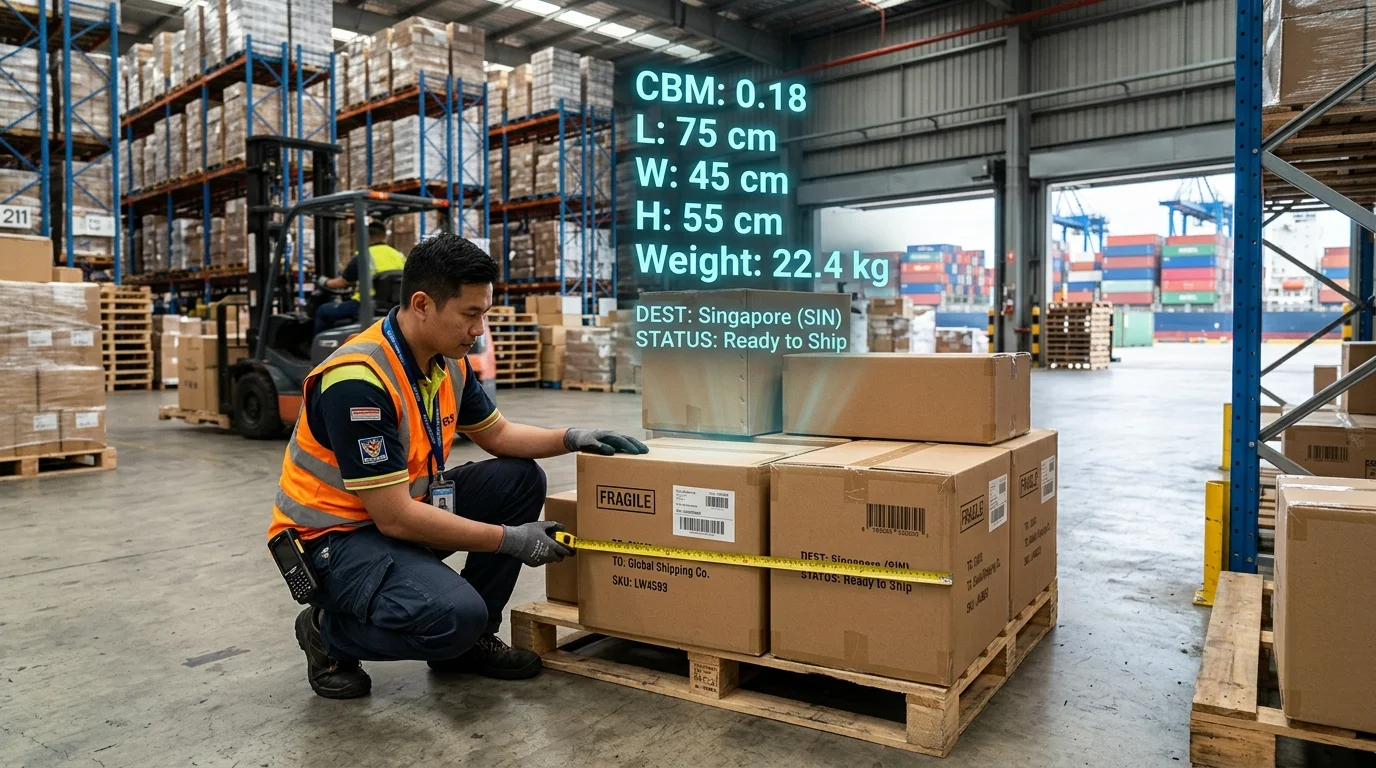
Enter your parcel's length, width, and height in any unit and get the cubic meter (CBM) value instantly. This area volume calculator is the fastest way for cross-border sellers and freight agents to verify volumetric weight before booking an air or sea shipment.
Use this area volume calculator to check homework answers and review formula derivations side by side. The step-by-step workings section shows every substitution clearly — perfect for geometry, physics, and engineering coursework at any level.

Common questions about using this area volume calculator, supported shapes, formulas, and unit conversions.
An area volume calculator is an online tool that computes geometric measurements — area, perimeter, circumference, volume, and surface area — for 2D and 3D shapes. This free area volume calculator supports nine shapes and runs entirely in your browser with no data sent to any server.
This area volume calculator supports five 2D shapes — rectangle, circle, triangle (three sides), trapezoid, and regular polygon — plus four 3D shapes: cuboid, cylinder, sphere, and cone. Every shape shows all relevant measurements: area and perimeter for 2D shapes, and volume plus surface area for 3D shapes.
Yes. Each input field has its own unit selector (mm, cm, m, km, in, ft, yd). You can freely mix units — for example, entering length in feet and height in centimeters. The area volume calculator converts all inputs to a common base unit before computing, so results are always accurate regardless of unit mix.
The area volume calculator uses standard geometric formulas: A = l × w for a rectangle; A = πr² and C = 2πr for a circle; Heron's formula √(s(s-a)(s-b)(s-c)) for a triangle; A = ½(a+b)h for a trapezoid; and A = (n × s²) / (4 tan(π/n)) for a regular polygon. For 3D shapes: V = lwh for a cuboid; V = πr²h for a cylinder; V = (4/3)πr³ for a sphere; and V = (1/3)πr²h for a cone.
For the triangle shape, this area volume calculator checks that each side is strictly less than the sum of the other two. If you enter sides where a ≥ b + c (or any permutation), the calculator flags the input with a red warning and withholds the result until you correct the values.
Select the Cuboid shape in the 3D section. Enter the parcel's length, width, and height — you can use centimeters or inches per field. Then set the volume output unit to m³. The area volume calculator converts and displays the CBM value instantly, ready for freight quoting.
The total surface area of a cylinder is SA = 2πr² + 2πrh, where r is the radius and h is the height. The lateral (side) surface area alone is 2πrh. This area volume calculator computes and displays both values simultaneously so you can see the full surface area and the lateral area in one step.
Yes, this area volume calculator is 100% free with no usage limits and no account required. All geometric calculations run entirely in your browser — your measurements never leave your device.
This area volume calculator automatically saves your last 10 calculations to your browser's localStorage. Each history entry stores the shape, all input dimensions, and the computed results. The history persists through page reloads. Click Restore on any entry to reload those inputs and results, or clear the full history with one click.
100% Free · No Signup Required · All Calculations in Browser
