These are the URL encoding and URL decoding problems developers and marketers run into every day.
Unencoded spaces and symbols like &, ?, # in query parameters silently break URL routing. You must URL encode every special character to keep your links valid and safe.
JavaScript's two URL encode functions behave differently. encodeURI URL encodes a full address while preserving structural characters like ://, whereas encodeURIComponent URL encodes everything — choosing wrong corrupts or breaks the link.
Tokens, API keys, and private query parameters embedded in URLs are sensitive. Most online URL encoders and URL decoders send your data to a server — URL Master never does.
URL encode or URL decode any string here — all processing stays in your browser.
Every feature in URL Master is built for real encoding and decoding workflows — fast, private, and flexible.
URL Master handles both directions: URL encode raw text into a valid percent-encoded string, or URL decode a garbled link back to readable form — instantly.
Toggle real-time mode and URL Master shows your encoded result as you type — no button press needed. Equally useful when you URL decode a long query string and need to inspect the output character by character.
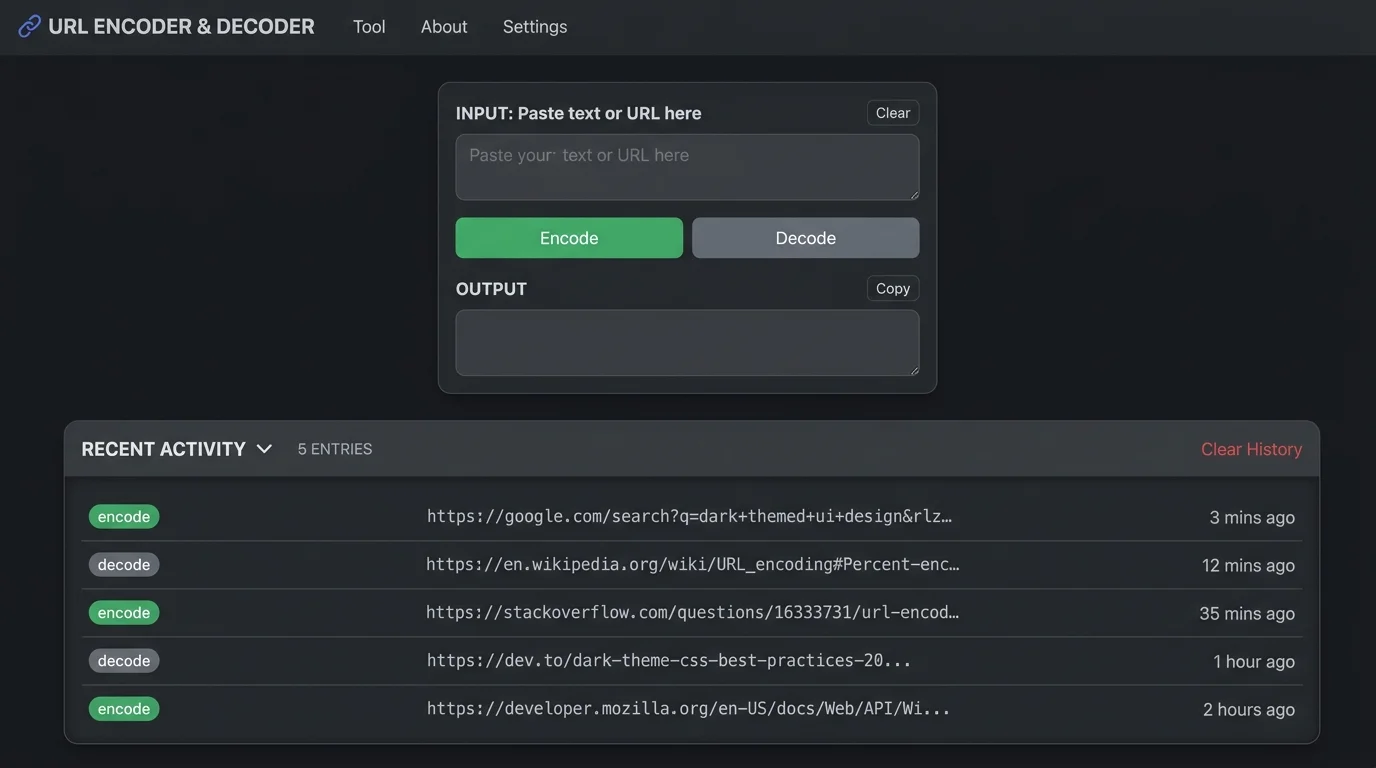
URL Master saves your last 5 URL encode and URL decode operations in localStorage. Refresh the page without losing your work — click any record to restore the full session instantly.
Move the decoded output back to the input in one click. Chain URL encode → edit → encode again — no copy-pasting between fields.
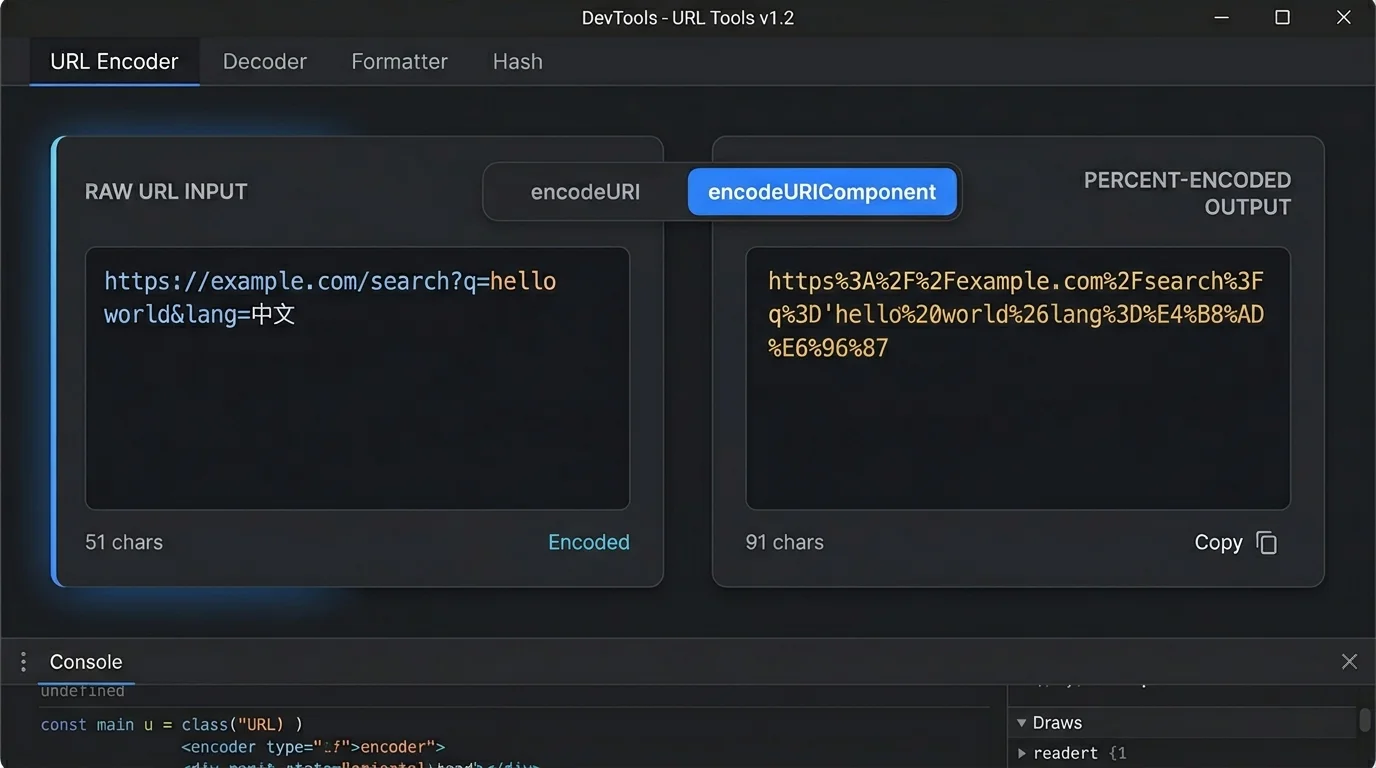
Switch between encodeURI (preserves :// and /) and encodeURIComponent (encodes all special characters) to match your exact use case every time.
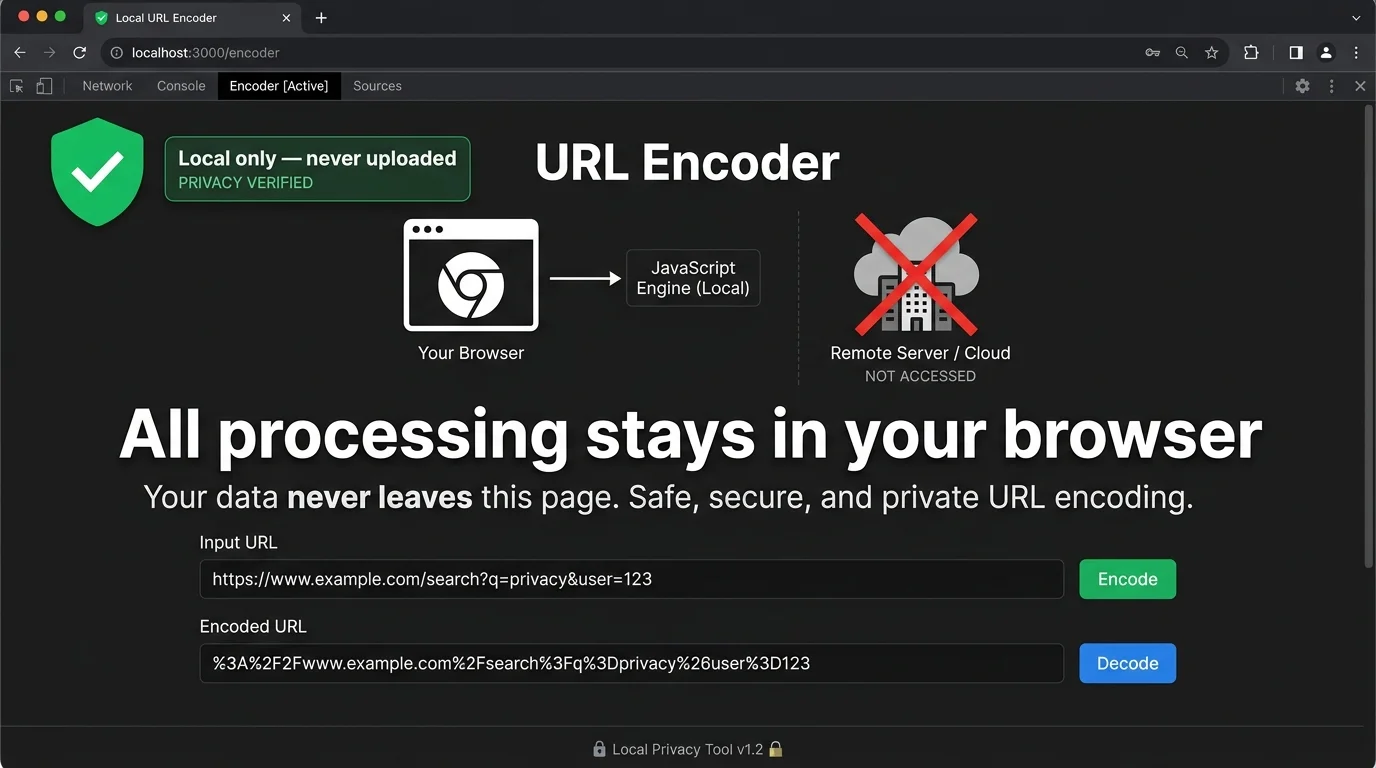
URL Master runs every URL encode and URL decode operation entirely in your browser. API tokens and private strings never touch a server. Works fully offline too.
From URL encode workflows to URL decode debugging — URL Master covers every scenario.
Use encodeURI to URL encode a full address while keeping its structure — slashes, colons, and query delimiters stay intact. Switch to encodeURIComponent for a single parameter value containing &, =, or Chinese characters. URL Master makes switching between modes instant.
URL Master stores your last 5 URL encode and URL decode operations in your browser's localStorage. Even after a page refresh or browser restart, every previous result is still there. Click any history entry to restore its input, output, and encoding mode — no re-typing required.
Every URL encode and URL decode operation in URL Master runs entirely inside your browser — no network request is ever made. API tokens, OAuth parameters, and private query strings stay on your device. Disconnect your internet and URL Master still works without interruption.
URL encode or URL decode any string in three steps — no setup, no account.
Choose encodeURI if you're encoding a whole address and want to preserve its structure. Choose encodeURIComponent for individual parameter values that need all special characters escaped. Toggle real-time on to preview your URL encode result instantly as you type.
Type or paste any URL, raw text, or percent-encoded string into the input box. Click 'Load Sample' to prefill a URL with Chinese characters and spaces — great for testing both encoding modes side by side.
Click URL Encode or URL Decode to convert. Copy the result to your clipboard in one click. Use Swap to move the output back to the input for another round — and every conversion is saved to history automatically.
Answers to the most common URL encoding and decoding questions.
URL encoding, also called percent-encoding, converts characters not allowed in URLs into a safe format: each character is replaced by a % sign followed by its two-digit hexadecimal value. For example, a space becomes %20 and a Chinese character like 你 becomes %E4%BD%A0. URL Master lets you URL encode or URL decode any string instantly — no code required.
encodeURI (a URL encode for full addresses) leaves structural characters like :, /, ?, &, and = untouched so the URL stays valid. encodeURIComponent escapes everything except letters, digits, and - _ . ! ~ * ' ( ) — including &, =, and / — making a value safe to embed as a query parameter. URL Master lets you switch between both modes with a single click.
URL decode fails when the input contains a bare % not followed by two valid hexadecimal digits. For example, '100%off' contains %of, which is not valid hex. URL Master shows a clear error message in this case so you can identify and fix the problem in your input quickly.
Yes. URL Master runs every URL encode and URL decode operation entirely in your browser — no input ever leaves your device. There is no server-side component, no logging, and no account required. You can disconnect your internet and URL Master will still work normally.
URL Master saves your last 5 URL encode and URL decode operations in your browser's localStorage. Each record stores the input, output, mode (encode or decode), encoding type (encodeURI or encodeURIComponent), and a timestamp. The data never leaves your device.
Paste the percent-encoded string into URL Master and click URL Decode. %2F becomes / and %3A becomes :, so https%3A%2F%2Fexample.com is restored to https://example.com. URL Master uses decodeURIComponent internally, so every percent-encoded sequence — including those that encodeURI would leave untouched — is fully URL decoded.
URL Master is free and runs every URL encode and URL decode operation locally in your browser.
