Three moments everyone on a global team has lived through — and how this Timezone Converter eliminates all of them.
"Is EST +5 or +6 right now?" Daylight Saving shifts quietly and your mental offset is suddenly wrong. The Timezone Converter auto-reads browser DST, always accurate.
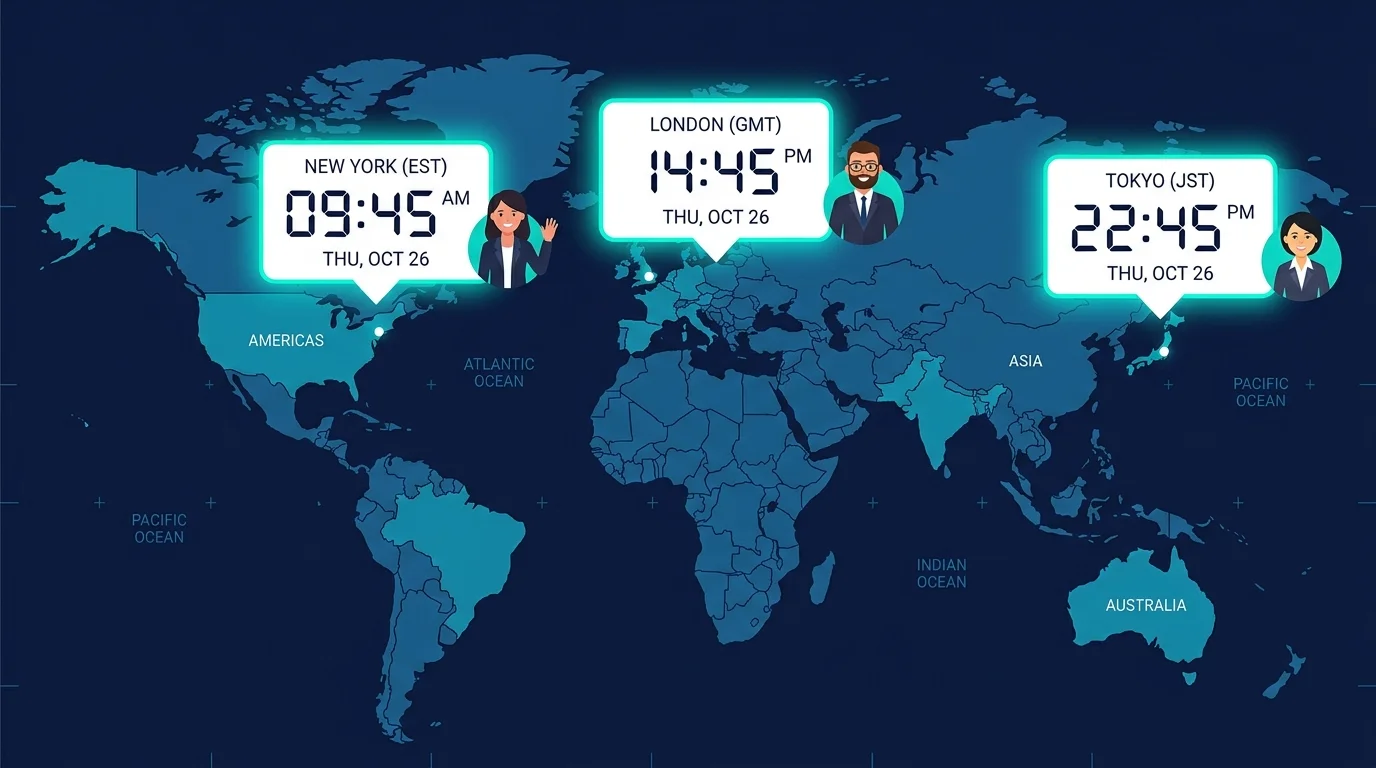
A 10 PM Pacific call is already the next morning in Tokyo. Without a visual day-change warning it's frighteningly easy to open the wrong calendar slot — one red badge prevents the mistake.
Typing "3 PM EST / 8 PM GMT / 9 AM JST" by hand into a message is slow and error-prone. One click generates the full multi-zone line, ready to paste.
Drag the slider to sync time. Add any city to compare.
Seven features designed for global teams, travelers, and remote workers — all free, all instant.
The Timezone Converter reads your browser's locale the moment the page loads — no permission prompts, no manual selection, instant baseline.
Type a city name like "London" or an abbreviation like "PST" in the search box. Add as many comparison panels as you need.
Slide through any hour (in 30-minute steps) and every added zone updates in real time — the core experience of the Timezone Converter.
Generates a clean text line — e.g. "10:00 AM EST / 3:00 PM GMT / 11:00 PM JST" — ready to paste into email or Slack.
No matter where you've dragged the slider, one tap snaps every panel back to the current real-world time instantly.
Switch between AM/PM (US style) and 24-hour format (EU style) globally across all panels with a single button.
When a converted time crosses midnight, a red +1 Day or −1 Day badge appears on that panel — preventing the classic wrong-day booking mistake.
Four steps from page load to a shareable meeting time, under 30 seconds.
When you open the Timezone Converter, the browser Intl API identifies your zone instantly. It becomes the base panel — no action needed.
Click the search box and type a city ("New York", "Dubai") or an abbreviation ("CET", "GMT+8"). Click Add — repeat for every zone you need.
Pull the horizontal slider left or right. All panels update in real time in 30-minute increments. Watch for red Day badges — they flag overnight crossings.
When you find the perfect hour, click Copy Meeting Time. A formatted string with all visible zones is added to your clipboard, ready to paste anywhere.
Whether you're scheduling a team standup or booking a flight, the Timezone Converter has you covered.
Add every teammate's city, drag the slider to find an hour where everyone is within working hours, and copy the multi-zone time string straight into Slack.
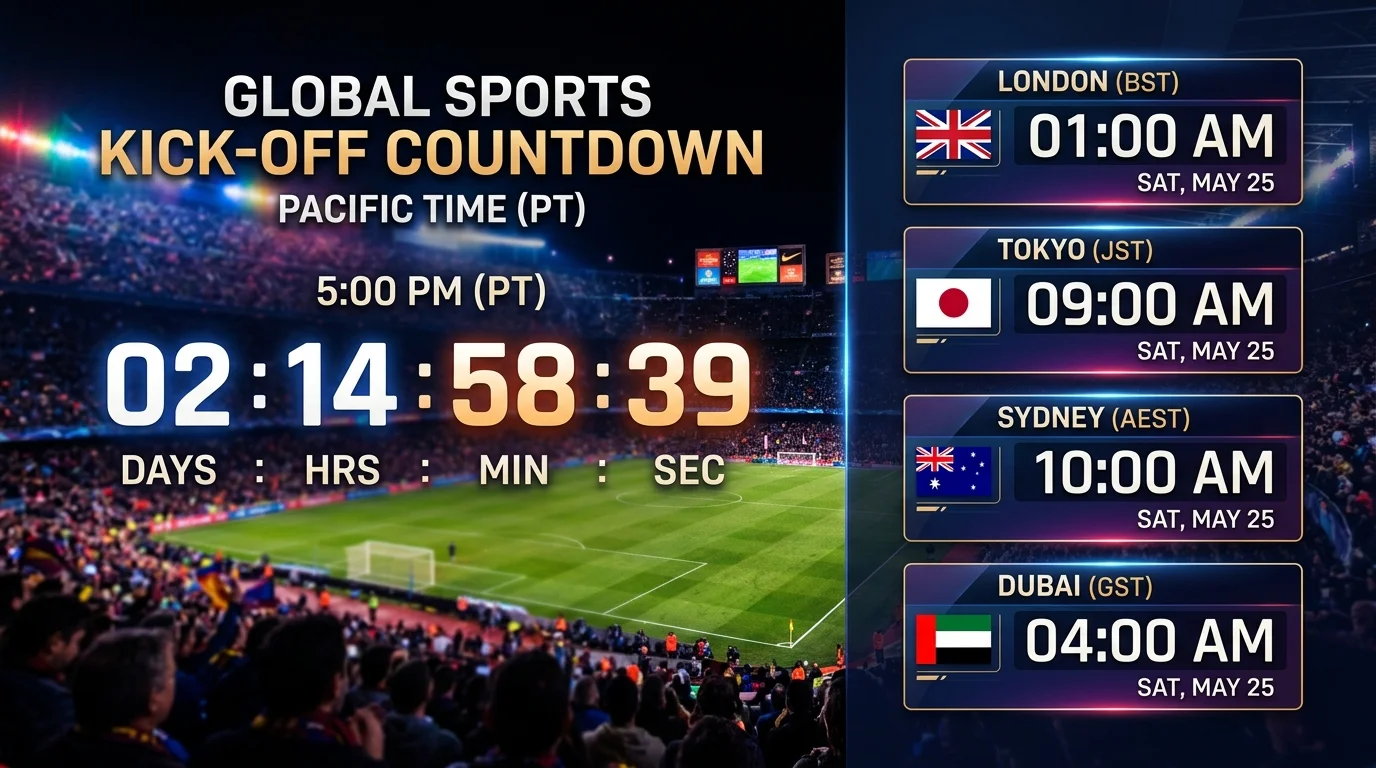
Apple Keynotes, World Cup finals, esports championships — all announced in PT or ET. Plug in your city and know exactly when to sit down and watch.
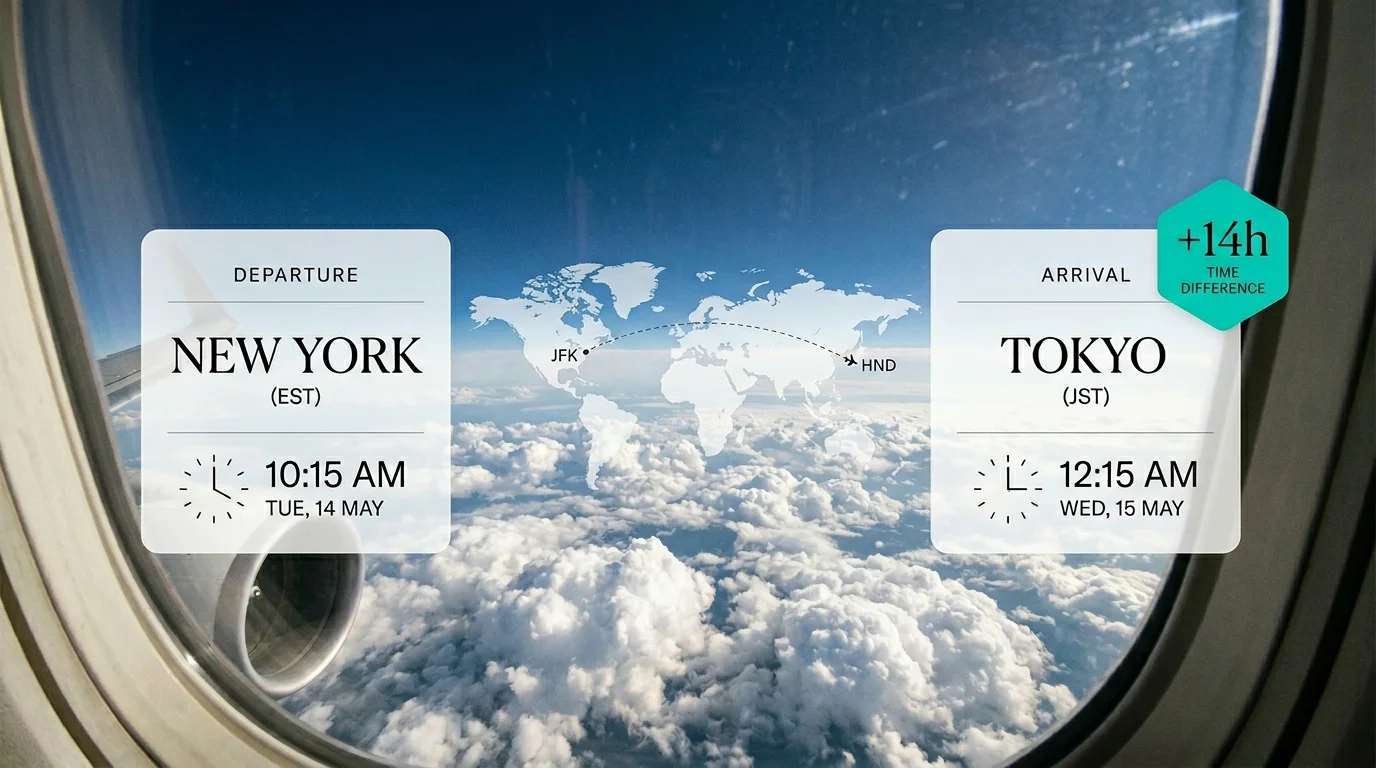
Compare departure and destination times side by side on the slider. Visualize the time gap, plan your sleep strategy, and tell family exactly when you land.
Everything you need to know about using the Timezone Converter.
Yes. The converter uses the browser's built-in Intl.DateTimeFormat API, which always reflects the correct DST rules for every IANA time zone. You never need to remember whether a zone is currently on standard or daylight time.
You can add up to 6 comparison zones in addition to your auto-detected local zone, giving you 7 panels total — enough for any global team standup.
When the converted time crosses midnight relative to your base zone's date, the panel shows a colored badge indicating whether that city is one day ahead (+1 Day) or behind (−1 Day). This prevents booking the wrong calendar day.
Yes. The search box recognizes common abbreviations (EST, PST, CST, MST, GMT, CET, IST, JST, AEST, etc.) as well as city names and UTC offsets like GMT+8.
No. The entire Timezone Converter runs in your browser using the native Intl API and JavaScript. No time queries, no personal data, and no server calls are made.
It resets the slider to the current real-world time and refreshes all panels to live timestamps — useful after you've explored hypothetical meeting times and want to return to the present.
Absolutely. The copied text (e.g. '10:00 AM EST / 3:00 PM GMT / 11:00 PM JST') can be pasted into the description or title of any calendar event, email, or messaging app.
