Convert text to Morse code or decode Morse code back to text in real time
Enter content to translate
Letters separated by spaces · Words separated by /
Translation result
Translation will appear here
Replace dots and dashes with your own characters — great for emoji codes
Try 🍎 for dot and 🍌 for dash to create your own fruit cipher!
Complete Morse code alphabet, numbers, and punctuation
Letters
Numbers
Punctuation
Real situations where a Morse code translator saves time and removes guesswork.
You encounter a string of dots and dashes — in a game, a puzzle, or a survival scenario — and have no idea what it spells. A Morse code translator decodes any valid Morse sequence back to plain text in seconds.
Amateur radio operators need to pass Morse code proficiency tests. Our Morse code translator lets you practice encoding and decoding, listen to the audio output at adjustable WPM speeds, and build muscle memory naturally.
Writers, game designers, and escape room builders use Morse code to embed hidden clues. The Morse code translator lets you encode any English text instantly, then copy the result directly into your puzzle or story.
Most Morse code tools only convert text. Ours adds audio playback, visual flashing, custom symbols, and works entirely in your browser.
This Morse code translator works in both directions. Type English text to encode it into Morse code, or paste dots-and-dashes to decode Morse code back to readable text. Both modes update in real time as you type.
Convert your Morse code into actual beep sounds using the Web Audio API — no plugins required. Adjust the audio frequency (tone pitch) and playback speed (WPM) to match standard radio practice or your personal learning pace.
Watch a signal light flash in sync with your Morse code — dot blinks are short, dash blinks are long. Perfect for visual learners or demonstrating Morse code patterns without sound.
Use 🍎 for dots and 🍌 for dashes to create shareable fruit ciphers for social media — the tool handles the symbol substitution instantly.
Output updates in real time as you type — no submit button, no page reload. All translation logic runs entirely in your browser with zero latency and zero data sent to any server.
Built-in Morse code chart covers the full alphabet (A–Z), digits (0–9), and common punctuation. Collapse or expand it anytime as a quick lookup table while translating.
Three steps to convert text to Morse code — or decode Morse code back to text — with optional audio and visual playback.
Type or paste your input into the tool below. For text-to-Morse mode, enter plain English letters, numbers, or punctuation. For Morse-to-text mode, enter dots (.) and dashes (-) with spaces between letters and a forward slash (/) between words.
Click Advanced Options to adjust the frequency (tone pitch) and WPM speed of audio playback. To use custom symbols, replace the dot or dash characters with any emoji or text of your choice. The preview updates instantly.
Your Morse code translation appears instantly in the output box. Click Play to hear the audio beeps, click Flash Signal to see the visual light indicator, or click Copy to send the result to your clipboard.
Beyond basic text conversion, this Morse code translator includes audio playback, visual signaling, and custom symbol output to cover every use case.
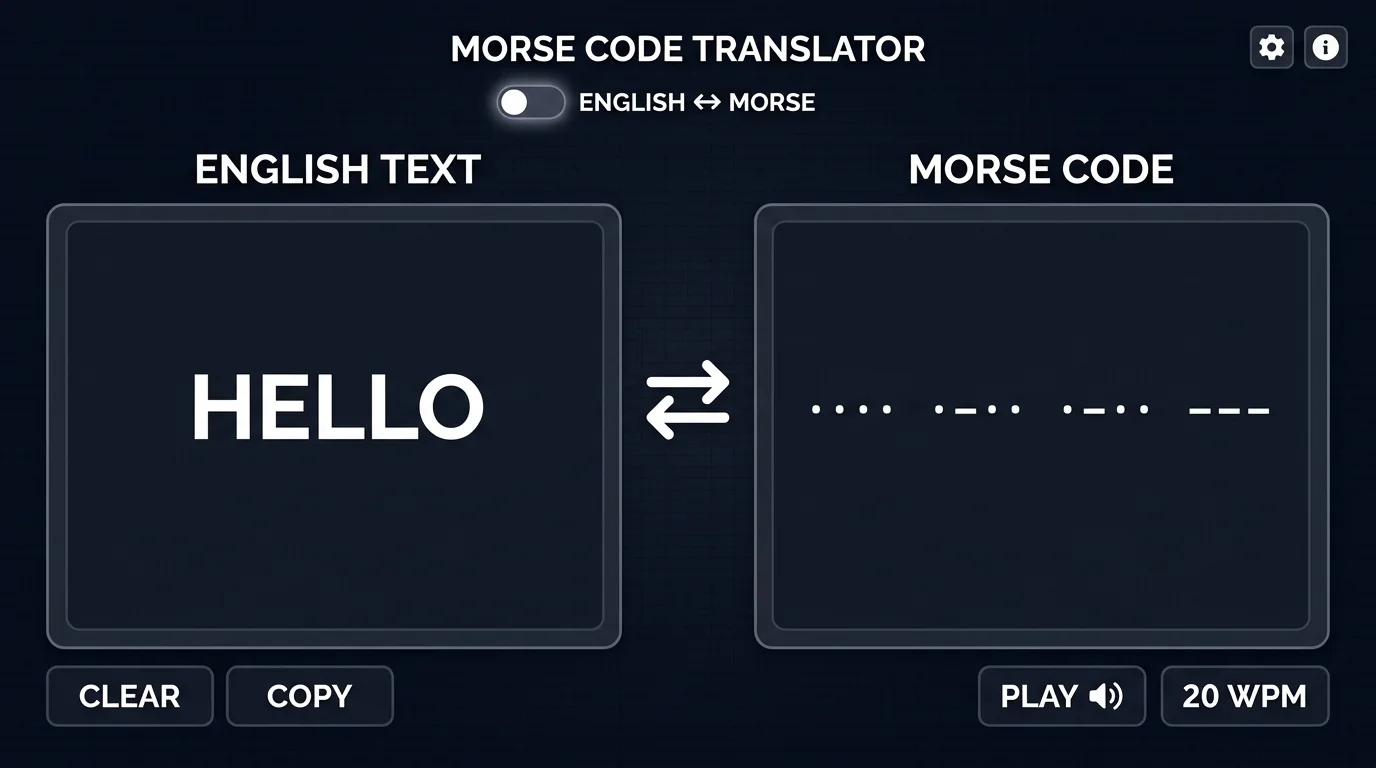
Encode any English text into Morse code or decode any Morse sequence back to plain text — both directions work instantly as you type. It handles letter spacing (single space), word spacing (/ slash), and punctuation automatically. No format knowledge required.
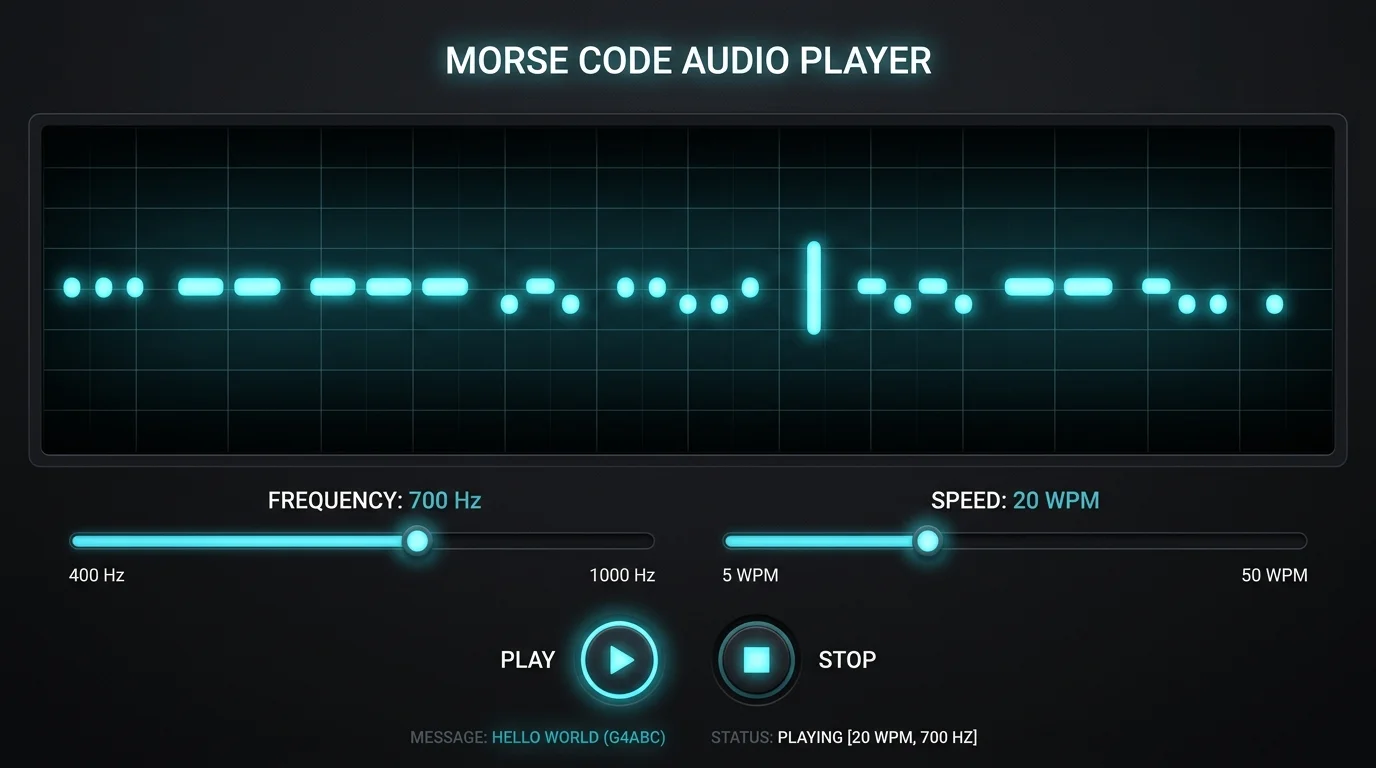
Turn your Morse code into real audio beeps using the Web Audio API built into your browser. Set the frequency anywhere from 300 Hz to 1200 Hz and adjust playback speed from 5 WPM (beginner) to 40 WPM (advanced). Each dit and dah tone is precisely timed to match standard radio conventions.
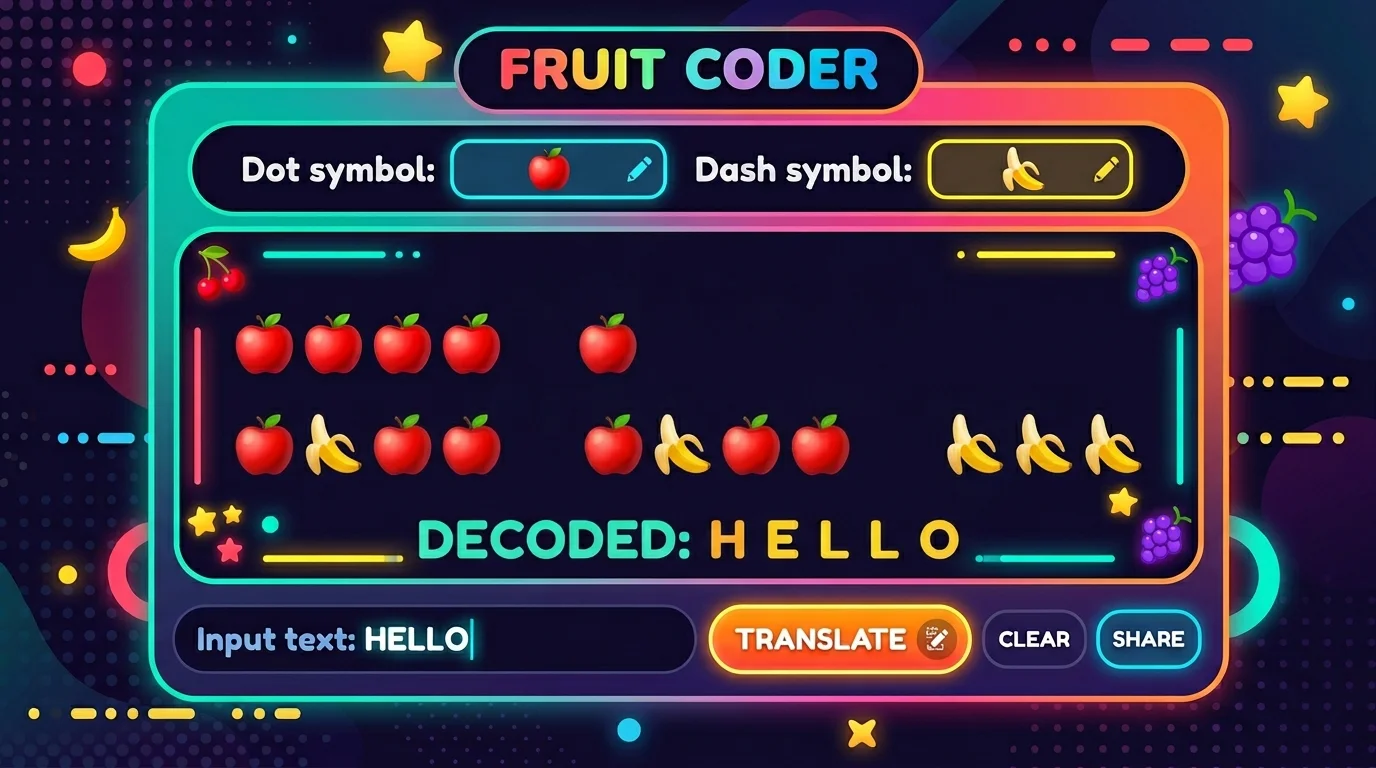
Replace the standard dot (.) and dash (-) with any character you choose. Swap them for fruit emoji, hearts, or any symbol to create a personal cipher that looks completely different from standard Morse code but encodes the same message. The substitution updates instantly — paste the result anywhere on social media.
A look at the origins, technical rules, and enduring relevance of Morse code — the world's most recognized encoding system.
Morse code was developed in the 1830s by Samuel Morse and Alfred Vail for use with the electric telegraph. The original American Morse code was later refined into the International Morse Code standard adopted in 1865 — the version used today. The code became critical for maritime communication, military operations, and eventually aviation. SOS (··· --- ···) became the universal distress signal in 1906 and remains recognizable worldwide. Today, Morse code is still used in amateur (ham) radio and is embedded in pop culture, puzzles, and games.
Each character in Morse code is represented by a unique sequence of dots (short signals, called 'dits') and dashes (long signals, called 'dahs'). A dot lasts one unit of time; a dash lasts three units. The gap between symbols within a character is one unit; the gap between letters is three units; the gap between words is seven units. Our Morse code translator maps each character to its code sequence client-side, with audio timing calculated using the Web Audio API for accurate WPM-based playback.
Common questions about using this Morse code translator, Morse code rules, and audio playback.
A Morse code translator is an online tool that converts plain text into Morse code sequences (dots and dashes), or decodes Morse code back into readable text. It supports the full International Morse Code standard, including letters A–Z, digits 0–9, and common punctuation marks, with real-time translation and audio playback.
Switch to 'Morse Code → Text' mode, then type or paste your Morse code using dots (.) and dashes (-). Separate letters with a single space and words with a forward slash (/). The translator decodes every character to readable text instantly as you type.
In International Morse Code: dots (.) represent short signals, dashes (-) represent long signals (3× the length of a dot). Within a character, symbols are written with no separator. Between letters, use a single space. Between words, use a forward slash (/). For example: HELLO WORLD encodes as ···· · ·-·· ·-·· --- / ·-- --- ·-·· -··
Yes. Click the Play button after entering text to hear your Morse code as real beep sounds generated by the Web Audio API in your browser. You can adjust the tone frequency (pitch) and playback speed (WPM) in the Advanced Options panel. No plugins or downloads are required.
WPM stands for Words Per Minute. In Morse code, WPM is the standard measurement of transmission speed, based on how many times the word PARIS (a standard calibration word) can be sent per minute. Beginners typically start at 5–10 WPM; licensed amateur radio operators often operate above 20 WPM.
SOS in Morse code is ··· --- ··· (three dots, three dashes, three dots). It was chosen as the international distress signal in 1906 because it is simple, distinctive, and easy to transmit even in an emergency. SOS does not stand for 'Save Our Souls' — it was chosen purely for its simplicity in Morse code.
Yes. The custom symbols feature lets you replace the dot (.) with any character or emoji, and the dash (-) with any other character. For example, use 🍎 as a dot and 🍌 as a dash to create a shareable emoji cipher. The underlying Morse code logic remains identical — only the display symbols change.
Yes, completely free with no account required, no usage limits, and no hidden costs. All Morse code translation, audio playback, and visual flashing runs entirely in your browser — your text is never sent to any server.
100% Free · No Signup · Works in Browser
