These are the real blockers people hit every day when working with CJK and Cyrillic text.
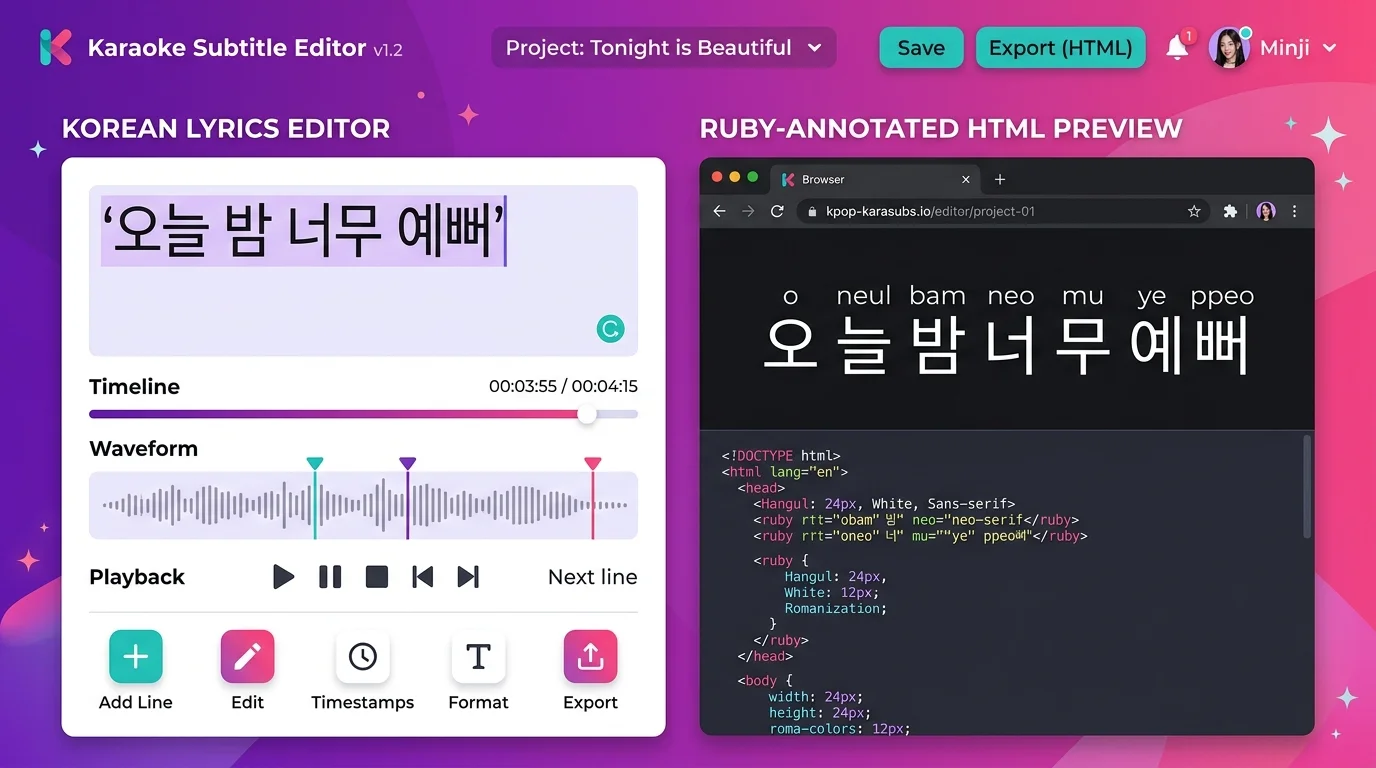
K-pop fans, language learners, and subtitle writers need to sing along or annotate lyrics without knowing the native script. Multilingual Romanization generates readable phonetic output instantly.
Front-end developers and bloggers spend hours hand-writing ruby/rt HTML tags for language-learning posts. Multilingual Romanization generates the markup in one click.
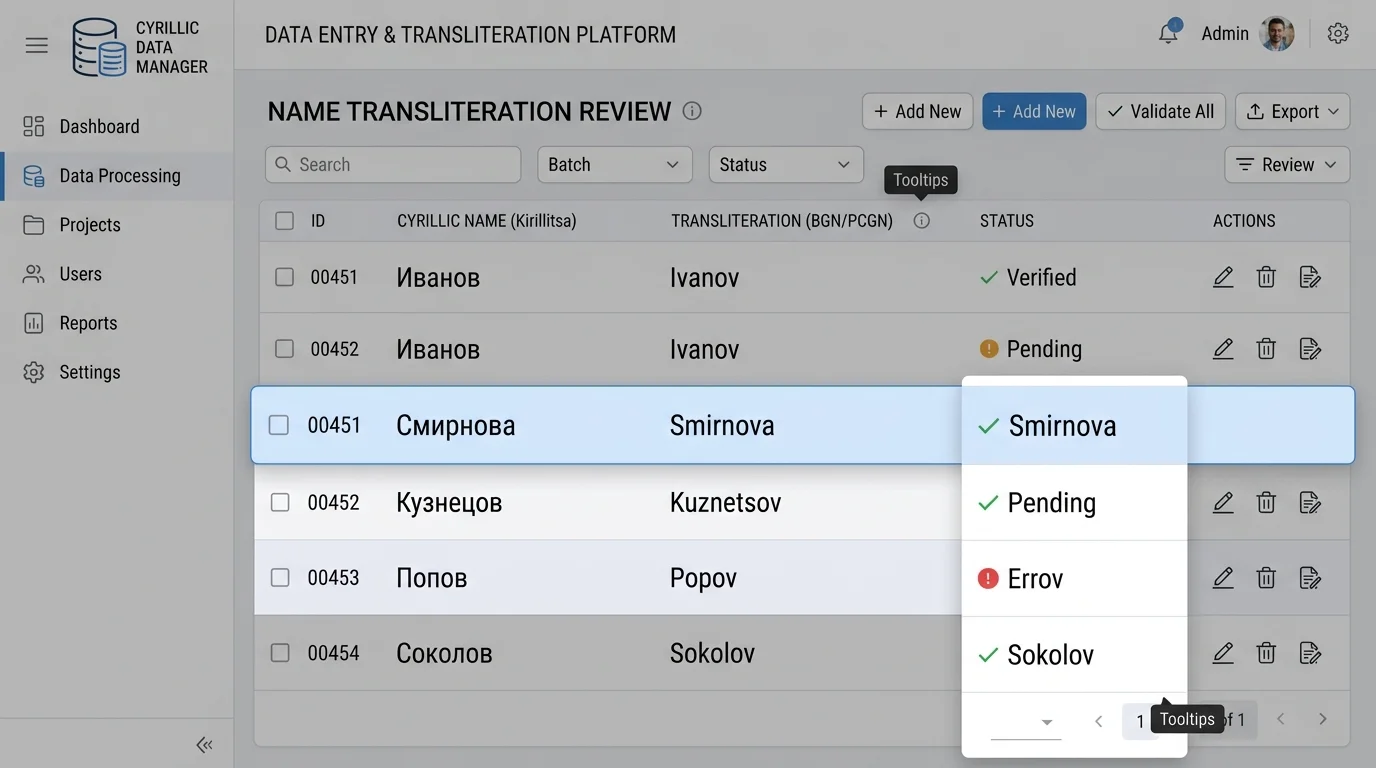
Admin staff entering Russian or Chinese names into older databases face character-set errors. Multilingual Romanization provides standards-compliant Latin transliteration instantly.
Select a language, paste your text, and get instant phonetic output in three formats.
Input
Plain Romanization
Plain romanization will appear here
Mixed Annotated
Mixed annotated text will appear here
Ruby HTML Preview
Six purpose-built features that cover every multilingual romanization workflow — from karaoke subtitles to corporate data migration.
Switch between Chinese pinyin, Japanese romaji, Korean RR romanization, and Russian Latin with one click. Language libraries load on demand so the initial page stays lightning-fast.
See plain phonetic text, inline mixed annotations like 君(kimi), and rendered ruby typography all at once — no page reload needed.
Get copy-ready ruby/rt markup for any blog or teaching site. Works with Tailwind CSS typography out of the box.
Toggle Chinese pinyin between tone marks (ā), number notation (a1), or bare syllables. Russian transliteration supports BGN/PCGN, ISO 9, and ALA-LC standards.
Strip invisible characters, excess whitespace, and stray HTML tags from pasted content before conversion — one click, pure JavaScript, nothing leaves your browser.
Render the annotated result panel as a shareable PNG image — perfect for social media posts, lyric cards, or flashcard decks. Powered by html-to-image, fully client-side.
From paste to perfect annotations in four simple steps.
Click the Language selector and choose Chinese, Japanese, Korean, or Russian. The matching romanization library loads in the background automatically.
Drop any text into the input area. If it comes from a webpage, hit Clean Text first to strip invisible characters and stray HTML before converting.
The three panels update in real time: Plain Romanization shows only phonetic text; Mixed Annotated shows the original alongside its reading; Ruby Preview renders the full ruby typography.
Use Copy Ruby HTML to grab the markup for your blog, or hit Export PNG to download a shareable image of the annotated result. No account required.
Whether you create fan subtitles, teach languages, or build multilingual websites — multilingual romanization fits your workflow.
K-pop fans and subtitle groups use Multilingual Romanization to convert song lyrics into instant ruby HTML. Copy the markup straight into your subtitle editor or fan-page HTML — no manual tagging, no typos.
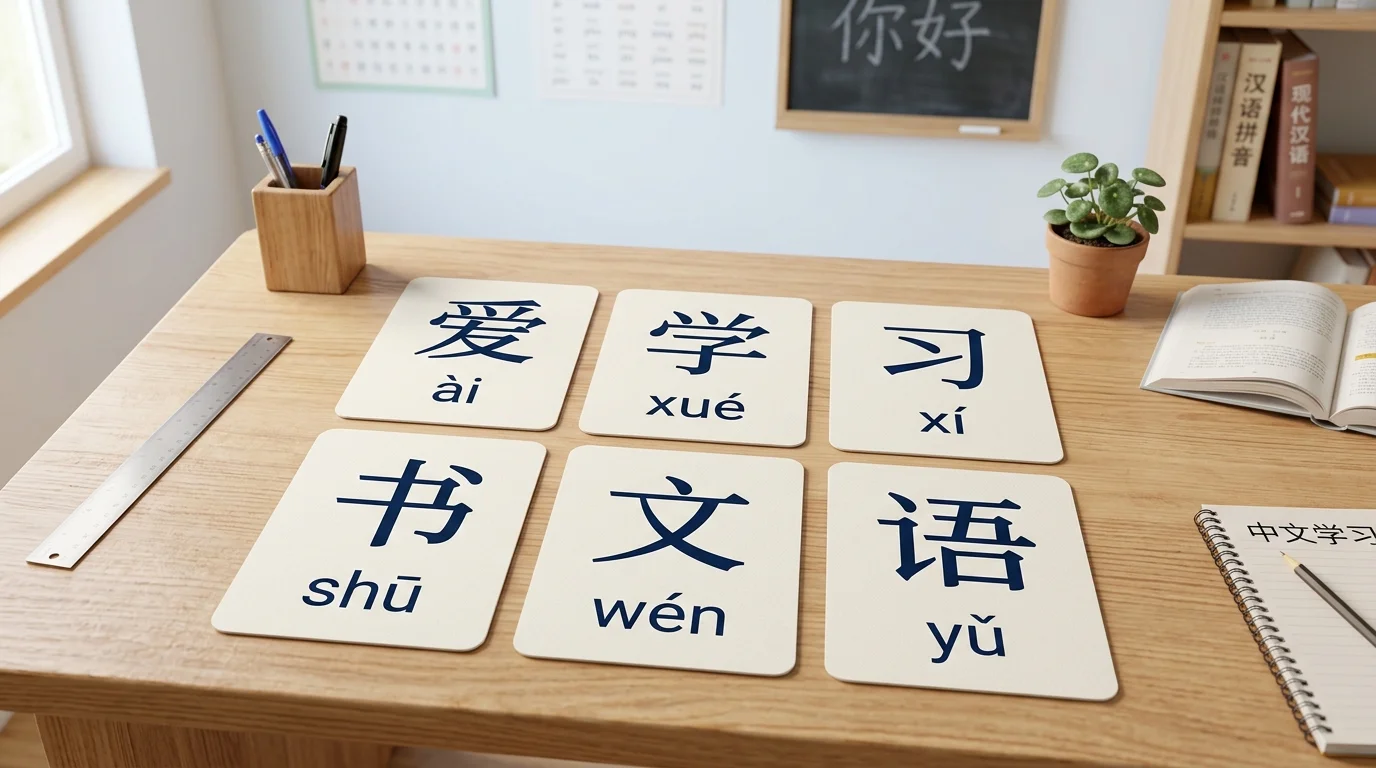
Language teachers and special-ed professionals use Multilingual Romanization to produce pinyin-annotated word cards and kana-annotated Japanese reading sheets in seconds. Export as PNG and print — or copy the ruby HTML into your LMS.
Admin staff entering Russian, Chinese, or Korean personal data into ASCII-only databases use the plain romanization output for instant, standards-compliant Latin conversion — BGN/PCGN for names, ISO 9 for documents.
Everything you need to know before using the tool.
Multilingual Romanization currently supports Chinese (Mandarin pinyin with tone marks, numbers, or no tone), Japanese (romaji via Kuroshiro + Kuromoji, supporting mixed kanji-kana input), Korean (Revised Romanization with syllable-level mixed annotation), and Russian (BGN/PCGN, ISO 9, and ALA-LC Latin standards).
No. Every conversion in Multilingual Romanization runs entirely inside your browser using JavaScript. No text is transmitted to any server, stored, or logged. Your privacy is fully protected.
Japanese romanization uses Kuroshiro with the Kuromoji morphological analyzer. The Kuromoji dictionary is approximately 7 MB and loads asynchronously on first use. After the initial load it is cached by your browser and subsequent conversions are instant.
Plain Romanization outputs only the phonetic text (e.g. 'kimi no na wa'). Mixed Annotated shows the original character with its reading inline (e.g. '君(kimi)'). Ruby Preview renders proper HTML ruby typography with the reading displayed above each character, which you can copy as HTML markup.
Use BGN/PCGN for names and passports (the most readable for English speakers). Choose ISO 9 for academic and scientific documents that require reversible one-to-one mapping. Select ALA-LC if you are cataloging materials for a library system.
Yes. The PNG is generated entirely from your own input text using open-source libraries. There are no watermarks and no licensing restrictions on the output. You own the result.
The ruby element is a native HTML5 element and displays reading annotations in all modern browsers without any CSS. Adding basic Tailwind CSS typography or a reset stylesheet improves visual consistency across different browsers.
100% browser-side · Zero data upload · Free forever
