Millions of creators and students need a reliable video to image converter every day. These are the three walls they keep hitting.
Most online video to image converters upload your file to a remote server. For personal videos, medical recordings, or unreleased footage, that is an unacceptable privacy gamble — your content could be stored, analysed, or exposed.
Installing Premiere, After Effects, or VLC just to grab a few frames wastes hours and gigabytes. You need a fast video to image converter that opens in 3 seconds, not one that requires a 2 GB install.
Screenshot keys and video players only let you grab the current visible frame. For creators who need a specific millisecond, a reliable video to image converter with frame-level seeking is essential.
Upload your video, scrub to any frame, and capture images — all inside your browser. No file ever leaves your device.
Drop Your Video Here
Drag & drop any MP4, WebM, OGG, or MOV file
or click to browse files
Supported: MP4 · WebM · OGG · MOV
Max file size: 500 MB
Built for creators, students, and professionals who need a precise, private, and zero-install video to image converter.
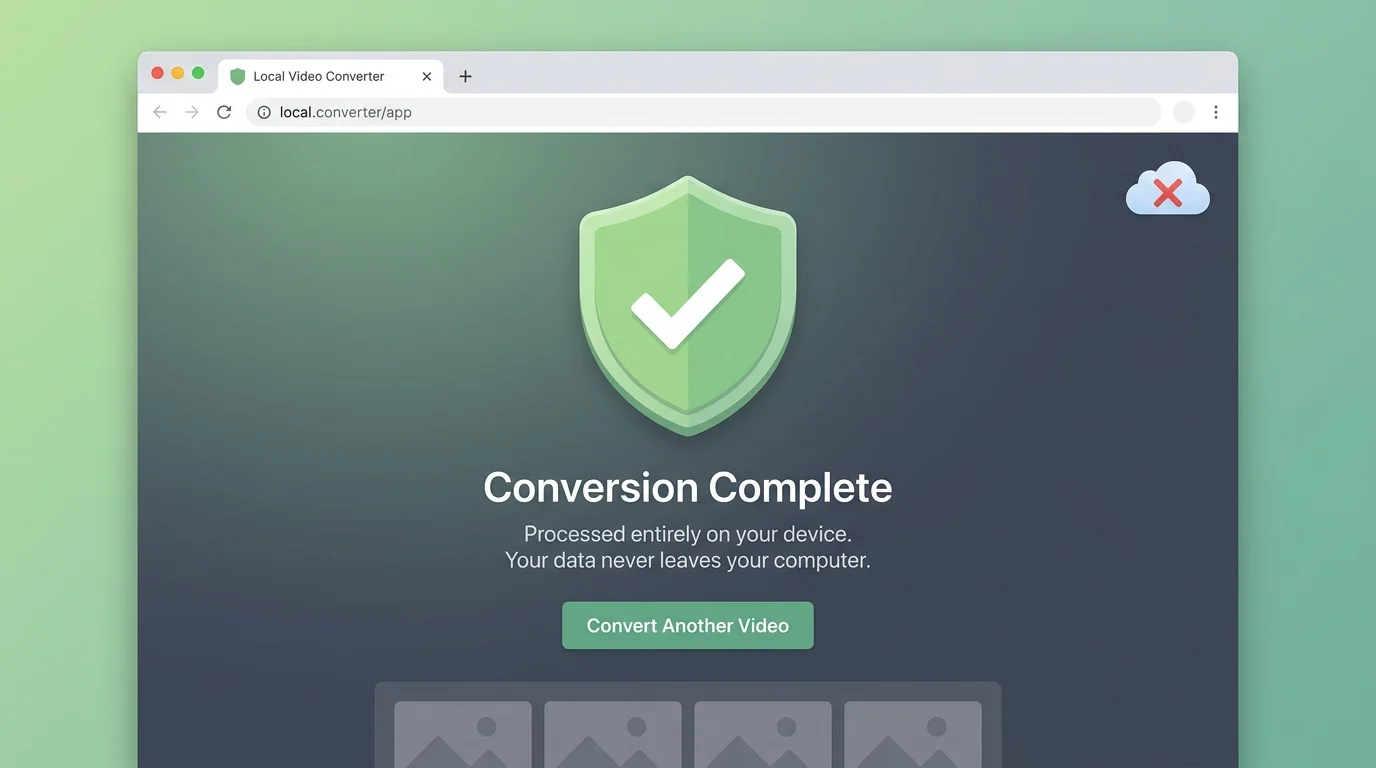
This video to image converter runs entirely inside your browser tab. No byte of your video is ever sent to any server. Ideal for confidential, medical, or personal recordings.
Single frame capture, fixed-interval extraction (every N seconds), or evenly-distributed total count — choose the mode that fits your video to image converter workflow.
Drag the seek bar to any point in the video and the preview updates instantly. Our video to image converter shows you exactly what will be captured before you click.
Choose your output format and quality slider before extracting. Whether you need lossless PNGs or compressed WebPs, the video to image converter adapts to your needs.
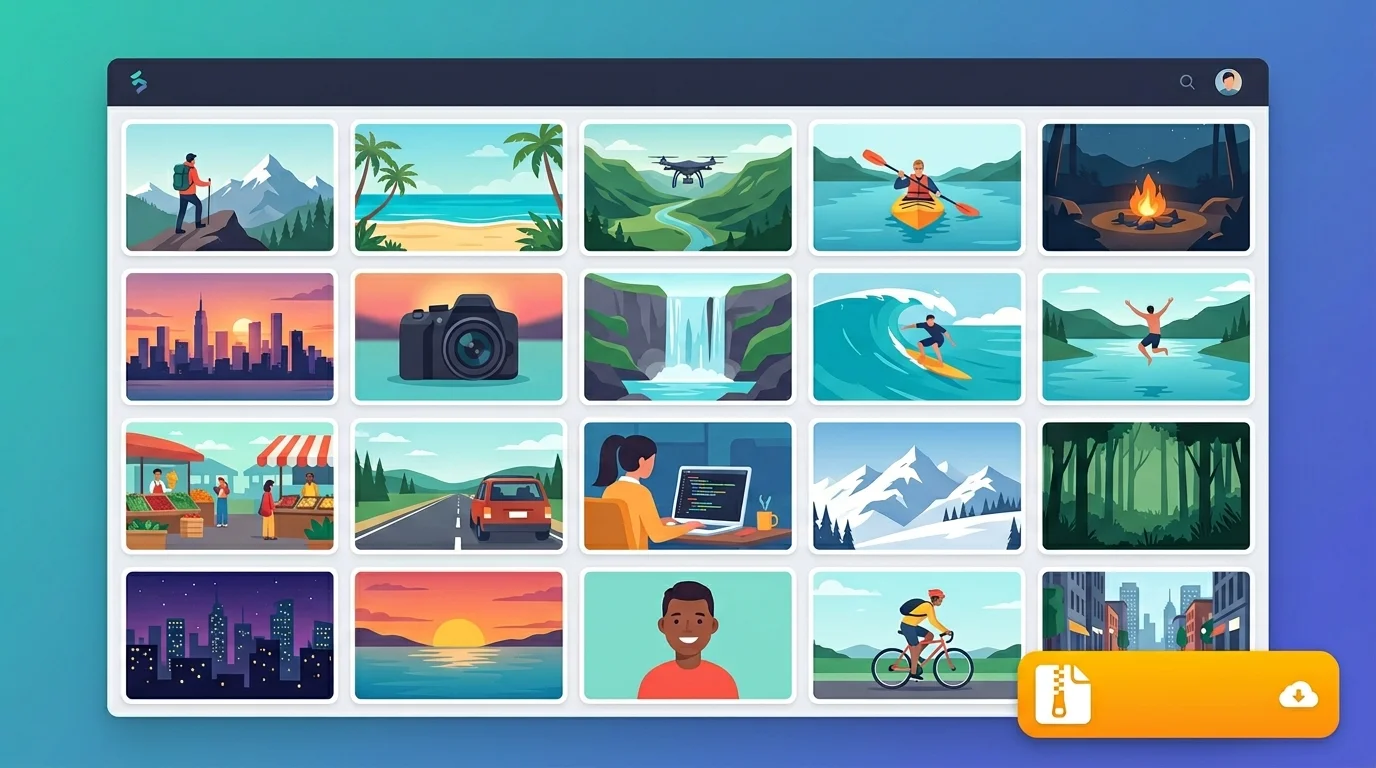
After batch extraction, download all captured frames as a single ZIP — no login, no watermark. The fastest video to image converter bulk export available in any browser.
Once the page has loaded, your video to image converter session continues even without internet. All processing uses your device's own GPU-accelerated Canvas API.
From drop to download in under a minute. No account, no software, no upload.
Drag your MP4, WebM, OGG, or MOV file onto the drop zone, or click to browse. The video loads directly in your browser — nothing is uploaded. Files up to 500 MB are supported.
Select Single Frame to manually capture any moment, Interval to extract one frame per N seconds, or Total Count to evenly distribute N captures across the whole clip. Then pick your format (JPG, PNG, WebP) and quality.
Click Capture Frame or Extract N Frames. Thumbnails appear instantly. Click any thumbnail to view full-size. Hit Download All as ZIP to get every image packaged in one click — right in your browser.
Precise, private, and powerful. Here is what makes the browser-based approach the best video to image converter experience available.
Our seek bar lets you scrub through every frame of your video with pixel-level accuracy. Unlike screenshot keys that miss the moment, this video to image converter gives you a live canvas preview before you commit to capturing — perfect for that one frame that makes the perfect thumbnail.
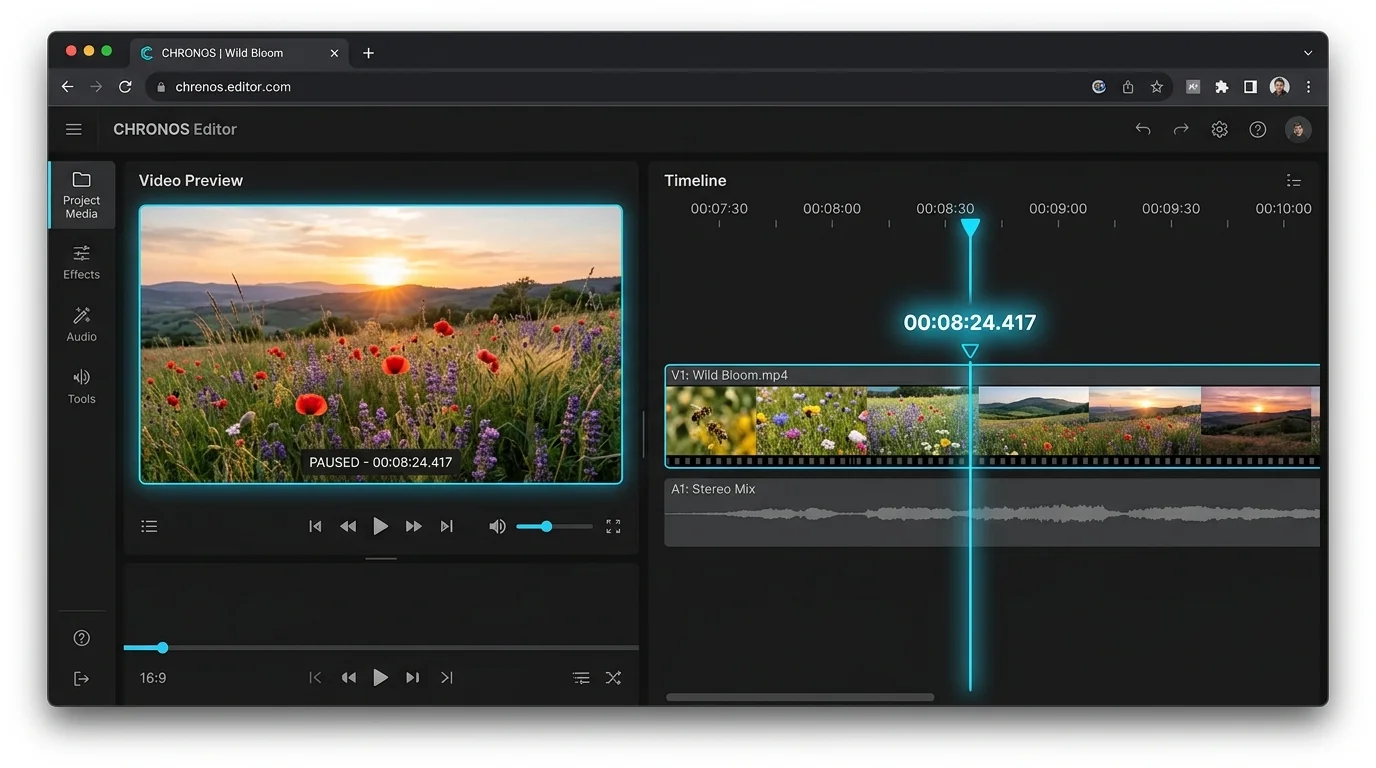
Need 50 slides from a lecture recording or 100 storyboard frames from a short film? Set the interval or total count, click Extract, and the video to image converter packages every frame into a downloadable ZIP — no account required, no size limit on the batch.
This video to image converter never contacts a server. Your video stays on your device from start to finish — processed by the browser Canvas API and packaged by JSZip, all locally. Close the tab and every trace is gone.
Common questions about browser-based frame extraction.
No. This video to image converter runs 100% inside your browser using the HTML5 Canvas API. Your video file is never transmitted to any server — not even a single byte. All frame extraction happens on your local CPU and GPU.
The video to image converter supports any format natively playable by your browser: MP4 (H.264/H.265), WebM (VP8/VP9), OGG (Theora), and MOV. MP4 is recommended for best seek accuracy.
There is no hard limit. In Interval or Total Count mode, the video to image converter extracts as many frames as you specify. Batches of 100–200 frames are handled smoothly on modern devices. Larger batches may take a moment depending on your hardware.
You can export frames as JPG (smallest file, great for sharing), PNG (lossless, best for editing), or WebP (excellent compression, modern browsers only). The video to image converter applies your chosen quality setting to JPG and WebP.
Yes — once the page has fully loaded, the video to image converter requires no internet connection. All processing uses your browser's built-in Canvas API, and ZIP packaging uses the JSZip library already loaded into the page.
Variable frame-rate (VFR) videos — common with screen recordings and some mobile captures — can cause minor seek offsets in the HTML5 video element. The video to image converter captures exactly the frame that the browser's decoder presents at the requested timestamp.
100% free · No upload · Works offline after first load
