Every day, thousands of people search for a reliable Local Video to GIF Converter and end up frustrated. Here are the three reasons why.
Most free GIF tools require you to upload your video to a remote server before processing begins. For any file containing private moments, unreleased product demos, or confidential screen recordings, that is an unacceptable risk.
"Free" online converters typically burn a visible watermark into every output GIF. Removing it costs money. Using a browser-local approach means you own the output — no branding, no strings attached.
Cloud-based converters throttle large files, queue jobs during peak hours, and cap free users to tiny resolutions. A genuinely local converter uses your own CPU via WebAssembly — no queue, no throttle, no bandwidth cap.
Upload a video, trim the clip, tune the settings, and download your GIF — everything runs inside your browser.
Drop Your Video Here
Drag and drop an MP4, WebM, or MOV file to get started
Supported: MP4 · WebM · MOV
Max file size: 200 MB
While cloud tools queue your jobs and stamp their logo on your output, our Local Video to GIF Converter processes everything right in your browser.
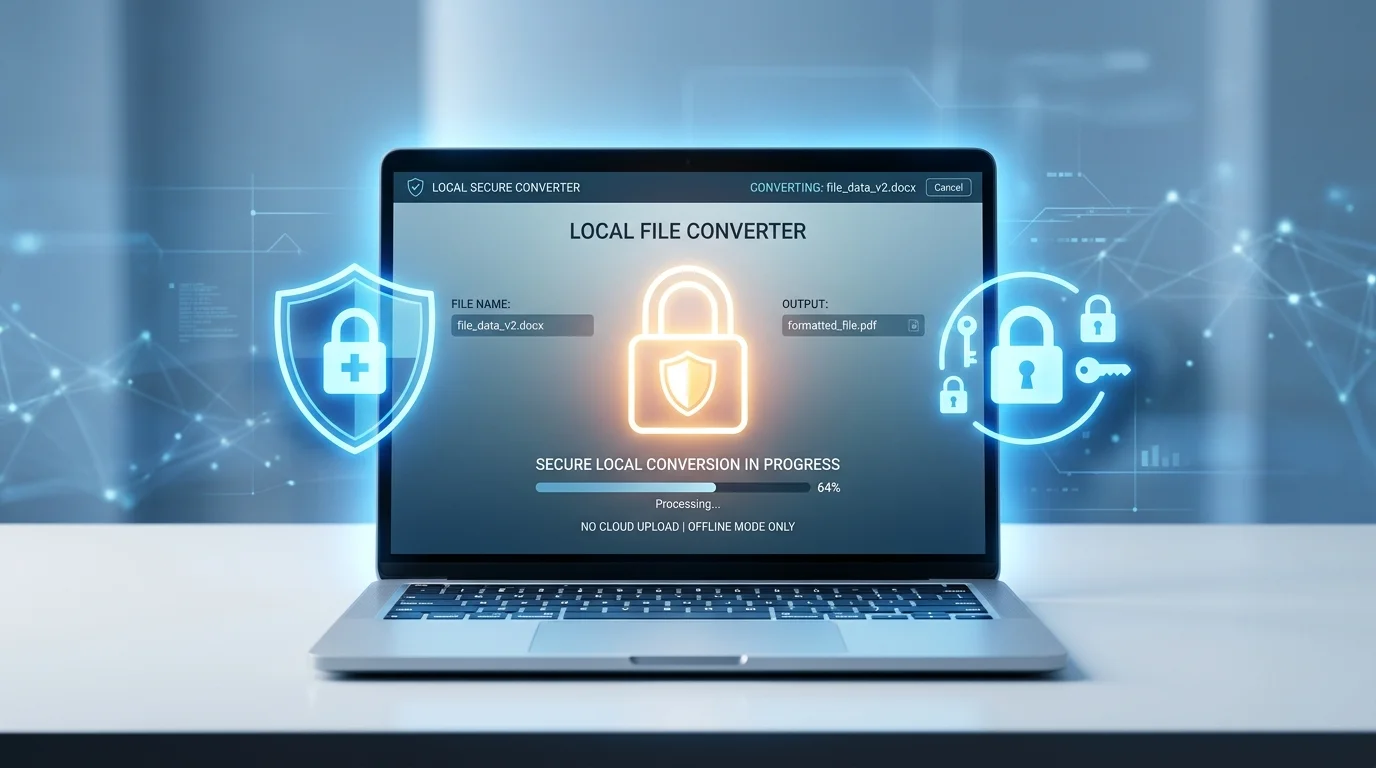
The HTML5 File API reads your video directly into browser memory. Your file never touches a server. Even if you close the tab mid-conversion, nothing is stored or logged anywhere.
Drag independent start and end sliders to cut out exactly the frames you want. The video scrubs in real time so you can preview the selection before committing.
Choose between 10, 15, 20, or 24 frames per second and pick an output width from 320 px up to the original resolution. These two dials give you direct control over the final GIF file size.
FFmpeg.wasm streams progress events during conversion, so you always see an accurate percentage rather than a spinning wheel with no feedback.
The finished GIF is displayed inline the moment conversion completes. Click Download to save it, or click Adjust & Re-convert to tweak settings and generate a new version without re-uploading.
A client-side size check blocks files over 200 MB before any processing begins, protecting low-memory devices from tab crashes while still accommodating most short screen recordings.
Three steps from video file to finished GIF — no account, no install.
Drag an MP4, WebM, or MOV file onto the upload zone, or click to open the file picker. The Local Video to GIF Converter checks the file size instantly and loads a preview in your browser — no upload required.
Drag the Start and End sliders under the video preview to isolate your clip. Then choose a frame rate and output width. Lower FPS and smaller width produce a smaller GIF; higher values give smoother motion and sharper detail.
Click Convert to GIF. FFmpeg.wasm performs a two-pass palette conversion in your browser for vivid, dithered color. When the progress bar reaches 100%, your GIF appears inline — click Download to save it.
From developer docs to viral memes to family albums — here is how real users put our Local Video to GIF Converter to work.
Technical bloggers and open-source contributors record UI demos, bug reproductions, or CLI workflows as short videos. Converting them to GIF with our Local Video to GIF Converter means the animation plays inline in any Markdown renderer — no video player required, no GitHub LFS overhead.
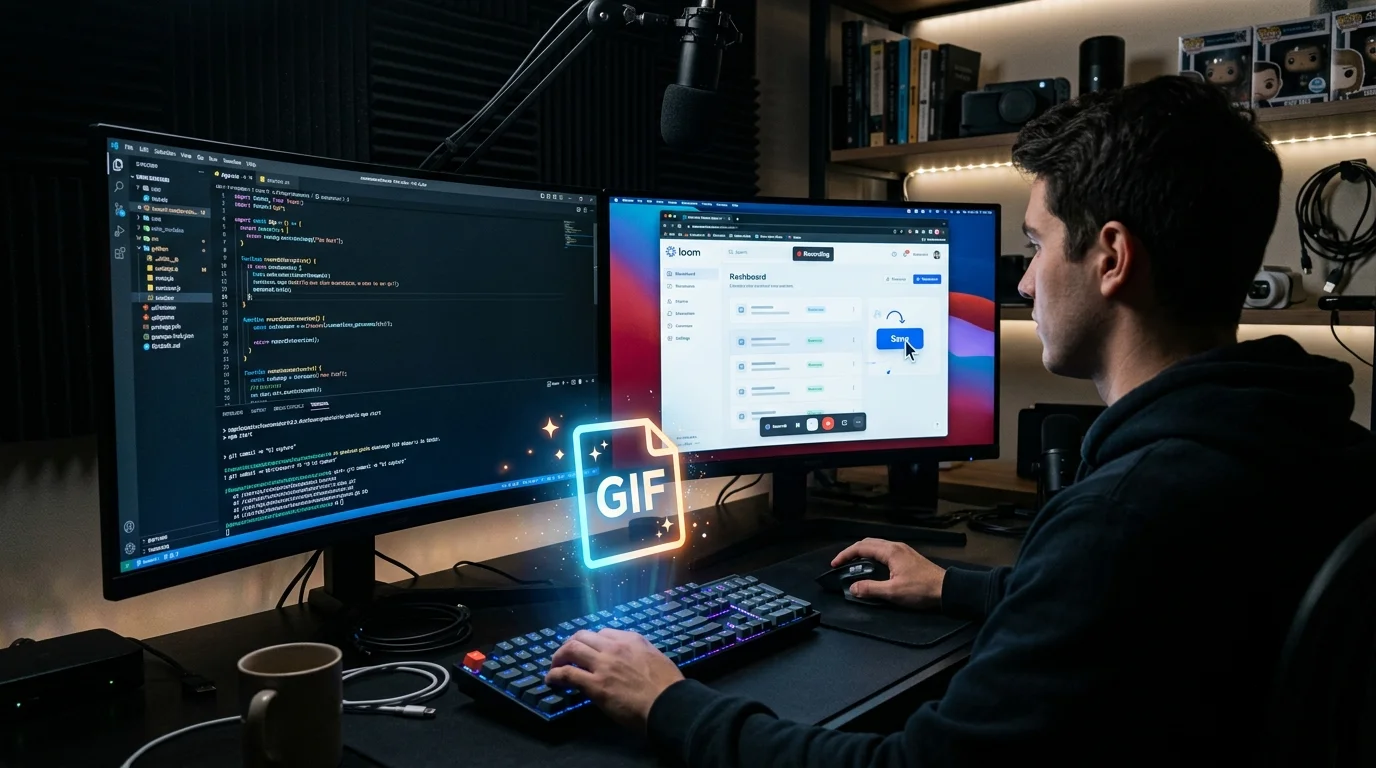
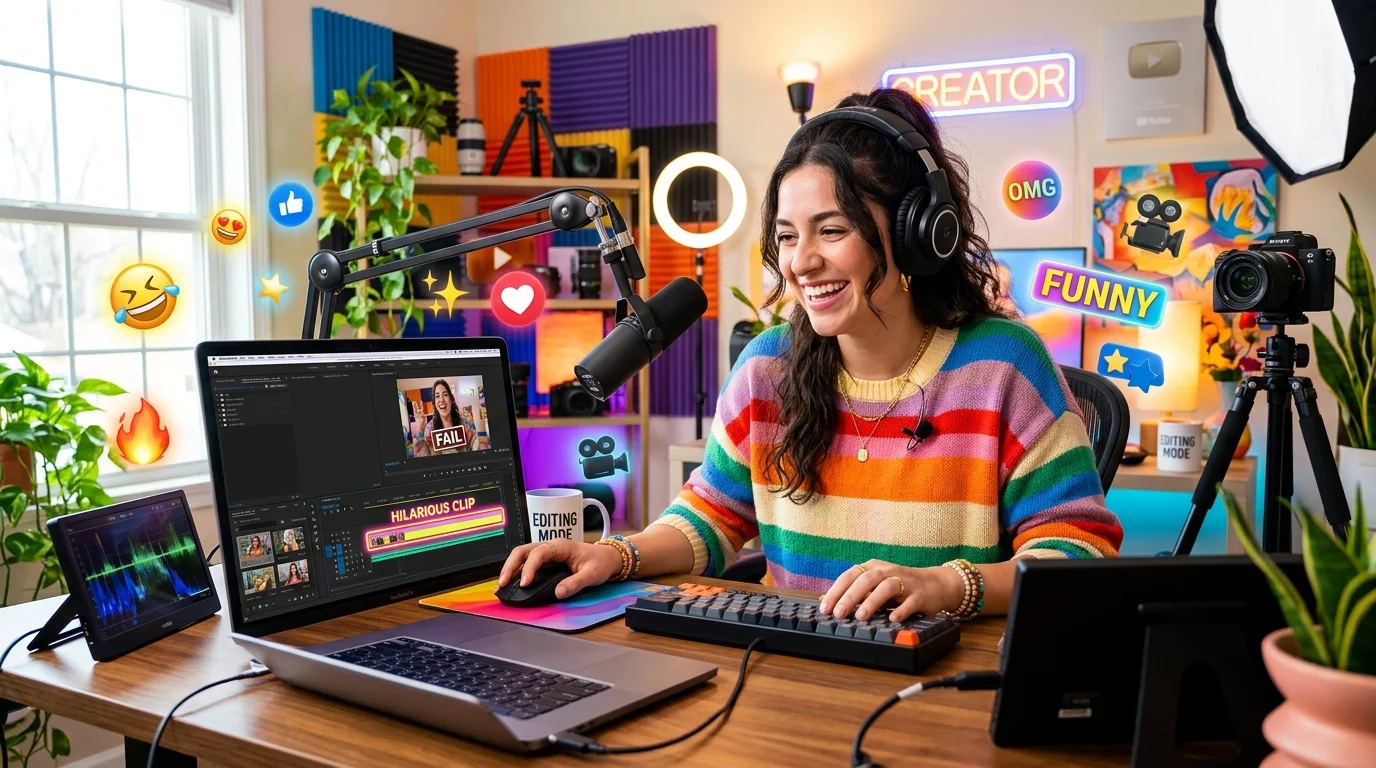
Social media creators and meme artists need to extract a 3-second highlight from a 20-minute video without uploading the whole thing to an unknown third-party site. Our Local Video to GIF Converter trims, converts, and delivers — no queue, no watermark, no account.
Personal videos containing faces, locations, or family moments should never be uploaded to an unfamiliar server. This Local Video to GIF Converter processes everything on your device so private clips stay private — convert a birthday moment into a shareable GIF and send it worry-free.
Everything you need to know about our free Local Video to GIF Converter.
No. This Local Video to GIF Converter uses the HTML5 File API and FFmpeg.wasm to process everything entirely in your browser. Your video file never leaves your device, is never transmitted over the internet, and is never stored on any server.
The Local Video to GIF Converter supports MP4 (H.264/H.265), WebM (VP8/VP9), and MOV files. MP4 and WebM work across all modern browsers. MOV is supported in Chrome and Safari. If your file is in a different format, converting it to MP4 first with a local video editor will resolve compatibility issues.
The converter accepts files up to 200 MB. This limit exists to protect your browser from running out of memory during conversion, especially on devices with less RAM. For longer recordings, we recommend trimming the clip to the relevant section before converting.
The very first time you click Convert, the browser downloads the FFmpeg WebAssembly engine (~10 MB) from a CDN. This happens once per browser session and is cached automatically. All subsequent conversions start immediately without any additional download.
The Local Video to GIF Converter allows clips up to 30 seconds. This safeguard prevents very large GIF files that would crash low-memory browsers. At 15 FPS and 480 px width, a 10-second GIF typically weighs 3–8 MB — well within the limits accepted by most platforms.
GIF compression is inherently less efficient than modern video codecs. To reduce file size: lower the FPS (10–12 is often ideal for looping animations), reduce the output width to 320–480 px, or shorten the clip. The two-pass palette algorithm this converter uses is already among the best quality-to-size techniques available for GIF.
Yes. After conversion completes, click Adjust & Re-convert to return to the settings panel while the original video remains loaded. Change the FPS, width, or trim points, then hit Convert to GIF again — no need to drop the file again.
