
Insights
Atlantean Translator Guide: How to Write, Decode, Copy, and Use Atlantean Script
If you are searching for an Atlantean Translator, you are usually trying to do one of four things: convert English into Atlantean-style text, decode Atlantean symbols back into readable text, copy the result into a project, or understand how the script actually works. This guide covers all four in one place.
Unlike a generic symbol font, Atlantean text has a stronger thematic use case. People do not usually want it for random decoration. They want it because they are building something with a specific mood: a fantasy map, a puzzle clue, a lore document, a roleplay prop, a game interface, or a social post inspired by Atlantis: The Lost Empire.
If you want to try the tool immediately, open the Atlantean Translator. If you want the bigger picture first, keep reading.
What Is an Atlantean Translator?
An Atlantean Translator is a text conversion tool that maps standard Latin letters to an Atlantean-style writing system and, in many cases, supports the reverse direction as well.
In practice, a good Atlantean translator usually lets you:
- Enter plain English text.
- Convert it into Atlantean script instantly.
- Switch directions from English to Atlantean or Atlantean to English.
- Copy the result with one click.
- Preview the output using an embedded Atlantean font.
That matters because most users are not looking for a language-learning product. They are looking for a usable conversion workflow. They want to type a phrase, see the stylized result, and move on with their project.
Atlantean Script vs Atlantean Font vs Atlantean Alphabet
These three terms are often used interchangeably in search, but they are not exactly the same.
Atlantean script
This usually refers to the visual writing system itself: the shapes, glyphs, and symbols that give the text its identity.
Atlantean font
This refers to the digital font file that renders those glyphs on screen. A font controls how the output appears in a browser, design app, or document.
Atlantean alphabet
This usually refers to the letter-by-letter mapping between English characters and Atlantean symbols. People searching for an "Atlantean alphabet chart" often want a reference table, while people searching for an "Atlantean translator" want the conversion done automatically.
That distinction is useful for SEO and for user intent:
Atlantean Translatorsuggests a tool.Atlantean alphabetsuggests a reference or learning resource.Atlantean fontsuggests a rendering or download question.English to Atlanteansuggests a direct conversion task.
This article intentionally covers all of those intents because they overlap heavily in real-world search behavior.
How an English to Atlantean Translator Usually Works
Most browser-based converters use a simple mapping model:
- each supported English character maps to a specific Atlantean character
- a reverse map is used for Atlantean to English decoding
- unsupported characters are either preserved or normalized
The result feels instant because the logic is lightweight. There is no need for an AI model or a remote translation API when the tool is primarily handling character conversion.
A typical flow looks like this:
- You type English into the input field.
- The converter checks each character against a mapping table.
- The corresponding Atlantean glyphs are returned in sequence.
- The output is rendered using an Atlantean font in the browser.
- You copy the result into your target app, document, or design.
This is also why a good Atlantean translator feels fast on both desktop and mobile. The conversion is local, direct, and easy to update in real time.
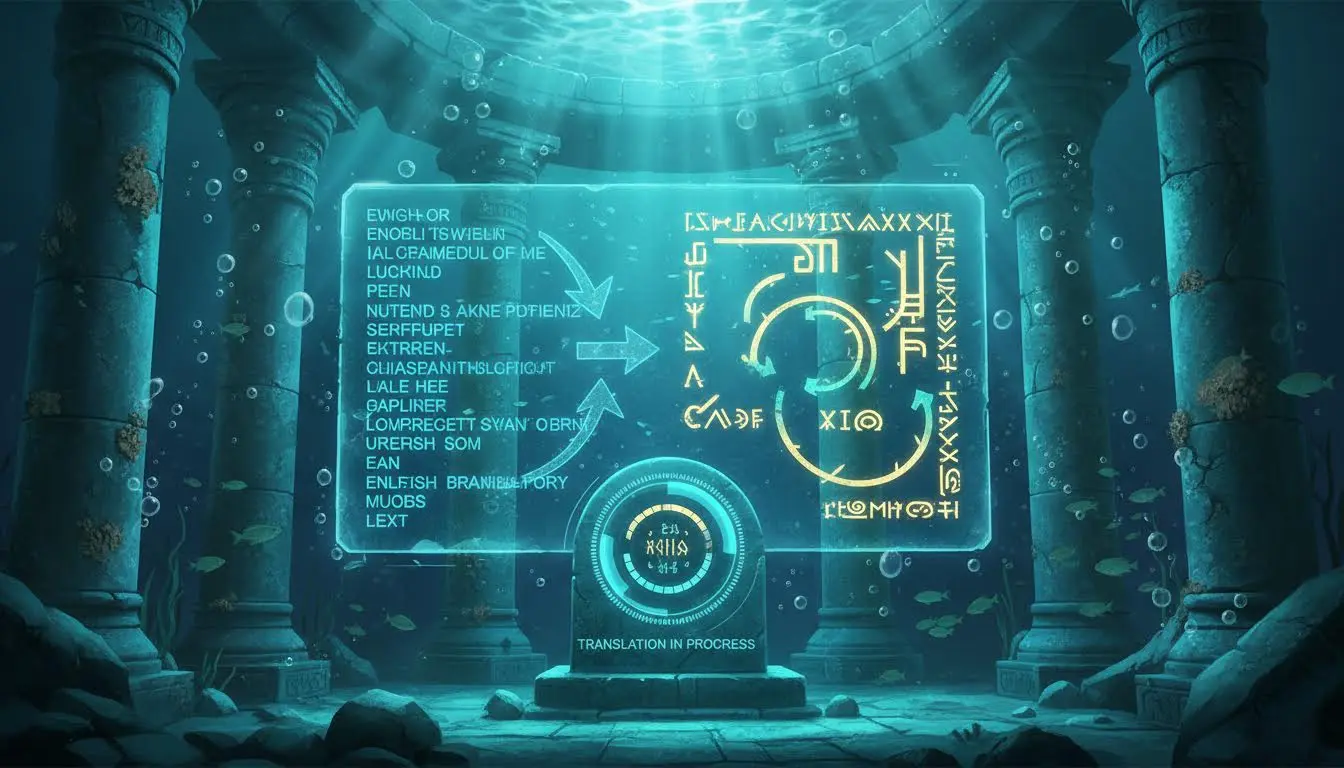
How to Translate English to Atlantean
If your only goal is to turn English into Atlantean script, the process should be straightforward.
Step 1: Start with a short phrase
Short text is easier to verify visually than a large block. If you are preparing lore fragments, item names, map labels, or puzzle clues, start with the most important phrase first.
Examples:
- "City of the Deep"
- "Ancient Gate"
- "Do Not Enter"
- "The Crystal Chamber"
- "Follow the Light"
Step 2: Convert the phrase
Use the Atlantean Translator to generate the script. If the tool supports two-way conversion, keep the reverse direction available so you can validate the result if needed.
Step 3: Check readability and spacing
Even when the mapping is correct, some phrases look better than others. This is especially true when:
- multiple narrow glyphs sit next to each other
- punctuation looks too busy
- the target app renders spacing differently
For visual work, short and medium-length phrases usually produce the strongest result.
Step 4: Copy and test in the final destination
Do not assume the output will look identical everywhere. Font support varies across browsers, design tools, chat apps, and document editors. If exact appearance matters, test the phrase in the app where it will actually be used.
Can You Decode Atlantean Back Into English?
Usually, yes, if the tool supports reverse mapping and the source text follows the same character set.
This is important for users who:
- receive Atlantean text from someone else
- want to verify a conversion before publishing
- maintain a worldbuilding document with both source and stylized versions
- build puzzles that need reversible clues
However, decoding is only as reliable as the character mapping and the input consistency. If someone has manually edited symbols, replaced characters, or used a different font or custom mapping system, the reverse conversion may be imperfect.
In other words, an Atlantean translator is usually best understood as a conversion tool, not a full natural language translator.
Best Use Cases for Atlantean Text
This is where the keyword becomes genuinely useful. People do not search for Atlantean text in a vacuum. They search for a reason. These are the reasons that come up most often.
1. Fantasy maps and labels
Atlantean script works especially well for:
- city names
- ruin markers
- gate labels
- temple zones
- artifact names
Because the script looks ancient and geometric, it creates immediate mood even when the text itself is simple.
2. Puzzle clues and prop design
If you are building:
- an escape room
- an ARG clue
- a tabletop handout
- a digital quest interface
- a themed invitation
Atlantean text gives you something that looks encoded without requiring a full fictional grammar system.
3. Roleplay and worldbuilding
Writers and roleplayers often need a script that feels deliberate rather than random. Atlantean text can be used for:
- journal fragments
- temple inscriptions
- magical warnings
- faction symbols
- ceremonial titles
This is one reason the query how to write in Atlantean often comes from creative users, not language learners.
4. Social bios and themed posts
Some users simply want a distinctive visual style. A short Atlantean phrase in a profile, image caption, or event graphic can be more memorable than plain text.
For broader decorative styling, you may also want a Fancy Text Generator. The difference is that fancy text stays more readable at a glance, while Atlantean text leans harder into theme and atmosphere.
Atlantean Translator Copy and Paste Tips
One of the biggest long-tail search intents around this topic is not just conversion. It is copy and paste.
People want to know whether the text will still work after they move it somewhere else.
Here are the practical rules:
Keep a plain-English source version
Always keep the original phrase nearby. If you need to revise punctuation, shorten a title, or reuse a line later, editing the source text is much easier than editing the converted output directly.
Test the output in the target app
What works in your browser preview may not render the same way in:
- Notes apps
- Google Docs
- Word
- Discord
- game UI tools
- image editors
If the exact glyph appearance is important, test early rather than after building the rest of the design.
Export as an image when appearance must be locked
This is the safest option for:
- printed props
- thumbnails
- cover art
- map labels
- puzzle assets
Text rendering depends on font support. Images do not.
Use shorter strings for the cleanest result
Long paragraphs in a decorative script usually lose impact. The strongest Atlantean use cases are headings, labels, clues, names, warnings, and fragments.
Common Problems People Run Into
"Why does the Atlantean text look different in another app?"
Because the output may depend on the receiving app's font handling. Some apps preserve the look better than others. If you need strict consistency, export the final result as an image.
"Why is this not a real language translation?"
Because most tools are focused on script conversion, not full linguistic translation. The main goal is visual transformation and reversible character mapping.
"Can I use Atlantean text on mobile?"
Yes. Browser-based tools are typically easy to use on mobile. The main difference is that preview space is smaller, so short phrases are easier to validate.
"Is the output private?"
In a local browser-based implementation, conversion can happen entirely on the client side. That is ideal for private notes, puzzle text, or draft worldbuilding content.
Atlantean Translator vs Other Symbol Tools
If you are comparing options, here is the simple breakdown:
| Tool | Best for | Output style |
|---|---|---|
| Atlantean Translator | Fantasy-themed script and lore styling | Ancient, geometric, worldbuilding-focused |
| Wingdings Translator | Symbol encoding and classic dingbat glyphs | Iconic symbol font output |
| Fancy Text Generator | Social posts, bios, readable styled text | Decorative Unicode text styles |
| Symbol Language Translator | Secret-message aesthetics and coded text | Symbol-heavy encoded text |
The important point is that these tools do not compete for exactly the same job. An Atlantean translator is usually the better fit when you want fictional civilization energy, not just generic symbols.
How to Get Better Results From an Atlantean Translator
If you want the output to feel more intentional, these habits make a real difference:
Write for the visual medium
Instead of full conversational sentences, use:
- names
- titles
- warnings
- location labels
- short ceremonial phrases
These read better and look more deliberate.
Reduce punctuation
Decorative scripts can become noisy when punctuation stacks up. If the phrase is meant for a visual asset, simplify it.
Group phrases by purpose
If you are building a set of props or UI labels, convert all labels in one batch and compare them together. This keeps your visual system consistent.
Save both the stylized and plain-text versions
A simple two-column note works well:
| English source | Atlantean output |
|---|---|
| Crystal Vault | converted text |
| South Gate | converted text |
| Keep Out | converted text |
That small habit saves a surprising amount of time when you revisit a project later.
FAQ
What is the best Atlantean Translator for English to Atlantean conversion?
The best one is the tool that converts both directions, previews the script clearly, and lets you copy the result immediately. For a browser-based workflow, use the Atlantean Translator.
Is there an Atlantean alphabet chart?
Many users search for one, but in practice a translator is more convenient because it applies the character mapping automatically. Alphabet charts are useful for reference; translators are better for workflow.
Can I copy and paste Atlantean text?
Yes, but the final appearance can vary depending on font support in the destination app. If exact visuals matter, convert the final text into an image.
Is Atlantean text good for game assets and puzzles?
Yes. It works especially well for map labels, clues, inscriptions, props, inventory names, and thematic interface text.
Is Atlantean Translator the same as a fancy text generator?
No. Fancy text tools focus on decorative but generally readable Unicode styles. Atlantean script is more thematic and less about everyday readability.
Final Thoughts
The main reason Atlantean Translator is such a strong keyword is that it captures real intent. People searching it usually want to make something: a prop, a clue, a label, a lore page, a title card, or a themed piece of text that feels like it belongs to a lost civilization.
That is why the best Atlantean translator is not just accurate. It is practical. It should help you type, preview, decode, copy, and reuse text without friction.
If that is what you need, start here: Try the Atlantean Translator now